Free MIDI Editor Online
Edit notes in a free MIDI editor that runs in your browser. Adjust pitch, timing and velocity, listen to the result, then download the edited copy.
Editing stays in this browser. Download or save your result before leaving; saving to the library uploads that result.
Format 0/1 files with musical tick timing are supported. Overlapping notes of the same pitch on the same channel and track are not supported.
Note grid
No file open
Open a .mid file, or continue from audio transcription, and the notes appear here.
Where to go next
MIDI Editor features

Note grid editing
Drag a note to move it, drag its edge to change the length, or use the fields to set exact values.

Pitch, timing and velocity
Change the pitch, start time, duration and velocity of any note in the MIDI editor.

Undo and redo
Step back through your last 50 changes in the MIDI editor whenever you need to.

Preview and export
Listen with a simple built-in synth, then download the edited file. Files can hold up to 20,000 notes.
Who uses MIDI Editor
Producers and beatmakers
Fix wrong notes in the editor after a transcription, or tidy up an idea.

Arrangers and composers
Adjust timing and velocity before the notes go to your DAW.

Students and teachers
Show how changing a single note in the MIDI editor changes what you hear.

Transcribers
Clean up transcribed notes in the editor before you use them.
Why choose MIDI Editor
Runs on your device
MIDI Editor works in your browser, so your files stay on your device unless you save a result.
Edits stay in your browser
Opening, editing and downloading a local file in the MIDI editor needs no sign-in.
Made for transcription clean-up
Transcribed notes arrive in the MIDI editor in one click, with undo for every change.
Free to use
MIDI Editor is free and uses no credits. You only need an account to save results.
Explore more tools
Every SampLab Pro tool is one click away.
AI creation









How to use MIDI Editor
- 1

Open a file in the MIDI editor, or choose Edit these notes after audio transcription.
- 2

Select notes in the MIDI editor and adjust pitch, duration and velocity; undo or redo changes as needed.
- 3
Preview the edited notes, download the file, or save the edited version to your private library when you are signed in.
Refine notes in the MIDI editor before exporting
This MIDI editor changes note events in files you open or receive from audio transcription. It does not accept audio and does not create sheet music.
The MIDI editor reads format 0 and 1 files with musical tick timing, up to 50 MB, 20,000 notes and 10 minutes. Overlapping notes of the same pitch on the same channel and track are not supported.
The file is read, edited and previewed on your device, and nothing is uploaded unless you choose to save your result.

Edit notes in the MIDI editor
In the MIDI editor, drag a note to move it and drag its right edge to change its length. For small notes or touch screens, select a note and type new values for pitch, start, duration and velocity. Undo and redo cover your last 50 changes, so you can try an idea and step back.
Zoom in for detail or fit the whole timeline, switch between tracks, and use the arrow keys to move from note to note. Delete a note you do not need; undo brings it back.
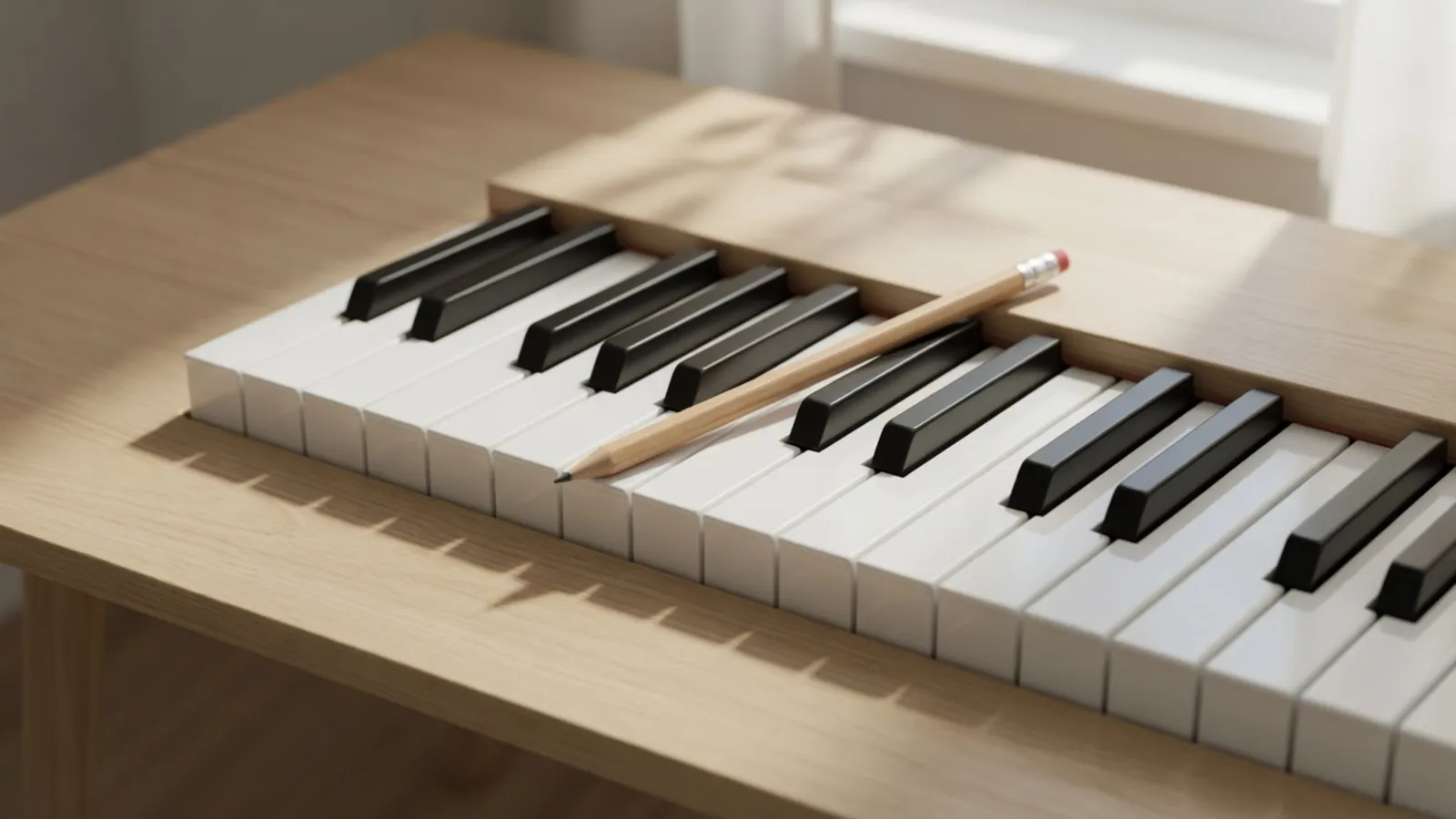
What the MIDI editor keeps and previews
The MIDI editor previews with a simple synth for all notes. It does not reproduce the original instruments, pedals, pitch bends or controller effects, but those events stay in the downloaded file at their original times. When the notes are right, download the file or render it to sound.
Treat the preview as a check on the notes, not on the final sound: it is there to help you hear wrong pitches and timing.
Ready to try MIDI Editor?
Open a file at the top of the page and start moving notes. This MIDI editor is free and your file stays in your browser.
Open MIDI EditorMIDI Editor FAQ
Is this MIDI editor free?
Yes. Editing, auditioning and downloading use no credits, and a local file can be opened in the MIDI editor without signing in.
Can I open WAV or MP3 files in the MIDI editor?
No. Convert audio on the WAV to MIDI page first, then carry the notes here. This MIDI editor only reads .mid and .midi files.
What can I change in the MIDI editor?
In the MIDI editor you can move notes, change their pitch, start time, length and velocity, and delete them. Undo and redo cover your last 50 changes.
Will the MIDI editor change my original instruments?
No. The MIDI editor previews with a simple synth, but the downloaded file keeps its pitch bends, pedals and controller events at their original times.
How do saving and retention work in the MIDI editor?
Saving is an explicit action and needs sign-in. Free works are normally kept for 180 days, and eligible paid memberships for 3 months.