01
1. Upload Your Source Audio
Select or drag an audio file from 1 second to 10 minutes (up to 50MB) into your browser. SampLab Pro processes the entire file locally with no server uploads, account registration, or plugin setup required.
Frequency Band Splitter
Filter stereo audio into low, body, and high frequency bands directly inside your browser. SampLab Pro provides an accessible frequency splitter for reference listening and arrangement analysis using overlapping crossover filters rather than neural vocal or instrument isolation.
The in-browser Frequency Band Splitter allows producers, audio engineers, arrangers, and transcribers to filter stereo audio into four playback tracks: a 180 Hz low-pass band, a 900 Hz center bandpass, a 2800 Hz high-pass band, and the original source mix. Unlike neural AI source separation tools that attempt to isolate vocals, drums, bass, or instruments, this utility applies standard digital filters across overlapping frequency ranges directly in your browser. It provides immediate local playback and separate WAV downloads without complex DAW routing or desktop installations. SampLab Pro functions as an independent web utility and is not affiliated with, endorsed by, or a continuation of the Samplab VST or samplab.com. Because frequency bands naturally overlap, filtering does not provide equal reconstruction, complementary crossover guarantees, or clean individual instrument isolation. All processing runs locally up to 50MB with individual WAV downloads (no ZIP archive), and users remain responsible for holding rights to their source material.
01
Select or drag an audio file from 1 second to 10 minutes (up to 50MB) into your browser. SampLab Pro processes the entire file locally with no server uploads, account registration, or plugin setup required.
02
Run the filter engine to divide the stereo waveform into low-pass (180 Hz), mid bandpass (900 Hz), and high-pass (2800 Hz) ranges alongside the original mix. Processing occurs directly on your machine without neural voice or instrument isolation.
03
Listen to each filtered band and the original mix directly in the web player to evaluate spectral balance. Download desired channels as individual stereo WAV files; single ZIP archive downloads are not provided.
The Frequency Band Splitter separates stereo audio into three targeted frequency bands alongside the original source, balancing swift browser performance with practical acoustic filtering.

Transcribers and educators can filter out dense high frequencies or heavy low rumbles to focus listening on specific tonal zones. Isolating frequency bands helps reveal low root movement or mid-range melodic lines for ear-training without needing complex DAW software.
Beatmakers can audition how samples sound when restricted to low-end weight or bandpassed midrange textures. While the tool does not isolate acapellas or strip drum tracks, it provides quick frequency-split WAVs for layering and creative sound design.
Musicians studying dense recordings can filter out distracting extremes to focus practice on bass movement or midrange voicings. Because filters split frequencies rather than isolating individual instruments or vocals, this tool does not remove vocals for karaoke or create vocal-free backing tracks.
Students and engineers can inspect how spectral energy is balanced across low, body, and treble zones in reference tracks. Auditioning bandpass-filtered audio offers an accessible way to examine frequency distribution and arrangement density directly in the browser.
SampLab Pro provides single-purpose browser utilities for musicians and audio engineers seeking straightforward audio processing without workstation overhead. The platform operates client-side without account signups, subscriptions, or server uploads. Within this modular toolkit, the Frequency Band Splitter offers quick three-band filtering and individual WAV downloads.
01
Transcribe melodic lines using Spotify Basic Pitch. Clear single-instrument or melody audio works better than dense mixes.
02
Estimate tempo and musical key directly from imported audio tracks to assist arrangement and beatmatching.
03
Analyze harmonic structures across audio tracks to estimate chord progressions for transcription reference.
04
Split audio into overlapping bands: low (~180 Hz), body (~900 Hz), and high (~2800 Hz). Filters frequencies rather than isolating stems, vocals, drums, or bass.
05
Synthesize .mid and .midi files into sound directly in your browser, supporting up to 20,000 notes and 10 minutes of playback.
06
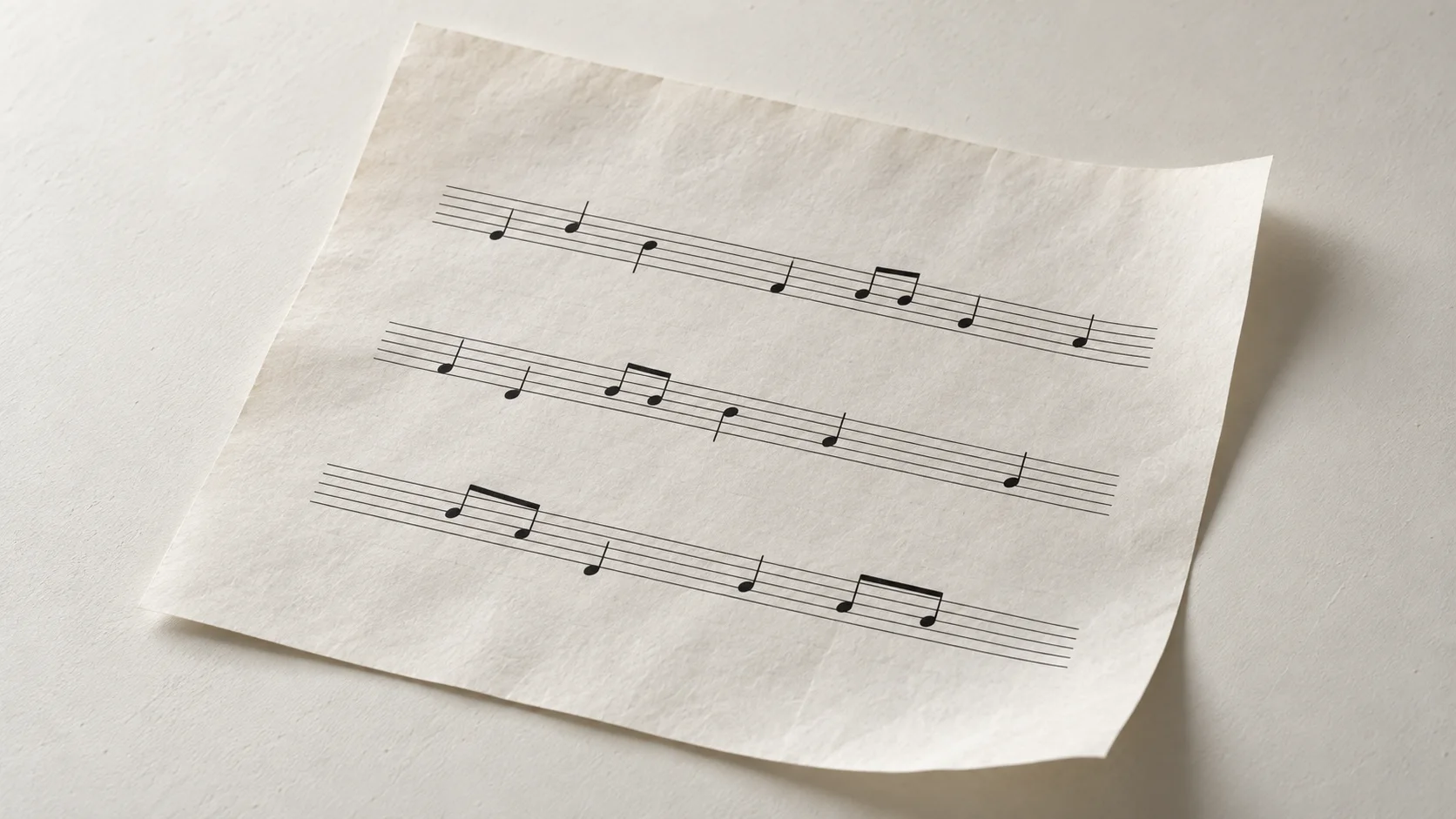
Generate readable lead sheet notation from pitch, timing, and chord estimates for practice and drafting.
A clear overview of where our browser utility fits your workflow, its technical limits, and when a dedicated DAW or editor is required.
| Need | Good fit | Limits | Use full software when |
|---|---|---|---|
| Quick frequency layering for sample flipping | Generates low (~180 Hz), body (~900 Hz), and high (~2800 Hz) bands locally on your machine. | Fixed filter frequencies; overlapping curves will not sum transparently to the original source. | You need crossover frequencies, steep linear-phase filters, or transparent summing. |
| Isolating vocal, drum, or bass stems | Separates audio purely by frequency bands; not suited for source separation. | Cannot extract individual musical instruments or perform stem demixing. | You need dedicated source separation software to isolate vocals, drums, bass, or instruments. |
| Exporting individual frequency layers | Direct downloads for each frequency band as an uncompressed WAV file. | Downloads files individually; does not bundle exports into a single ZIP archive. | You require automated multi-track project folder routing or bulk archive export. |
| Dynamic multiband mixing and surgical equalization | Straightforward three-band spectral splitting alongside the original audio file. | Applies static filter curves without dynamic thresholding, sidechaining, or automation. | You are performing final mix mastering, multiband dynamics, or surgical parametric EQ. |
SampLab Pro is an independent utility and is not affiliated with the Samplab VST or samplab.com. All processing takes place locally in your browser.
Frequency band splitting divides composite audio into distinct frequency registers using standard audio filtering rather than neural AI source separation. SampLab Pro processes audio into three overlapping bands: a low-pass filter at 180 Hz, a body bandpass centered at 900 Hz, and a high-pass filter at 2800 Hz, alongside the original audio source. Because these filters target broad frequency zones rather than individual acoustic sources, they do not isolate vocals, drums, basslines, or other instruments.
Musical instruments naturally span wide, overlapping frequency ranges, so acoustic energy from the same instrument often appears across multiple bands without forming a complementary crossover or perfect reconstruction. SampLab Pro operates as an independent browser utility with no affiliation to the Samplab VST or samplab.com. All processing occurs locally in browser memory without server uploads, providing individual WAV downloads for quick register auditioning.
No. SampLab Pro is an independent browser utility and is not affiliated with the Samplab VST or samplab.com.
No. The tool is a frequency band splitter using acoustic filtering, not a neural AI stem separator. It splits audio into low, body, and high frequency ranges and cannot isolate vocals, drums, bass, or instruments, nor does it provide acapella or karaoke tracks.
No installation or account is required. You can access the tool directly in any modern web browser without configuring VST plugins, software licenses, or user credentials.
The tool generates four audio tracks: a low-pass band (under 180 Hz), a body bandpass (centered at 900 Hz), a high-pass band (above 2800 Hz), and the original source audio. Each track is available for individual WAV playback and download.
SampLab Pro functions solely as a browser audio utility and provides no copyright clearance or licensing for processed audio. You are responsible for holding all necessary rights and permissions for your source material.
You can load standard audio files such as WAV, MP3, FLAC, and AAC up to 50 MB with durations from 1 second to 10 minutes. The full supported file is processed client-side without length-based subscription tiers.
The splitter uses standard acoustic filters with overlapping frequency transitions rather than AI source isolation. Because instruments and vocals naturally share harmonic frequencies, acoustic energy from any element can be heard across multiple filtered bands.
Files are processed entirely within your local browser memory using Web Audio APIs. Your audio is never uploaded to, stored on, or analyzed by remote servers.
This tool uses local browser filters to split your audio into low-pass (~180 Hz), body bandpass (~900 Hz), and high-pass (~2800 Hz) layers alongside the original source. Each band is available as an individual WAV download rather than a packaged ZIP. Because filter curves overlap and do not sum transparently back to the original audio, this tool is designed for creative sampling and sound design rather than vocal or instrument isolation or precision mastering.
Split Frequency Bands