Bass Tab Maker: Turn Bass Audio into Four-String Tab
Use our Bass Tab Maker to transcribe bass lines from audio into editable four-string tablature and standard notation.
A bass line as notation and four-string tablature.
MP3, WAV, M4A, FLAC or OGG, up to 10 minutes
You can also open a video (MP4, MOV, WebM) or a MIDI or MusicXML file (.mid, .musicxml, .mxl). A video is read on your device: only its sound is used. A MIDI or MusicXML file opens as a score you can edit, finger, arrange and export.
You can choose or drop up to 10 files at once (audio, video, MIDI or MusicXML). They are processed one after another in this page, with the same mode and options.
Download for this mode: about 20 MB, once
Use this for songs with several instruments. Leave it off for a solo recording. Sign in to split a song into tracks. It is free.
Your audio stays in this browser. Only static files are downloaded, once: the models (about 78 MB) and the playback sounds (about 18 MB).
Where to go next
Other Tab and Notation Modes
Bass Tab Maker features
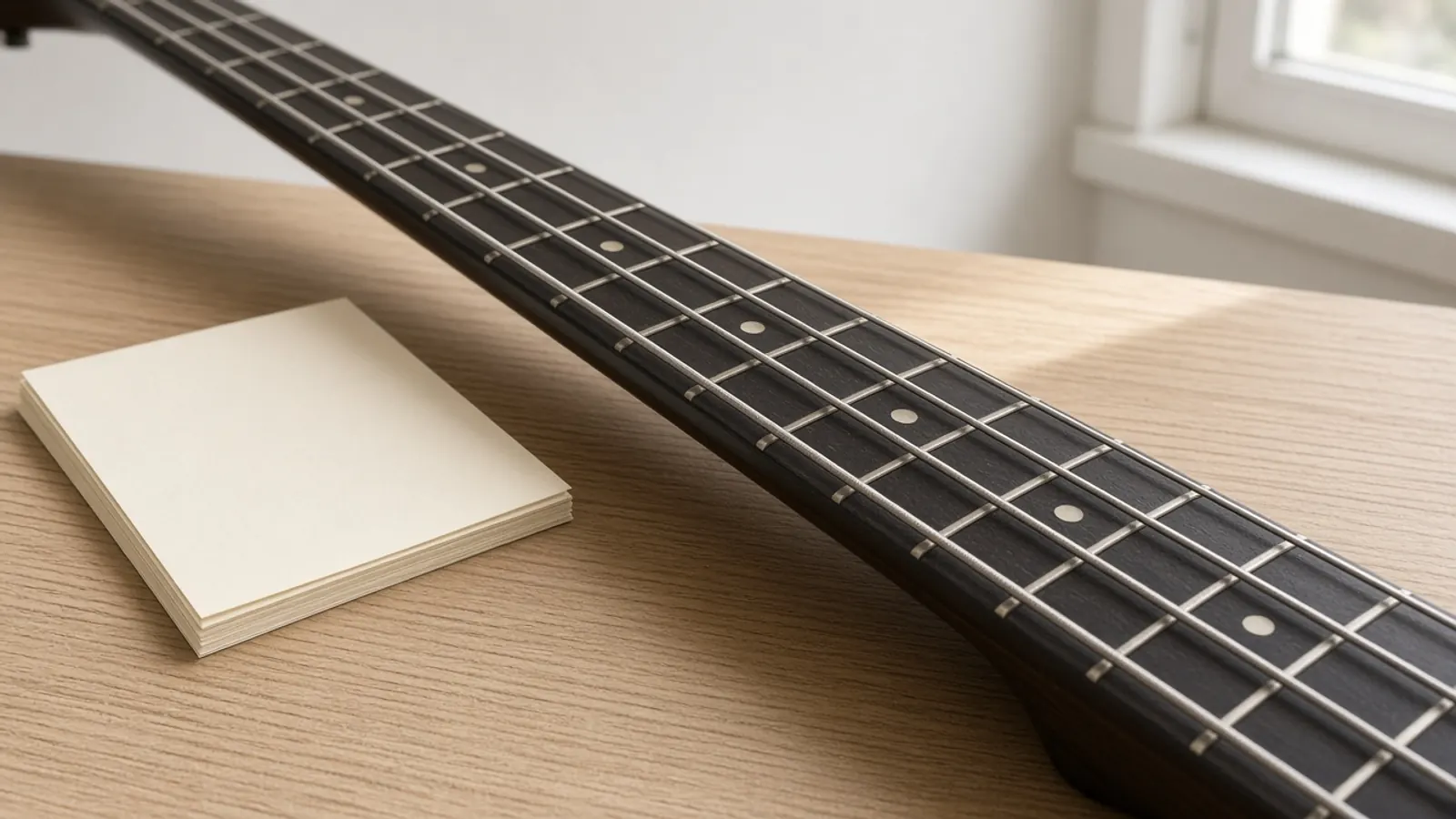
Four-String Tablature
Produces four-string bass tab alongside a standard bass clef stave so you can read frets and pitch together.
Interactive Note Editor
Adjust pitches, shift frets across strings, modify note lengths, and fix detected notes directly on the score.
Playback and Fingering
Listen to the transcription with a built-in General MIDI bass sound and view rule-based left-hand finger assignments.
Multiple Export Options
Save your transcription as a PDF score, standard MIDI file, MusicXML document, or Guitar Pro file.
Who uses Bass Tab Maker
Bass Students
Turn teacher demos, practice clips, or bass lines into readable tab to practice at your own tempo.
Transcribers
Speed up manual transcription by starting with an automated draft instead of a blank page.
Bassists Learning Songs
Extract the bass line from an isolated recording to figure out difficult runs, shifts, and positions.
Band Directors and Arrangers
Convert recorded bass demos into standard notation and tab for charts and rehearsals.
Why choose Bass Tab Maker
Runs on your device
Bass Tab Maker works in your browser, so your files stay on your device unless you save a result.
Runs Locally in Your Browser
The analysis runs on your machine. Your audio file stays private, and conversion does not require credits or an account.
Draft First, Edit Fast
Rather than typing every fret manually, get an immediate transcription draft that you can polish with the built-in editor.
Free to use
Bass Tab Maker is free and uses no credits. You only need an account to save results.
Explore more tools
Every SampLab Pro tool is one click away.
AI creation



Edit audio






How to use Bass Tab Maker
- 1
Add Your Audio
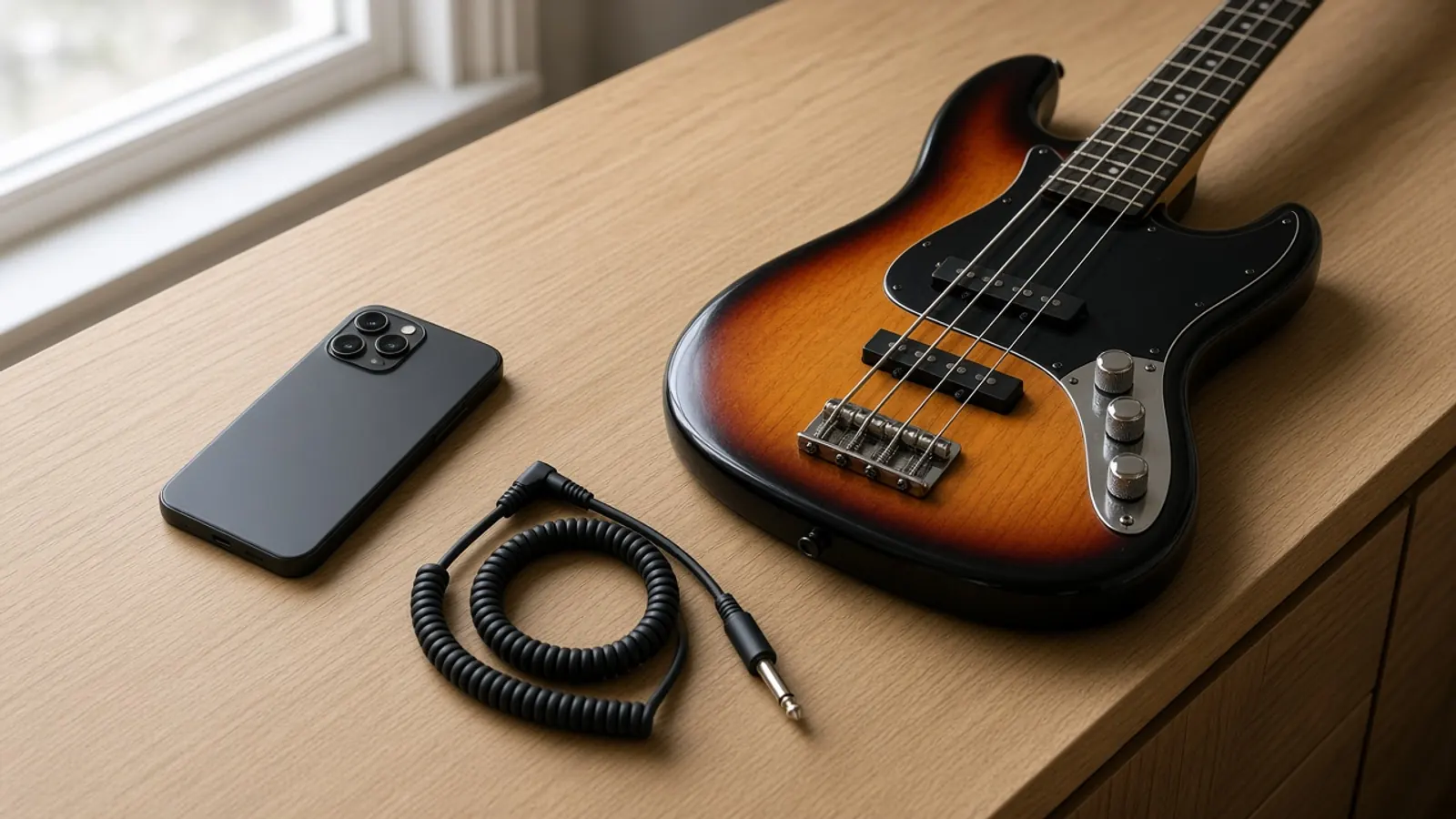
Drop an MP3, WAV, FLAC, M4A, or OGG file into the tool, or record a bass line directly using your microphone.
- 2
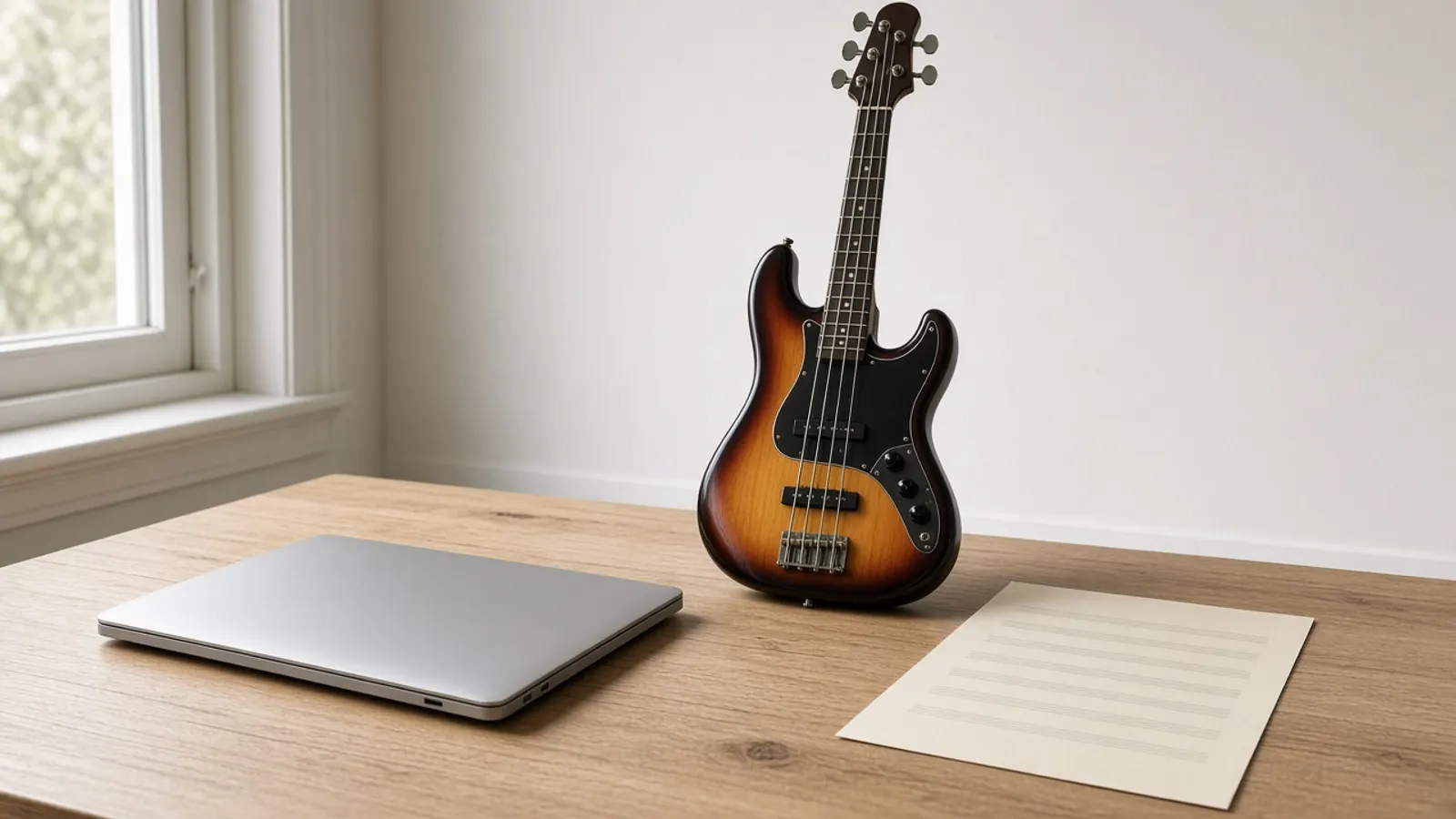
Review and Edit
Inspect the generated tab, play it back with MIDI audio, and adjust any fret numbers or timings on the canvas.
- 3
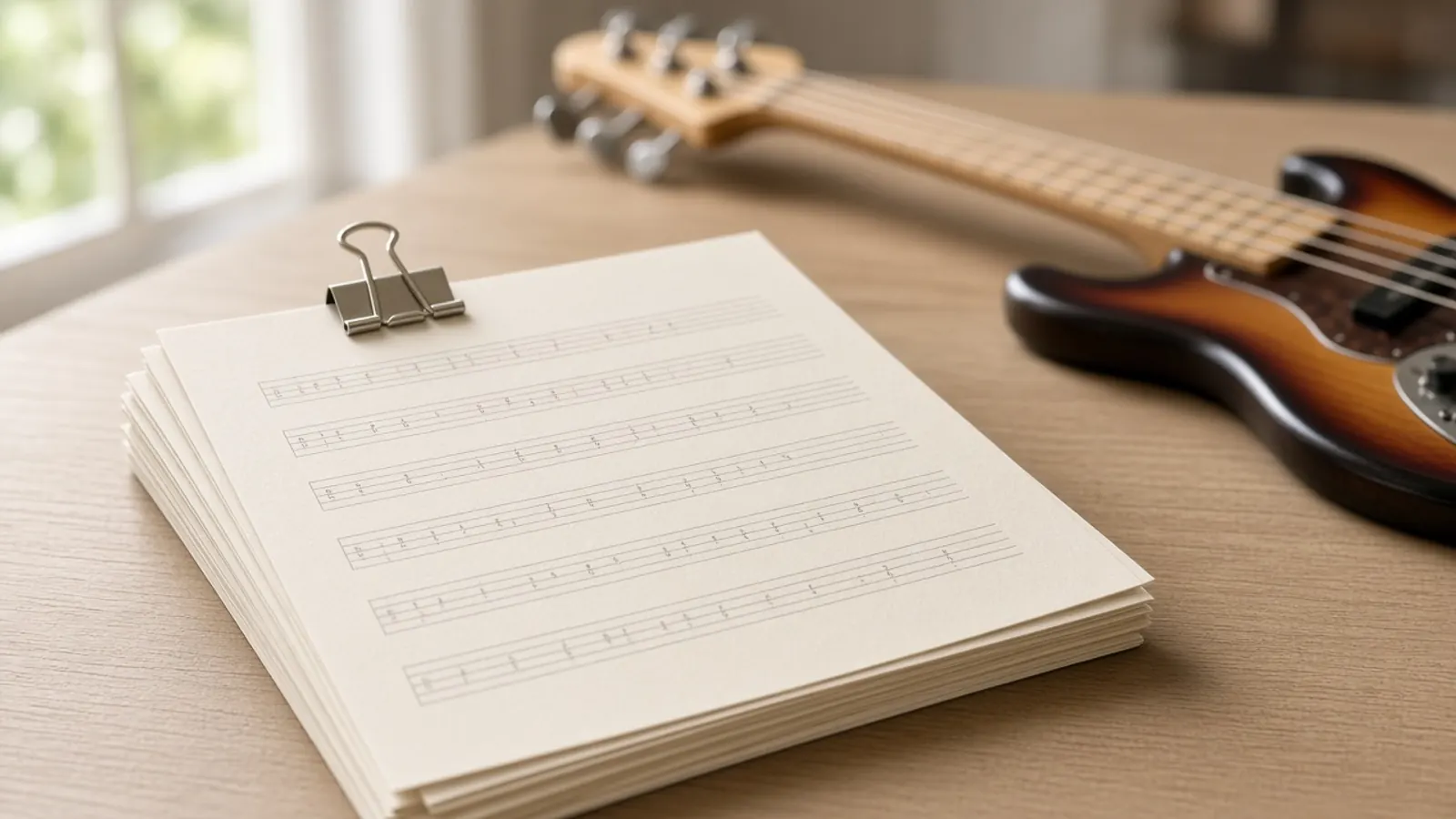
Export Your Score
Download your finished bass tab as a printable PDF, MIDI file, MusicXML document, or Guitar Pro file.
From bass recordings to readable tablature
Transcribing a bass groove by ear takes time, especially when fast notes blur together in the low end. This Bass Tab Maker listens to your bass audio and generates a first-draft four-string tab alongside standard notation directly in your browser.
Everything processes locally on your computer. Your audio file never leaves your device, and you do not need an account or tokens to start transcribing.
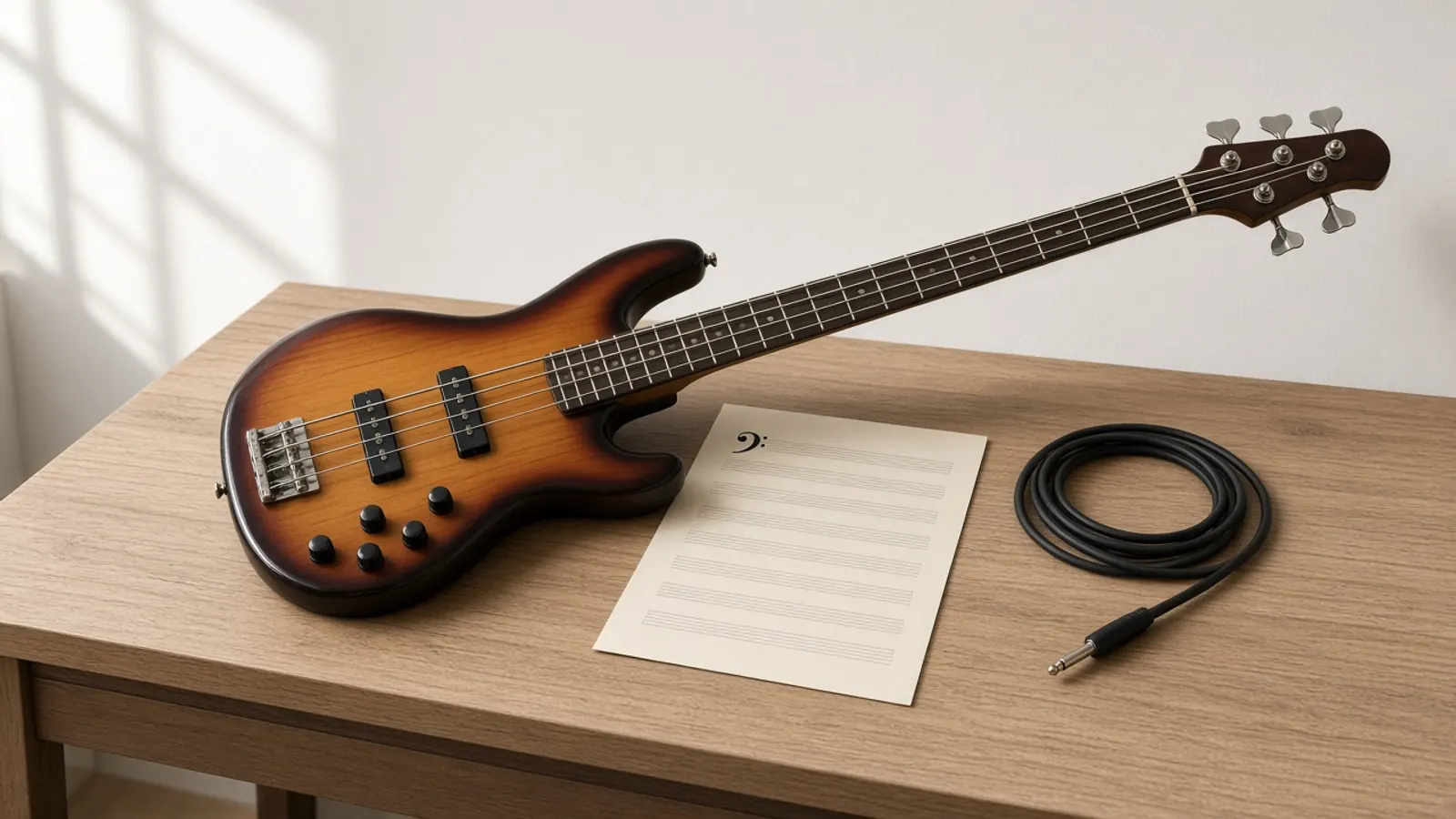
What the bass tab contains
The output displays both standard notation and a four-string tablature staff tuned E-A-D-G. The tool places notes across frets using automated position logic and includes rule-based fret hand fingering hints, where 1 indicates your index finger. You can also view measure lines, note values, and rests.
How to get a cleaner bass tab
An isolated bass track yields substantially cleaner results than a full band mix. If other low-frequency instruments like kick drums or synthesizers overlap with the bass, the detector may pick up unwanted notes. For mixed songs, consider using an isolated bass stem before transcription.
What happens to your audio
All transcription happens client-side inside your browser engine. The application downloads a static neural network model and sound sample files once. After that initial download, your audio never leaves your computer, making it completely private.
How this differs from a blank tab editor
Traditional tab software requires you to enter every note, string, fret, and rest from scratch. This tool listens to an existing audio performance and drafts the notes for you. You use the editor only to correct, refine, or adjust the resulting draft.
What it cannot do
The transcription model does not detect advanced articulation nuances such as slap pops, slides, bends, hammer-ons, or muted ghost notes. It also relies on standard four-string bass tuning. Any complex polyphonic chords or drop tunings will require manual editing in the score.
Ready to try Bass Tab Maker?
Add a recording at the top of this page.
Open Bass Tab MakerBass Tab Maker FAQ
Is this Bass Tab Maker free to use?
Yes. The tool is free to use with no credits, tokens, subscriptions, or account required.
What audio file formats can I upload?
The tool accepts MP3, WAV, M4A, FLAC, and OGG files ranging from 1 second up to 10 minutes in length and up to 50 MB in size.
Does the tool support five-string or six-string basses?
The default tab layout generates four-string tablature in standard E-A-D-G tuning. Lower notes outside standard four-string range may need manual string adjustment in the editor.
Is an internet connection required while processing?
You need an internet connection initially to download the model and sound library. Once those static files are loaded in your browser cache, audio processing runs offline on your machine.
Can I upload a full song with drums and guitars?
You can, but low frequencies from kick drums or rhythm guitars can confuse note detection. For cleaner transcriptions, upload an isolated bass track or split the tracks first.
What do the fingering numbers mean on the tab?
Fingering numbers show rule-based fretting hand suggestions. The number 1 represents your index finger, 2 is middle, 3 is ring, and 4 is pinky.
What does the playback audio sound like?
Playback uses a General MIDI bass sound set rather than the original recorded instrument audio. It is designed to help you verify pitch and rhythm accuracy.
What formats can I export after editing?
You can export your transcription as a printable PDF score, standard MIDI file, MusicXML file for notation software, or Guitar Pro file.
Does SampLab Pro store my recorded or uploaded audio?
No. Your audio file is processed entirely within your web browser on your local device. It is never uploaded or saved to an external server.
Can I edit mistakes in the generated tab?
Yes. Click any note on the interactive score to change its pitch, move it to another string or fret, alter its rhythm, or delete it.
Do I need special permissions to use the audio I upload?
You should only process audio files that you own or have explicit permission to use.