Guitar Tab Maker: Turn Uploaded Audio into Guitar Tab
Use our in-browser Guitar Tab Maker to transcribe audio into playable tablature, adjust notes, and export to PDF or Guitar Pro.
A guitar line as notation and tablature. Solo guitar works best.
MP3, WAV, M4A, FLAC or OGG, up to 10 minutes
You can also open a video (MP4, MOV, WebM) or a MIDI or MusicXML file (.mid, .musicxml, .mxl). A video is read on your device: only its sound is used. A MIDI or MusicXML file opens as a score you can edit, finger, arrange and export.
You can choose or drop up to 10 files at once (audio, video, MIDI or MusicXML). They are processed one after another in this page, with the same mode and options.
Download for this mode: about 12 MB, once
Use this for songs with several instruments. Leave it off for a solo recording. Sign in to split a song into tracks. It is free.
Your audio stays in this browser. Only static files are downloaded, once: the models (about 78 MB) and the playback sounds (about 18 MB).
Where to go next
- Audio to Sheet MusicOpen this mode to view your recording as a full keyboard or multi-instrument score without guitar tablature.
- MIDI EditorSwitch to the MIDI editor to quantize rhythms, adjust note velocities, and inspect raw sequencing data.
- MIDI to Sheet MusicUse the lead sheet generator to arrange melodies and chords into a concise single-page rehearsal chart.
Other Tab and Notation Modes
Guitar Tab Maker features
6-String Tab and Notation
Generates synchronized standard sheet music and 6-string tablature directly from your guitar audio.
Private Browser Processing
Your audio stays on your device. The tool runs locally in your browser using static files downloaded once.
Interactive Note Editing
Adjust notes, switch string positions, and display rule-based fingerings to refine your transcription draft.
Multiple Export Formats
Export your completed tab as a printable PDF, MIDI sequence, MusicXML score, or Guitar Pro file.
Who uses Guitar Tab Maker
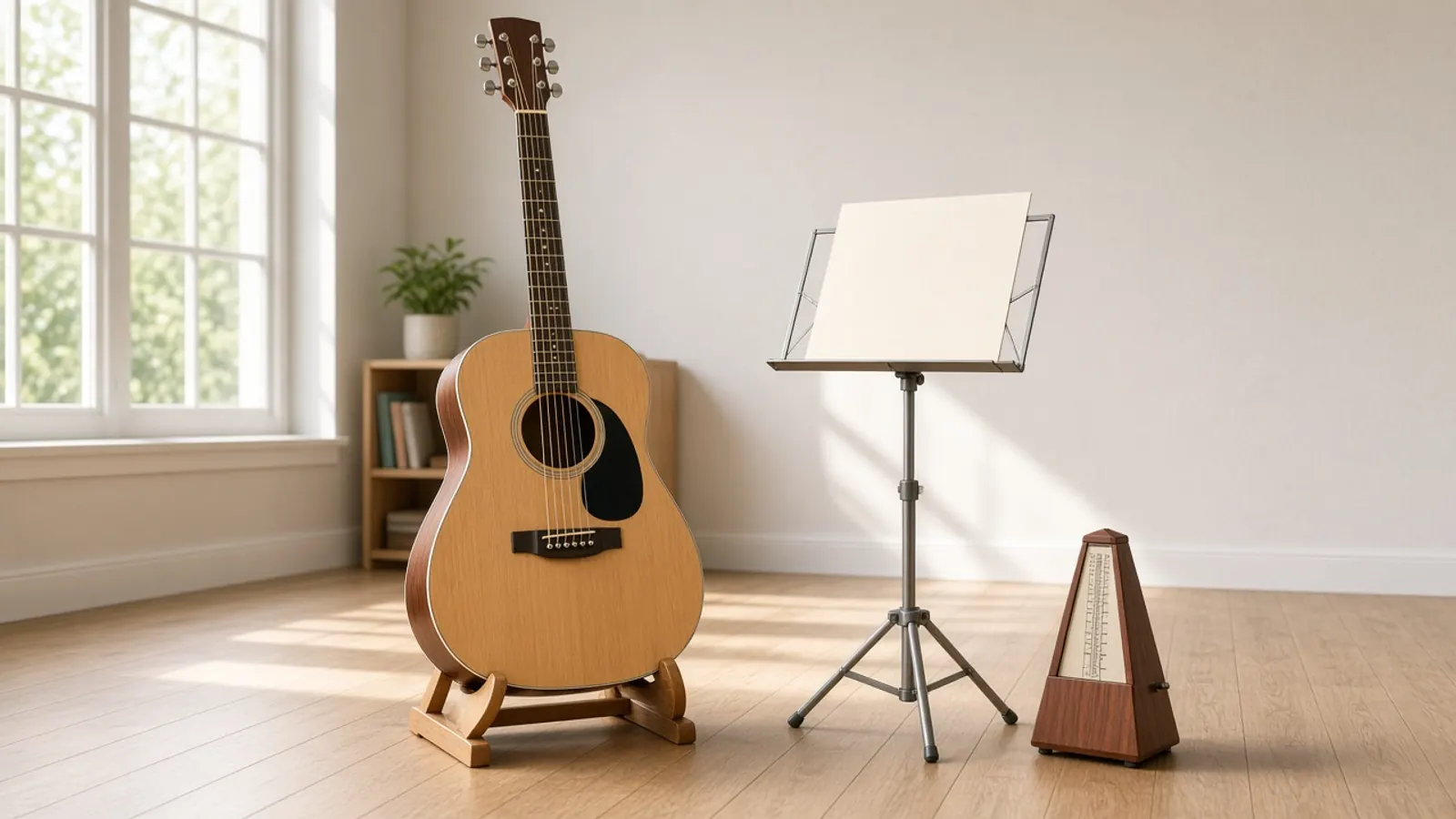
Guitarists Learning Songs by Ear
Transcribe recorded guitar riffs and solos into a quick visual draft instead of writing tabs from scratch.
Songwriters and Composers
Capture voice memos or acoustic guitar ideas and convert them into notation and MIDI for arrangements.

Music Teachers and Students
Create study sheets and practice tabs from exercise recordings with rule-based fingering numbers.
Producers and Arrangers
Turn recorded acoustic or electric guitar stems into clean MIDI tracks or MusicXML lead sheets.
Why choose Guitar Tab Maker
Runs on your device
Guitar Tab Maker works in your browser, so your files stay on your device unless you save a result.
No Sign-Up or Credits Required
Generate guitar tabs freely without registering an account, purchasing tokens, or waiting in cloud queues.
Zero Audio Uploads
Your files remain confidential on your machine. All audio analysis and playback run entirely in your local browser.
Free to use
Guitar Tab Maker is free and uses no credits. You only need an account to save results.
Explore more tools
Every SampLab Pro tool is one click away.
AI creation


Edit audio






How to use Guitar Tab Maker
- 1
Add Your Audio
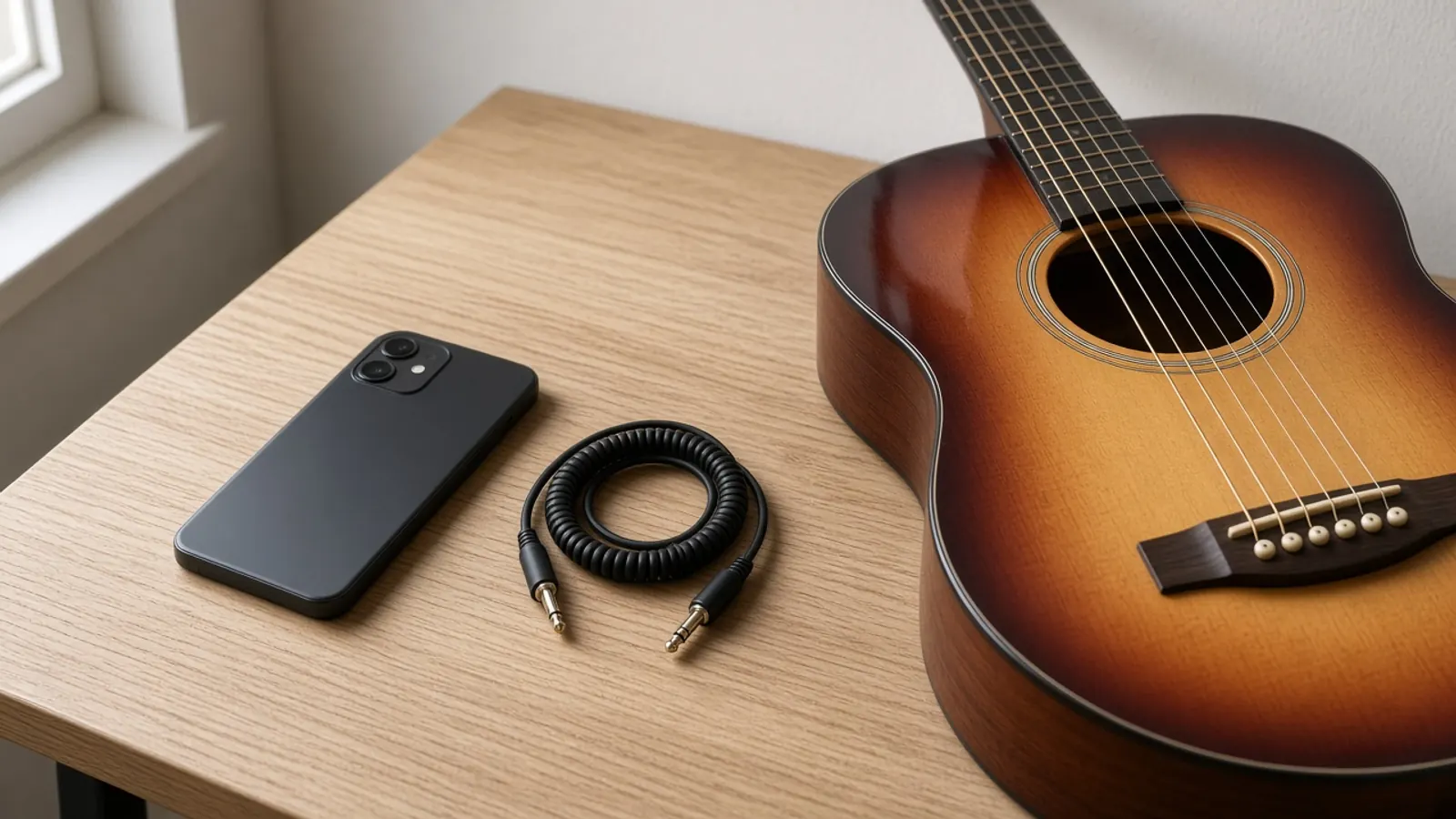
Select an audio file up to 50 MB and 10 minutes long, or record your guitar directly through your microphone.
- 2
Review and Edit
Listen using the built-in General MIDI playback, correct fret assignments, and review rule-based fingering.
- 3
Download the Tab
Save your finished transcription as a PDF, Guitar Pro file, MusicXML score, or standard MIDI file.
Turn Guitar Audio into Playable Tabs
This Guitar Tab Maker reads your guitar audio and writes standard musical notation alongside 6-string tablature. You upload an MP3, WAV, M4A, FLAC, or OGG file, or record directly with your microphone. As an in-browser guitar tab generator, it transcribes pitches into frets and strings without sending your sound to a remote server.
The transcription acts as a working first draft. Because transcription algorithms estimate pitches from audio waveforms, solo guitar tracks produce much cleaner drafts than mixed band recordings. Once processed, you can adjust frets, test playback, and export files.
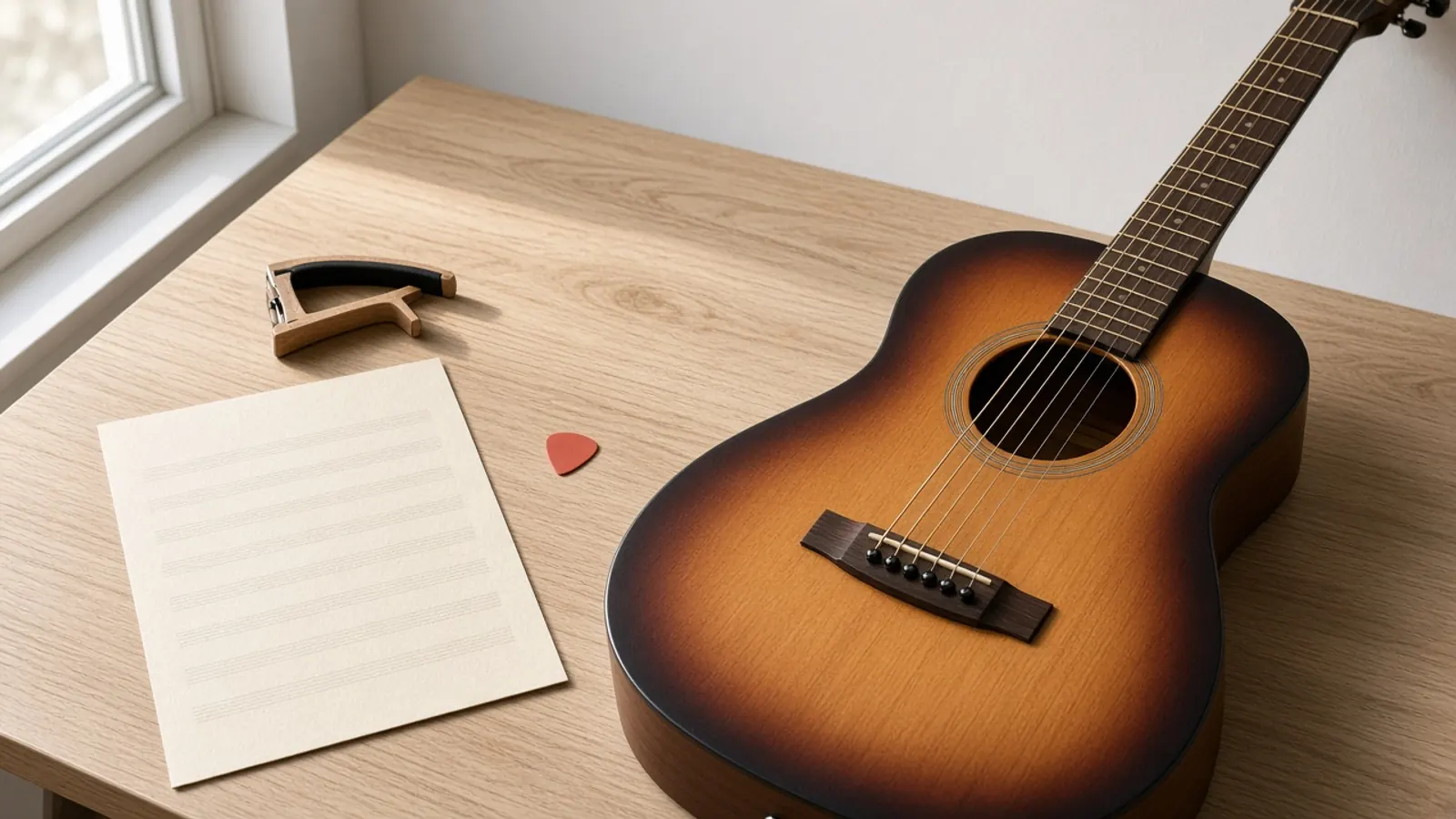
What the guitar tab contains
The output provides a synchronized view of traditional standard notation and a standard six-string guitar tablature staff. It assigns pitches to specific string and fret numbers, indicating note durations, rests, and timing across measures.
You can also toggle rule-based fingering hints where 1 represents the index finger. Playback uses a lightweight General MIDI sound set to help you check pitch accuracy against your original performance.
How to get a cleaner tab
Transcription accuracy depends heavily on input clarity. Solo guitar recordings with minimal reverb, consistent tuning, and clear picking yield the cleanest transcriptions. Acoustic fingerpicking or clear electric lines work well.
Dense band mixes with drums, bass, and vocals make isolated pitch detection difficult. If you have a full song, you can sign in to split the track into six local stems first, then feed the isolated guitar stem into this tool.
What happens to your audio
Your audio files never leave your computer or phone. Unlike cloud services, this page runs the transcription model directly inside your web browser. Static model weights and sound fonts load once and cache locally.
Because no audio uploads occur, your private recordings, unreleased riffs, and personal practice sessions stay completely on your device. Please ensure you own or have permission to process any recorded audio you load.
How this differs from a blank tab editor
A traditional tab editor gives you an empty grid where you manually type numbers and rhythmic values one by one. This ai guitar tab generator analyzes sound frequencies from real audio to write the initial notes for you.
It is built to save time by providing an immediate rough draft. You can still manually tweak frets and note positions after generation, but the starting point is an acoustic analysis rather than a blank canvas.
What it cannot do
The transcription is an automated first draft, not a human transcriptionist. It cannot identify custom alternate tunings automatically, detect subtle techniques like pick scrapes or microtonal bends, or separate overlapping guitars within a single audio file.
The fingering numbers rely on standard geometric rules rather than human hand anatomy, and audio playback uses generic MIDI tones rather than your original guitar tone.
Ready to try Guitar Tab Maker?
Add an audio recording or use your microphone at the top of this page to generate your guitar tab.
Open Guitar Tab MakerGuitar Tab Maker FAQ
Is this Guitar Tab Maker free to use?
Yes. The guitar tab tool runs in your browser without fees, credit deductions, or subscription requirements.
Do I need to create an account?
No account is required to generate or edit guitar tabs. An optional sign-in is only needed if you wish to use the local track splitter on a full song mix.
What audio formats and file sizes are supported?
You can load MP3, WAV, M4A, FLAC, and OGG files. Audio must be between 1 second and 10 minutes long, with a maximum file size of 50 MB.
Can I record my guitar directly into the page?
Yes. You can use your device microphone or an audio interface to record your guitar live into the tool.
Why did my tab miss some notes or choose odd frets?
Polyphonic pitch detection estimates notes from audio waveforms, which can be thrown off by background noise, reverb, or complex chords. The rule-based string layout can be adjusted manually in the editor.
Does this tool upload my music to a server?
No. All audio processing runs locally on your device within the browser session. Your audio is never stored or transmitted.
Can I transcribe guitar solos from a full band song?
Full band mixes contain overlapping instruments that interfere with transcription. For cleaner results, use isolated guitar stems or solo instrument recordings.
What export formats are available?
You can download your tab as a PDF document, Guitar Pro file, MusicXML score, or standard MIDI file.
Can I switch to other instruments from this page?
Yes. The workbench supports piano, vocal, bass tab, and other modes, which you can select from the mode dropdown at any time.
How do fingering numbers work in the tab?
Fingering labels use standard notation where 1 represents your index finger, based on rule calculations across the fretboard.
What rights do I need for the audio I process?
You should only process recordings that you own or have permission from the copyright owner to analyze.