Karaoke Maker Online
Upload a song and the karaoke maker returns the instrumental without the lead vocal, ready to play, download and sing over.
Credits are charged only when a task succeeds. If it fails, they are returned automatically.
Loading your tasks…
Hear it before you upload
A 30-second song made for this site, already separated into tracks. No sign-in needed. Solo or mute any track and play them in sync.
- Vocals
- Drums
- Bass
- Other
Demo song and tracks: generated by SampLab Pro with AI (Mureka through WaveSpeed) and separated with the Local 6 tracks engine, for demonstration only. No licence is granted to reuse them. Rights and licensing
Where to go next
More ways to use stem separation
Karaoke Maker features
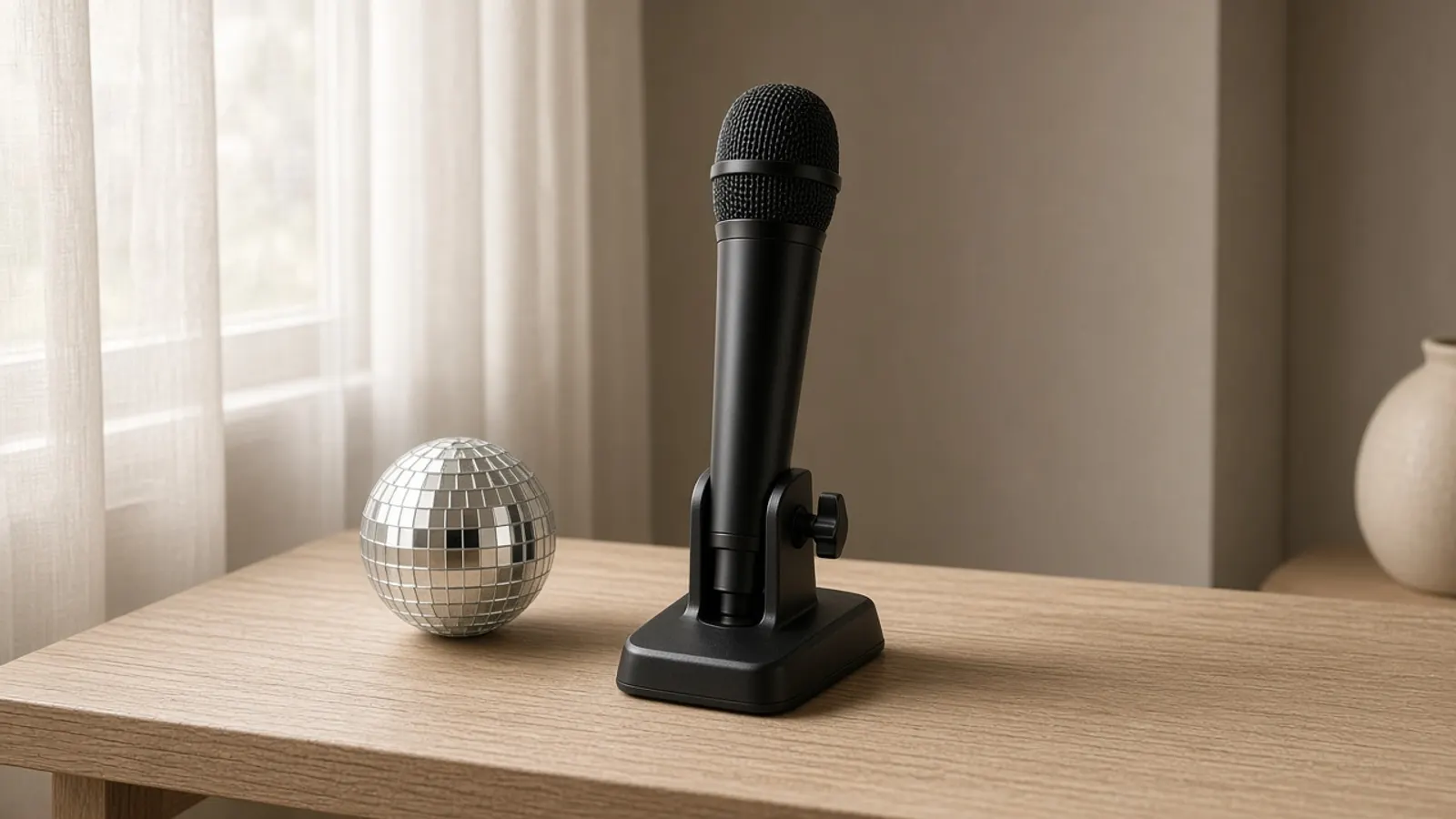
A backing track without the lead vocal
The instrumental keeps the band, bass and drums of the original and drops the singer.
The vocal stays as a guide
The vocal comes as a separate track, so you can learn the melody from the original and then mute it.
The same length as the song
The track follows the original arrangement from the first bar to the last, so intros, breaks and solos stay where they were.
Download as WAV
Save the backing track as a WAV file for your player or phone, or take all the tracks as a ZIP.
Who uses Karaoke Maker
Singers at home
Practise a song with a backing track from the karaoke maker instead of the original voice leading you.
Parties and family evenings
Make a backing track with the karaoke maker from a song you own for a sing-along in the living room.
Vocal coaches and choirs
Give students a karaoke maker track to sing against, and keep the original vocal for them to compare with.
Open mic performers
Rehearse a number with a karaoke maker backing track, where the venue and the rights to the song allow it.
Why choose Karaoke Maker
Credits only for finished results
A task is charged only when it succeeds. If it fails, your credits go back to your balance.
A backing track from your own file
You choose the song, so you are not limited to a fixed catalogue of ready-made tracks.
The original vocal stays available
Because the vocal is its own track, you can still hear the original melody and phrasing while you learn the song.
Your results stay private
What Karaoke Maker creates stays in your account until you download or save it.
Explore more tools
Every SampLab Pro tool is one click away.
AI creation


Edit audio





How to use Karaoke Maker
- 1
Choose a song
Upload an audio file you have the right to use, or pick one from your library. Up to 50 MB and 6 minutes on Free, 200 MB and 15 minutes on paid plans.
- 2
Make the backing track
Press the button. The karaoke maker returns the instrumental and the vocal as two tracks, with the bass and drums too if you switch to 4 tracks.
- 3
Play it and sing
Play the instrumental in the page, or download it as WAV and load it into your player. Mute the vocal to hear only the band.
From a finished song to a track you can sing over
A karaoke track is a song with the lead singer taken out, so the band plays on while you sing. This karaoke maker builds one from an audio file you upload: the same AI separation model as our AI Stem Splitter splits the song, and the instrumental becomes your backing track.
You also get the original vocal as its own track, which helps when you want to check the melody or the phrasing before you sing. Everything happens on one page: upload, listen, mute and download. The track follows the recording you provide, so its length and arrangement match the original song.
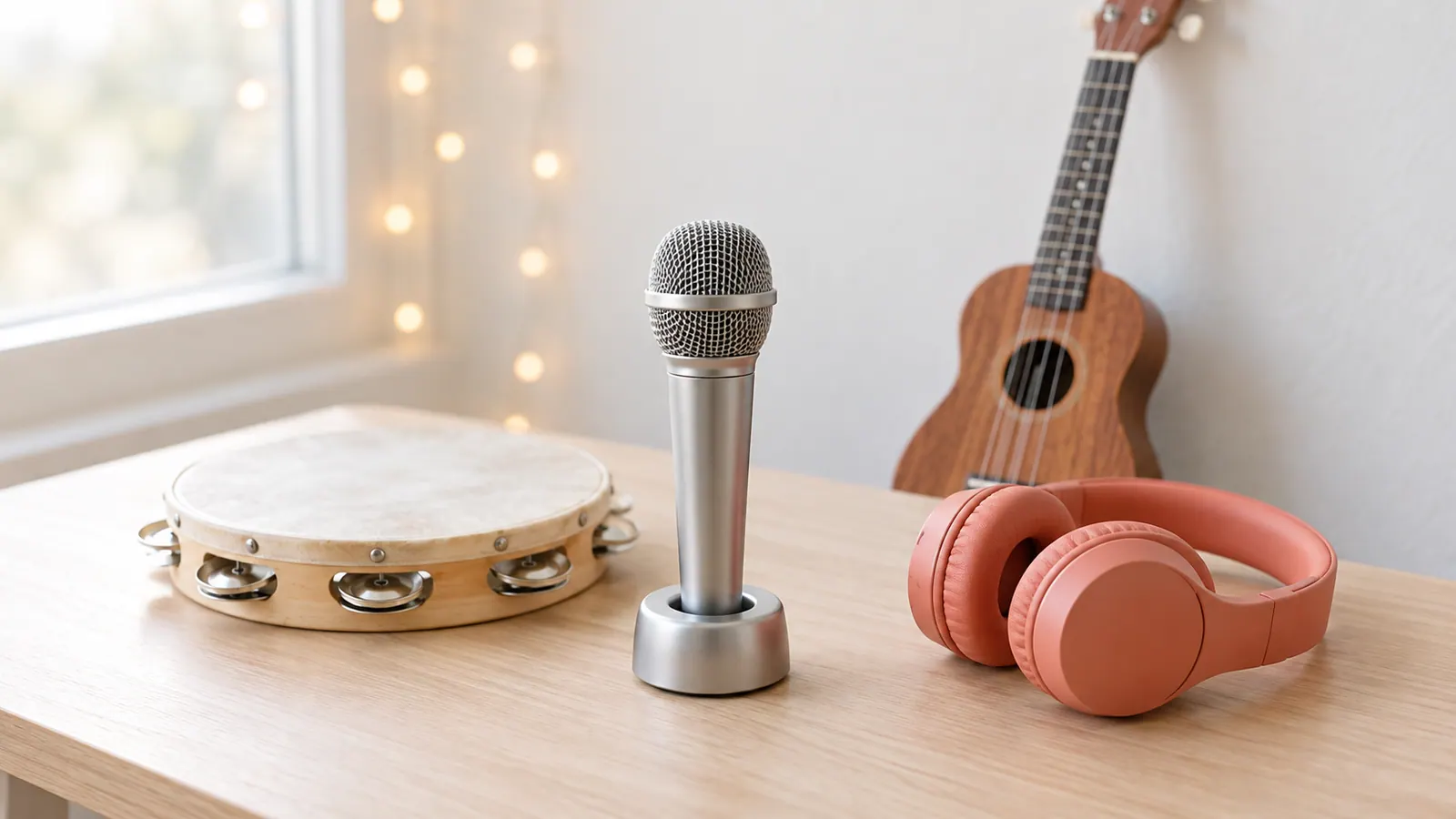
What a karaoke backing track is made of
A karaoke backing track is the part of a song that is not the lead vocal. The instrumental this karaoke maker produces holds the drums, bass, guitars, keys and every other instrument of the original mix.
It does not add scrolling lyrics, so bring your own words or use the original vocal track as a guide while you learn them. Separation is not perfect, and some songs keep faint traces of the voice or backing harmonies, so listen before you perform.
Choosing a song that works well
Songs with a clear lead vocal and a steady arrangement suit the karaoke maker well, because they tend to separate more cleanly than dense mixes with heavy reverb or stacked harmonies. Use the highest-quality file you have; a WAV or high-bitrate MP3 keeps more detail than a low-bitrate copy.
If you only want one section, trim it first with Audio Cutter. A separation costs 9 credits per minute (minimum 36), charged only when it succeeds.
What happens to your song
With Cloud Standard, your browser turns the song into an MP3, which is stored privately under your account and sent to WaveSpeed, a third-party AI platform, to make the tracks. With Local 6 tracks, the song never leaves your browser.
The uploaded song and the tracks stay private to your account for 7 days and are then deleted automatically. We do not use your audio to train models, and nobody at SampLab Pro listens to it. Saving a track to your library is a separate step that you choose, and library files are kept for 180 days. The Privacy page has the details.
AI separation compared with phase cancellation and Spleeter
The old trick for removing vocals is phase cancellation. It subtracts one stereo channel from the other, which only removes sound that is exactly the same in both channels. The voice is usually in the centre, but so are the bass and the kick drum, and reverb stays behind, so the result is thin and often still has the voice in it. It does nothing for a mono song.
AI models learn what a voice sounds like and pull it out of the mix. In the results published by the Demucs project on the MUSDB18-HQ test set, Hybrid Transformer Demucs (fine-tuned, four sources) reaches an average signal-to-distortion ratio (SDR) of 9.0 dB, against 5.9 dB for Spleeter, an earlier and widely used model. A higher number is better. The figures come from the Demucs README and from Rouard, Massa and Défossez, "Hybrid Transformers for Music Source Separation" (ICASSP 2023). They describe those models on that dataset, not this page: Local 6 tracks runs a Demucs model whose authors call the six-source version experimental, and Cloud Standard uses a different third-party model, so your own results will differ.
What it cannot do
This page separates a recording into tracks. It does not change the key or the tempo of a song. Backing vocals count as part of the vocal, so they go to the vocal track together with the lead voice, and the lead and the backing cannot be split. Faint traces of other sounds can stay on any track, especially with reverb or a dense mix.
It works on audio files that you upload or pick from your library. It cannot take a link, so you cannot paste a YouTube address. Use a file that you own or have permission to use.
Ready to try Karaoke Maker?
Add a song at the top of this page to make your backing track. A separation costs 9 credits per minute (minimum 36), charged only when it succeeds.
Open Karaoke MakerKaraoke Maker FAQ
What is a karaoke maker?
A karaoke maker turns a song into a backing track by removing the lead vocal. Here it is built from the audio you upload, using AI separation, so you can sing over it.
Does it show lyrics on screen?
No. It produces audio only. Bring your own lyrics, or use the original vocal track as a guide while you learn the words.
How do I make a karaoke track from a song?
Upload the song, press the button, then download the instrumental as WAV. Play it in any audio player and sing along.
Is the singer completely removed?
Not always. Separation is not perfect, and the karaoke maker can leave faint traces of the voice or backing harmonies. Preview the track before you perform with it.
How many credits does the karaoke maker use?
Each task costs 9 credits per minute (minimum 36). Credits are charged only when a task succeeds; if it fails, they go back to your balance.
Which files can I upload to the karaoke maker?
Common audio formats. Free accounts can use files up to 50 MB and 6 minutes long; paid plans up to 200 MB and 15 minutes. The file is prepared in your browser before it is uploaded.
Can I perform or post a karaoke maker track?
The tool only separates audio. Performing or posting the result depends on your rights to the recording and the composition and on the venue or platform, so check the licence first.
Is this the official Demucs?
No. SampLab Pro is an independent service and is not affiliated with Meta or the Demucs authors. The Local 6 tracks engine runs the open-source HT-Demucs model in your browser. Cloud Standard uses a different third-party model through WaveSpeed. The Licensing page lists both.
Can I paste a YouTube link?
No. SampLab Pro only separates audio files that you upload or pick from your library. It does not download from YouTube or other sites. Use a file that you own or have permission to process.
Can I use the stems commercially?
The rights in a recording stay with its owner, and separating it gives you none. We do not promise that stems are cleared for commercial use, so use songs you own or have permission to use. The Licensing page explains the open points.
What happens to my upload?
Cloud Standard sends the audio to WaveSpeed to make the tracks, and Local 6 tracks never leaves your browser. Uploaded audio and tracks stay private to your account for 7 days and are then deleted automatically. We do not use them to train models, and nobody at SampLab Pro listens to them.