BPM & Key Finder
Free BPM & Key Finder: Detect Tempo & Key Online with SampLab Pro
Drop any audio file to instantly calculate estimated tempo, root key, scale mode, and detection certainty. Built as a lightweight utility within SampLab Pro, this analyzer runs entirely in your browser so your files stay private while you prep loops, check speeds, and organize sample libraries.
Instant In-Browser Audio Inspection with Our BPM & Key Finder
Preparing audio files for a session should never require launching an oversized digital audio workstation just to check basic musical properties. The BPM & Key Finder on SampLab Pro parses your tracks directly in the browser, extracting rhythmic cadence and harmonic content without uploading audio to remote cloud machines. By analyzing digital audio buffers via modern Web Audio APIs, the tool evaluates transient intervals and frequency distributions within seconds. You receive an immediate readout showing estimated beats per minute, root key, scale mode, and detection confidence, giving you the context needed to tune pitch, conform stretch markers, or cue up matching stems.
Please note that SampLab Pro operates as an independent browser utility accessible at samplab.pro. We are not affiliated with, endorsed by, or connected to the discontinued Samplab VST plugin or samplab.com, nor do we maintain any ByteDance affiliation. This browser utility is not a DAW plugin or an automated harmonic editor. Furthermore, because acoustic analysis depends on transient clarity and arrangement density, detection accuracy is never guaranteed. We provide an accessible, standalone estimator designed to save time during sample vetting, cataloging, and session prep.
How In-Browser Tempo and Key Detection Works
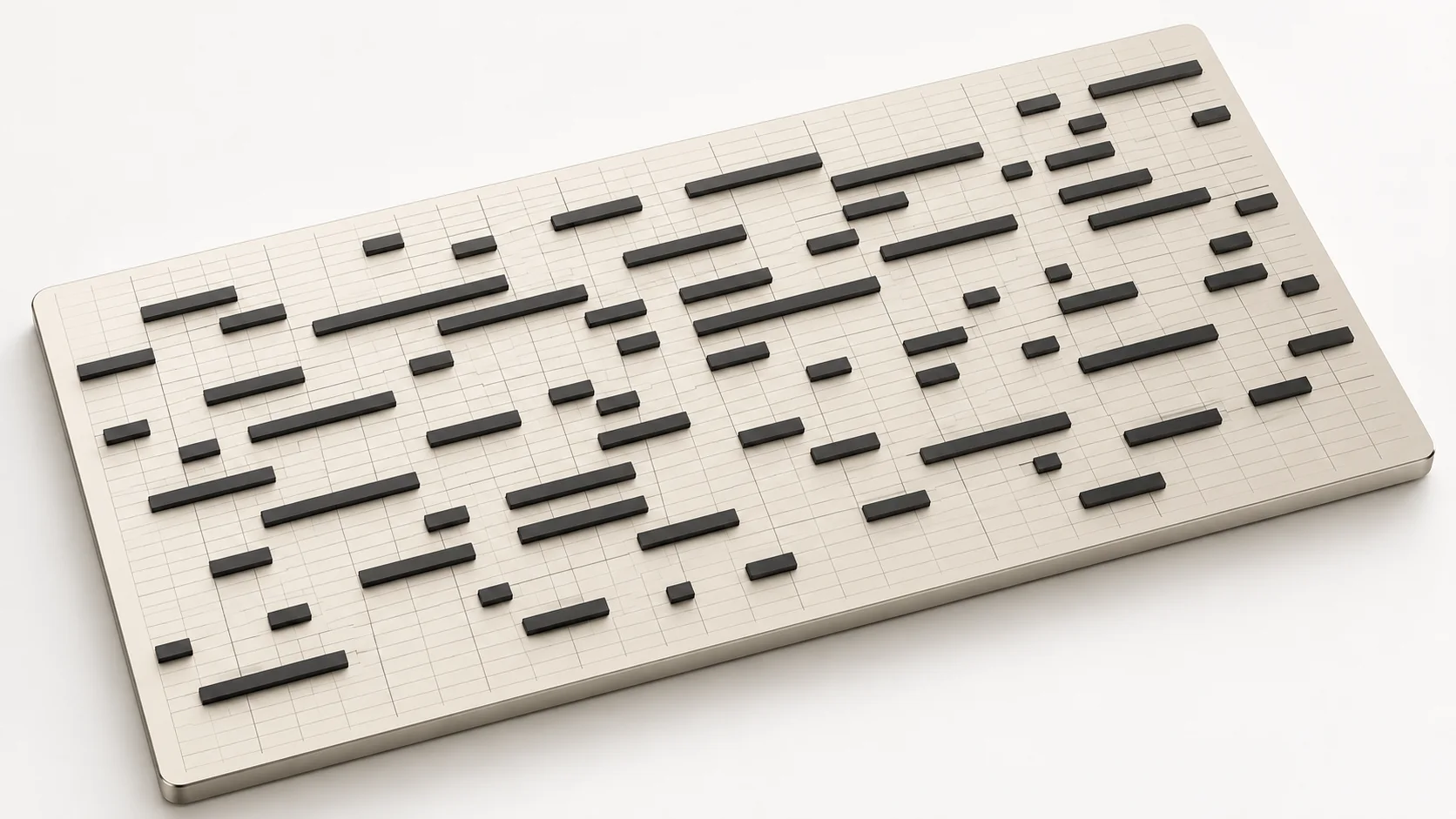
To estimate beats per minute without sending your audio to a remote server, modern web applications evaluate transient energy variations directly in the browser. When an audio file is decoded in SampLab Pro, the engine constructs an onset detection function tracking rapid rises in spectral amplitude. By calculating autocorrelation and periodic intervals across these onset markers, the algorithm identifies the most prominent rhythmic pulse. Highly syncopated rhythms, swung beats, or complex polyrhythms can present multiple mathematical interpretations, meaning tempo estimates should always be verified against your arrangement grid rather than treated as absolute facts.
Musical key analysis relies on pitch-class profiling, commonly known as chromagram representation. The BPM & Key Finder decomposes the incoming audio spectrum into twelve discrete semitone bins across several octaves, aggregating harmonic energy over the track duration. This pitch-class distribution is then correlated against established tonal templates for major and minor keys. Because dense polyphonic arrangements, jazz chord extensions, microtonal tuning, and atonal percussion layers can obscure the primary tonal center, the resulting root and scale should be treated as educated estimations rather than absolute musical guarantees.
Frequently Asked Questions
Is this tool affiliated with the official Samplab VST or samplab.com?
No. SampLab Pro is an independent, English-only web utility at samplab.pro. We are not affiliated with, endorsed by, or connected to the discontinued Samplab VST plugin or samplab.com, nor do we have any ByteDance affiliation. This page serves solely as an in-browser utility for detecting tempo and musical keys.
Do I need to install software or browser extensions to use this tool?
No installation is required. Everything runs natively inside your browser via client-side Web Audio. You simply visit the page, drop your audio file, and review the estimated tempo and key without installing desktop programs or browser add-ons.
Is the tempo and musical key detection guaranteed to be 100% accurate?
No automated audio detection algorithm can guarantee perfect accuracy across every recording. Complex polyphony, live drum fluctuations, detuned instruments, and dense reverb can skew spectral analysis. While the BPM & Key Finder provides dependable baseline estimates and confidence ratings, you should always trust your ears when finalizing arrangements.
Which audio file formats are supported for tempo and key analysis?
The tool supports WAV, MP3, FLAC, and OGG formats. Audio decoding is handled directly by your browser's native engine, so files must be valid, uncorrupted audio containers supported by modern web standards.
Is my audio uploaded to a cloud server, and is my data kept private?
Your audio is completely private and is never uploaded to any remote server. All signal processing occurs strictly on your local computer in your browser tab, and audio data is discarded from memory when you close or reload the page.
Are there paid plans, subscription fees, or usage limits for this analyzer?
No. The analyzer is available for free without paid plans, premium tiers, recurring subscriptions, user credits, or account registration. You can inspect as many audio files as your workflow demands without paywalls.
How can I use the detected BPM and key inside my digital audio workstation?
Once you obtain the estimated tempo and musical root, you can set your DAW session tempo to match or use time-stretching to conform loops. Knowing the key allows you to transpose melodic stems or tune pitch-correction plugins accurately.
How does this browser tool differ from dedicated DAW analyzer plugins?
DAW plugins integrate into mixer channels, providing real-time multitrack monitoring, MIDI extraction, or automated pitch manipulation. In contrast, SampLab Pro provides a swift, standalone browser utility for rapid pre-session screening, cataloging, and sample vetting without the overhead of launching heavy workstation software.
Independent web utility. Not affiliated with or endorsed by the discontinued Samplab VST or samplab.com.