Convert MP3 to MIDI in Your Browser
An MP3 to MIDI view of our audio converter. Extract notes from solo instruments and vocal lines without uploading your file.
Site-generated 5.1s synthetic C-major melody at 100 BPM (eight notes C4–C5, mono 22050 Hz). The reference MIDI is authored ground truth, not Basic Pitch output. Provided as CC0. Not a real recording or accuracy benchmark.
Where to go next
- Audio to MIDIOpen Audio to MIDI if you want our main workbench that accepts any supported audio format without an MP3 focus.
- WAV to MIDIOpen WAV to MIDI if your source recordings are uncompressed WAV files and you want format-specific guidance.
- MIDI EditorOpen the MIDI editor if you want to inspect, transpose, quantize, or clean up your exported notes in a browser piano roll.
MP3 to MIDI features
Local browser processing
Your MP3 decodes and processes inside your web browser. No audio data uploads to remote servers, keeping private stems and drafts on your machine.
Basic Pitch tracking
Runs Spotify's open-source pitch detection model to estimate note onsets, pitches, durations, and velocities, including overlapping chords.
In-browser piano roll
Review the estimated notes against the timeline before saving. Audition the pitch playback to see where manual cleanup is needed.
Standard .mid export
Download a standard MIDI file that drops into any digital audio workstation, virtual instrument, or notation software.
Who uses MP3 to MIDI
Producers sampling melodies
Pull melodies, riffs, and solos out of MP3 audio tracks to replay them with your own synth presets and samplers.
Songwriters transcribing vocals
Turn recorded vocal voice memos into MIDI notes so you can arrange chord progressions and write harmonies around them.
Instrumentalists learning parts
Convert recorded guitar licks, saxophone leads, or piano solos into MIDI to see pitch relationships and note lengths.
Composers moving audio to notation
Generate MIDI from solo acoustic tracks to import notes directly into notation editors and score preparation tools.
Why choose MP3 to MIDI
Runs on your device
MP3 to MIDI works in your browser, so your files stay on your device unless you save a result.
Private and local
Your audio is never stored or inspected. The neural network downloads to your browser cache, keeping every MP3 private on your computer.
No account required
You do not need to register, provide an email, or sign in. You can drop a file and get MIDI output right away.
Free to use
MP3 to MIDI is free and uses no credits. You only need an account to save results.
Explore more tools
Every SampLab Pro tool is one click away.
AI creation


Edit audio






How to use MP3 to MIDI
- 1
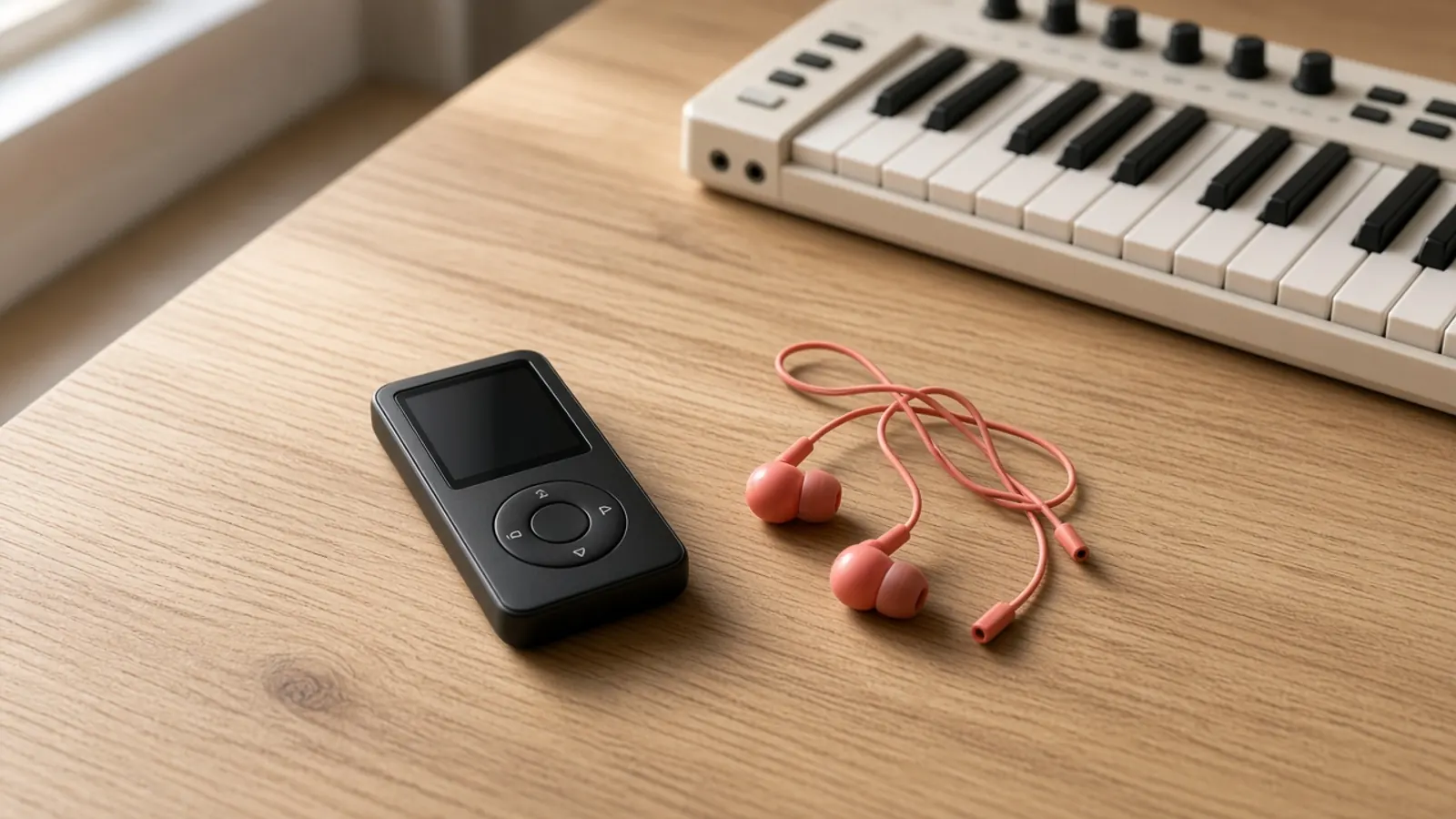
Drop your MP3
Drag an MP3 file into the converter box at the top of the page. Files up to 50 MB and 10 minutes long are supported.
- 2
Let the model track notes
Basic Pitch analyzes the decoded audio in your browser. The first run takes a few extra moments while the model weights load.
- 3
Preview and export MIDI
Inspect the generated notes in the piano roll, check pitch accuracy by ear, and download the .mid file to your computer.
How MP3 to MIDI conversion works here
This page is the MP3 to MIDI view of our browser-based audio converter. It uses Spotify's open-source Basic Pitch neural network to estimate note pitches, timings, and velocities from your MP3 audio. Because the model runs entirely on your device using WebAssembly and WebGL, your file is never uploaded to an external server.
The conversion works cleanly on isolated instruments, vocal melodies, and lead lines. Full songs with drums, bass, and rhythm guitars will produce crowded note clusters because the model cannot separate mixed instruments. Once processing finishes, preview the track in the piano roll and export a standard .mid file for your DAW.
What an MP3 to MIDI conversion gives you
Converting an MP3 produces a standard Type 1 MIDI file containing estimated note onsets, pitch values, durations, and velocities. It also detects polyphonic note overlaps. The output is not sheet music or an arrangement file; it is raw note data ready to drive virtual instruments in your digital audio workstation. Because pitch detection relies on acoustic estimates rather than embedded notation, you will usually want to quantize and clean up stray notes before finalizing your track.
How to get cleaner notes from an MP3
A clear melody, solo vocal, or isolated instrument converts more cleanly than a dense mix. If you are recording audio for transcription, use a clean source without heavy reverb, distortion, or chorus modulation. If you are transcribing a section from a song, trimming the file to isolate the solo passage before converting reduces unwanted artifacts and makes manual editing faster.
What happens to your file
Your MP3 stays on your device. The browser decodes the audio locally using the Web Audio API, and the Basic Pitch model processes the sample buffers through client-side WebAssembly or WebGL. No audio streams, intermediate tokens, or converted MIDI files are transmitted to our servers or stored in any database.
How this page relates to Audio to MIDI and WAV to MIDI
This page shares the exact same browser-based pitch tracking engine as our parent Audio to MIDI tool and our WAV to MIDI sister page. We maintain this page specifically for creators searching for MP3 workflows. While this page emphasizes MP3 files, the underlying engine also accepts other common formats including WAV, FLAC, OGG, M4A, AAC, and WebM.
What it cannot do
This converter cannot separate a finished mix into separate instrument tracks. If you drop a complete song, drums, bass, vocals, and guitars will all merge into a single crowded MIDI track. It cannot generate drum tabs, detect percussion, or read URLs directly from YouTube. It also cannot guarantee complete accuracy, so expect to check notes by ear and adjust timings manually.
- Audio to MIDIOpen Audio to MIDI if you want our main workbench that accepts any supported audio format without an MP3 focus.
- WAV to MIDIOpen WAV to MIDI if your source recordings are uncompressed WAV files and you want format-specific guidance.
- MIDI EditorOpen the MIDI editor if you want to inspect, transpose, quantize, or clean up your exported notes in a browser piano roll.
Ready to try MP3 to MIDI?
Drop an MP3 at the top of this page to convert notes into a MIDI file.
Open MP3 to MIDIMP3 to MIDI FAQ
Is this MP3 to MIDI converter free?
Yes. The converter runs directly in your browser without fees, quotas, or account sign-ups.
Does my MP3 audio upload to your servers?
No. The entire conversion runs locally inside your browser session. Your file never leaves your computer or phone.
Why does the first conversion take longer?
The browser needs to download and cache the Basic Pitch machine learning model on your first visit. Subsequent conversions process faster.
Can I convert a full song with drums and vocals?
You can, but the output will be cluttered. The model cannot separate individual instruments from a master mix, so rhythm tracks and basslines will create extra ghost notes. Isolated tracks yield cleaner results.
What audio length and file size limits apply?
The converter accepts files up to 50 MB with a duration between 1 second and 10 minutes.
Does this tool detect chords or only single notes?
Basic Pitch supports polyphonic detection, meaning it can estimate chords and overlapping notes as well as monophonic leads.
Can I convert MP3 files directly from a YouTube link?
No. The converter requires a local audio file stored on your device. You cannot paste online streaming links.
Can I use other formats besides MP3 on this page?
Yes. While this page focuses on MP3, the browser engine can also decode WAV, FLAC, OGG, M4A, AAC, and WebM files depending on browser support.
How accurate are the generated MIDI notes?
The model provides an acoustic estimate of pitch onsets and lengths. A clear solo line converts more cleanly, but you should always listen back and adjust notes in your DAW.
Can I use the converted MIDI commercially?
The tool does not claim ownership of your output. However, you must own or hold the appropriate rights and permissions for the original audio file you process.
What software can open the downloaded MIDI file?
Any digital audio workstation such as Ableton Live, FL Studio, Logic Pro, Reaper, or GarageBand, as well as notation programs like MuseScore and Sibelius.