Free Audio to MIDI Converter Online
Convert audio to MIDI in your browser with Spotify's Basic Pitch model. Drop in a melody or solo instrument and download the estimated notes as a .mid file.
Site-generated 5.1s synthetic C-major melody at 100 BPM (eight notes C4–C5, mono 22050 Hz). The reference MIDI is authored ground truth, not Basic Pitch output. Provided as CC0. Not a real recording or accuracy benchmark.
Where to go next
Audio to MIDI features
What the converter does, and where it stops.
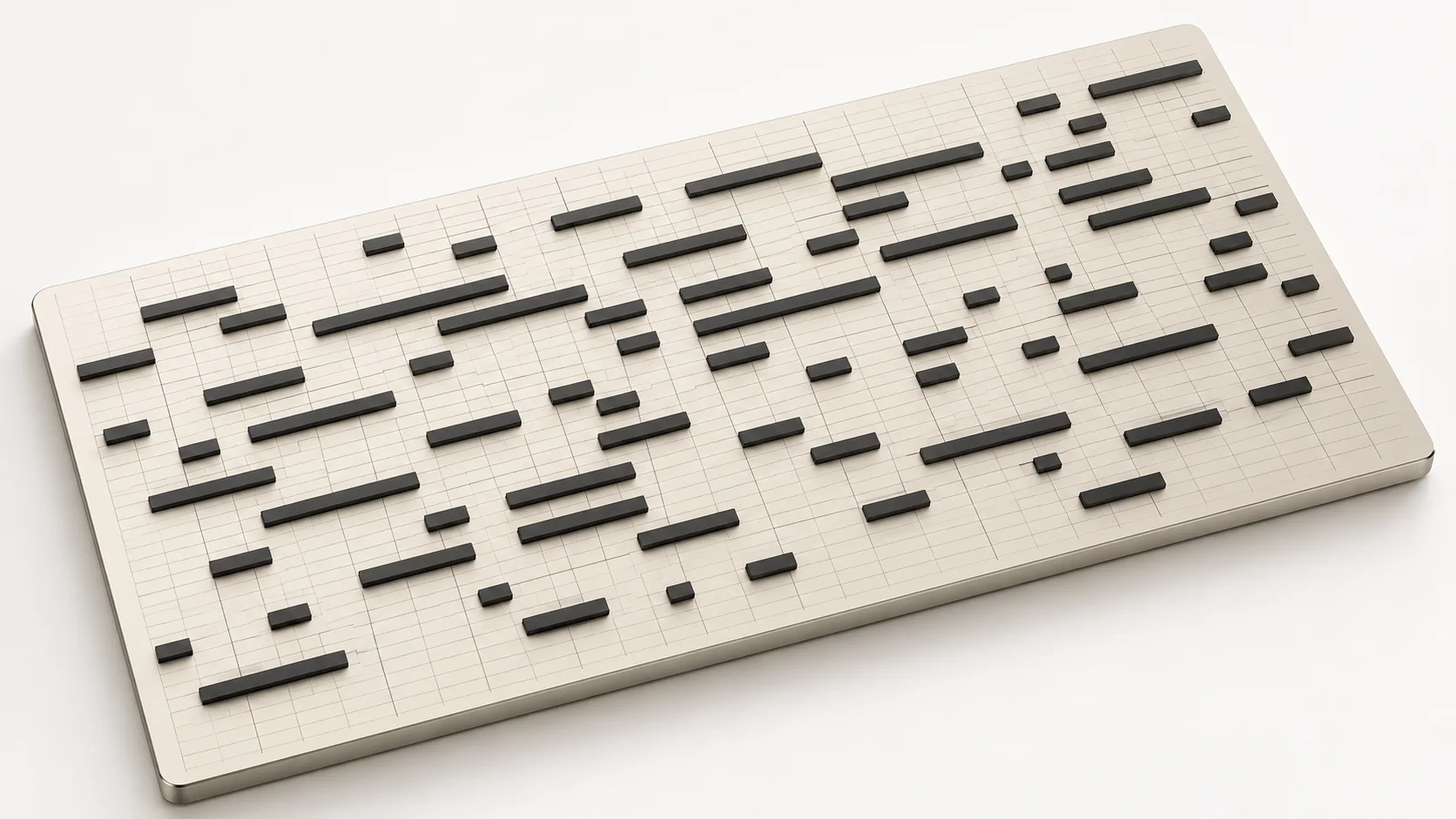
Notes, onsets and lengths
Basic Pitch estimates pitch, start time, duration and velocity, including overlapping notes.
Single instruments work best
A clear melody, vocal line or solo instrument converts well in audio to MIDI. A full mix has no separate tracks, so drums and bass add extra notes.
Preview before download
Check the audio to MIDI notes in a local piano roll, then download a .mid file.

Local processing
Decoding and transcription run in your browser, and your audio is not uploaded.
Who uses Audio to MIDI
Producers and beatmakers
Use audio to MIDI to turn a sampled melody or loop into notes you can play with a new sound.
Composers and arrangers
An improvised sketch becomes notes through audio to MIDI, so you can carry on arranging in your DAW.
Sound designers
Audio to MIDI captures the pitch and rhythm of a recorded sound so you can route it to a synth or sampler.
Music teachers
Audio to MIDI lets teachers show students the notes of a recorded performance, then compare them by ear.
Why choose Audio to MIDI
Runs on your device
Audio to MIDI works in your browser, so your files stay on your device unless you save a result.
Powered by Basic Pitch
The audio to MIDI converter uses Spotify's open-source Basic Pitch model, which runs in your browser.
Notes you can use right away
Download a .mid file for audio up to 50 MB and 10 minutes long, ready for your DAW or notation tools.
Free to use
Audio to MIDI is free and uses no credits. You only need an account to save results.
More tools to use with the converter
Browser tools on SampLab Pro run on your device; the AI tools need an account.
AI creation


Edit audio





How to convert audio to MIDI
- 1
Choose an audio file
Pick a clip for the audio to MIDI converter, between 1 second and 10 minutes long and up to 50 MB.
- 2
Let Basic Pitch transcribe it
The audio to MIDI model detects note onsets, pitches and lengths on your device; the first run is slower while it downloads.
- 3
Review and download the notes
Check the notes, then download the .mid file. The notes are estimates, so adjust them before you use them.
Audio to MIDI in your browser, without an upload
Use this audio to MIDI converter to turn melodies, solo instruments and simple chords into notes on your own device.
SampLab Pro runs Spotify's Basic Pitch neural network inside your web browser, so this audio to MIDI converter works without an account or a plan and your audio stays on your device.
Files up to 50 MB and from 1 second to 10 minutes long work, in any format your browser can decode.

Audio to MIDI in the browser or in desktop software
When the converter is enough, and when you need more.
| Need | Good fit | Limits | Use full software when |
|---|---|---|---|
| Quick melody or solo instrument | Runs in the browser, no account. | Pitch estimates need review. | You need transcription inside a DAW. |
| Private, unreleased audio | The audio stays on your device. | Decoding depends on your browser. | You must work fully offline. |
| Full songs and mixes | Gives a rough outline of the main pitches. | No stem separation, so drums and bass add stray notes. | You need separate stems first. |
How audio to MIDI transcription works
In audio to MIDI, your browser decodes the audio, then Spotify Basic Pitch estimates note pitches, onsets, durations and velocities. The model files download on first use and inference runs on your device. The notes are exported as a standard .mid file for your DAW. The converter does not split a mix into instrument tracks.
Very long files can be slow on older machines. Saving to your library is optional.
Get better audio to MIDI results
Clear solo instruments, vocal lines and simple melodies transcribe best. Dense mixes with drums produce crowded note estimates, so isolate one part first when you can. Then check velocity and note lengths in a piano roll editor.
Ready to try Audio to MIDI?
Drop a melody or solo recording into the audio to MIDI converter above and download the notes as a .mid file. It is free and runs on your device.
Open Audio to MIDIAudio to MIDI FAQ
Is this audio to MIDI converter free?
Yes. The audio to MIDI converter is free and works without an account. Saving to your private library is optional and needs sign-in.
Does audio to MIDI upload my files to a server?
No. Decoding and pitch detection run in your browser with Spotify Basic Pitch, so the file stays on your device.
Which file formats and sizes does audio to MIDI accept?
Audio to MIDI takes files up to 50 MB and from 1 second to 10 minutes long. WAV, MP3, FLAC, OGG, M4A, AAC and WebM work when your browser can decode them.
Can I use audio to MIDI on a whole song?
You can try, but audio to MIDI does not separate stems. Drums, bass and vocals produce overlapping note estimates. A clear single-instrument recording gives far better results.
Why is the first conversion slow to start?
The Basic Pitch model downloads into your browser cache the first time. Later conversions start faster because the files are cached.