AI Stem Splitter Online
Upload a song and the AI stem splitter returns vocals, accompaniment, bass and drums as four separate tracks you can preview, mute and download.
Credits are charged only when a task succeeds. If it fails, they are returned automatically.
Loading your tasks…
Where to go next
AI Stem Splitter features
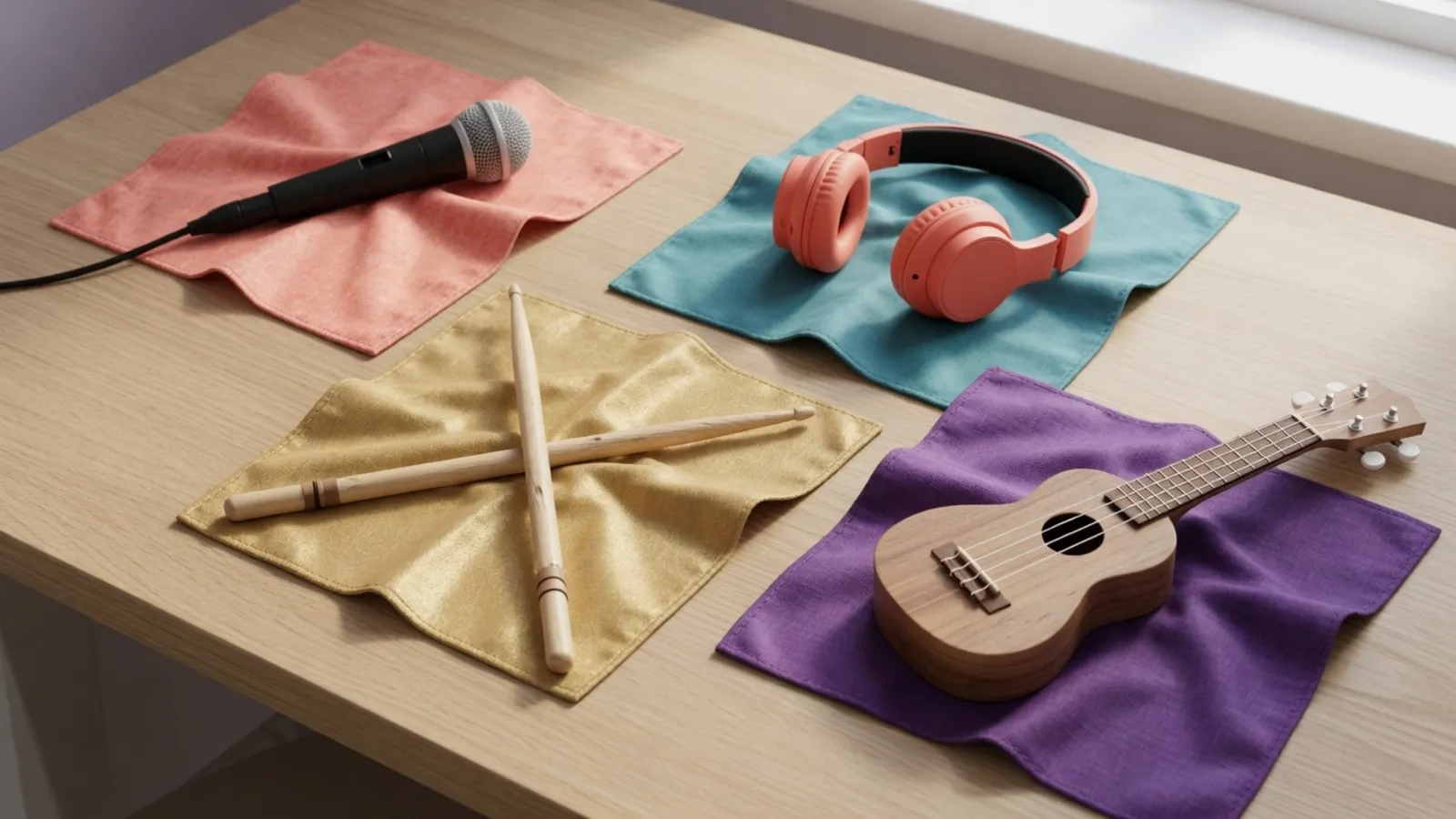
Four separate stem tracks
The AI stem splitter returns vocals, accompaniment, bass and drums, not just filtered frequency ranges.

Preview and mute
Listen to each stem from the AI stem splitter and mute what you do not need.
Download one or all
Save a single stem, or take all four together as a ZIP.
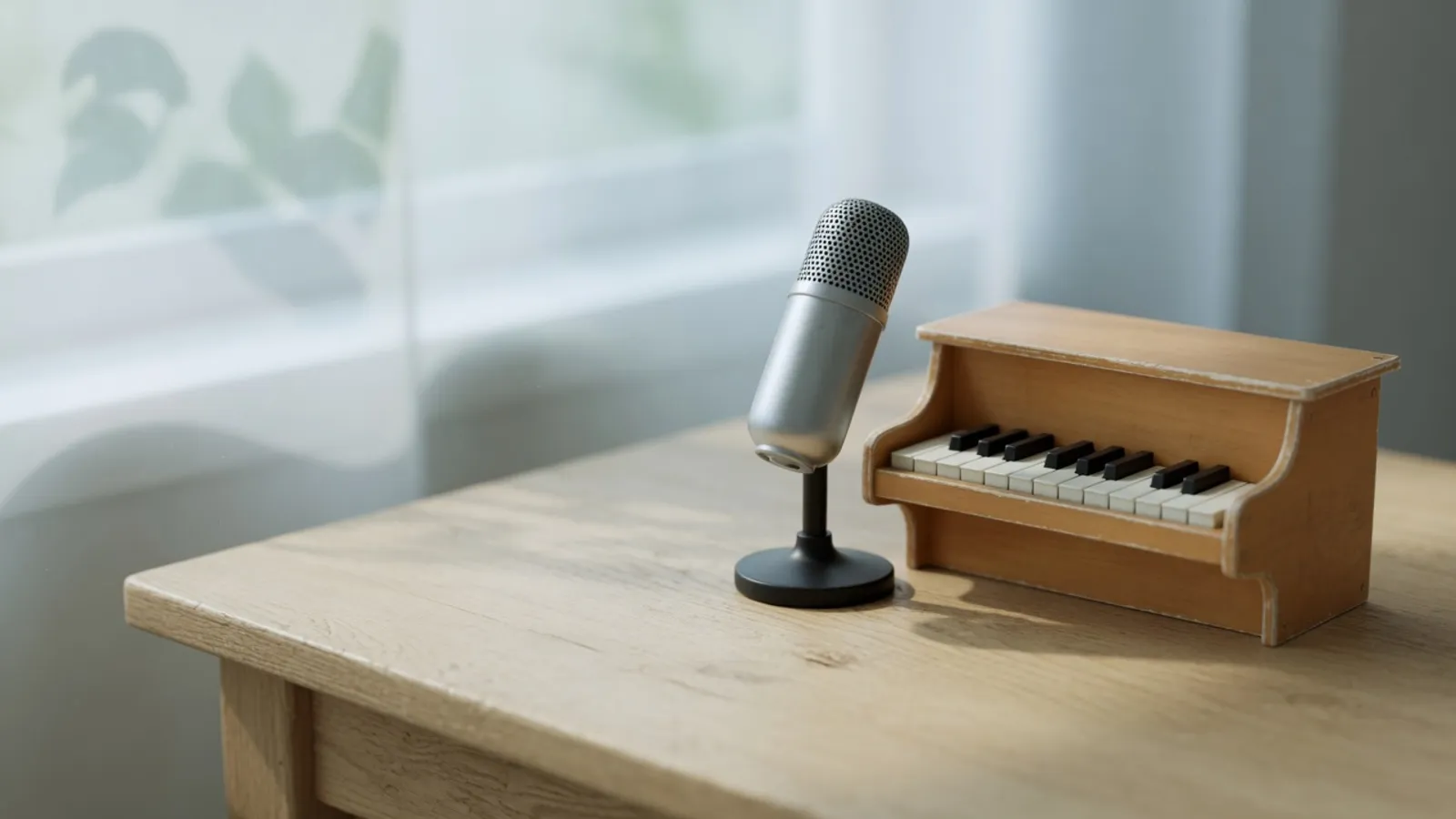
Straight to MIDI
Send one stem to WAV to MIDI for cleaner notes than a full mix gives.
Who uses AI Stem Splitter
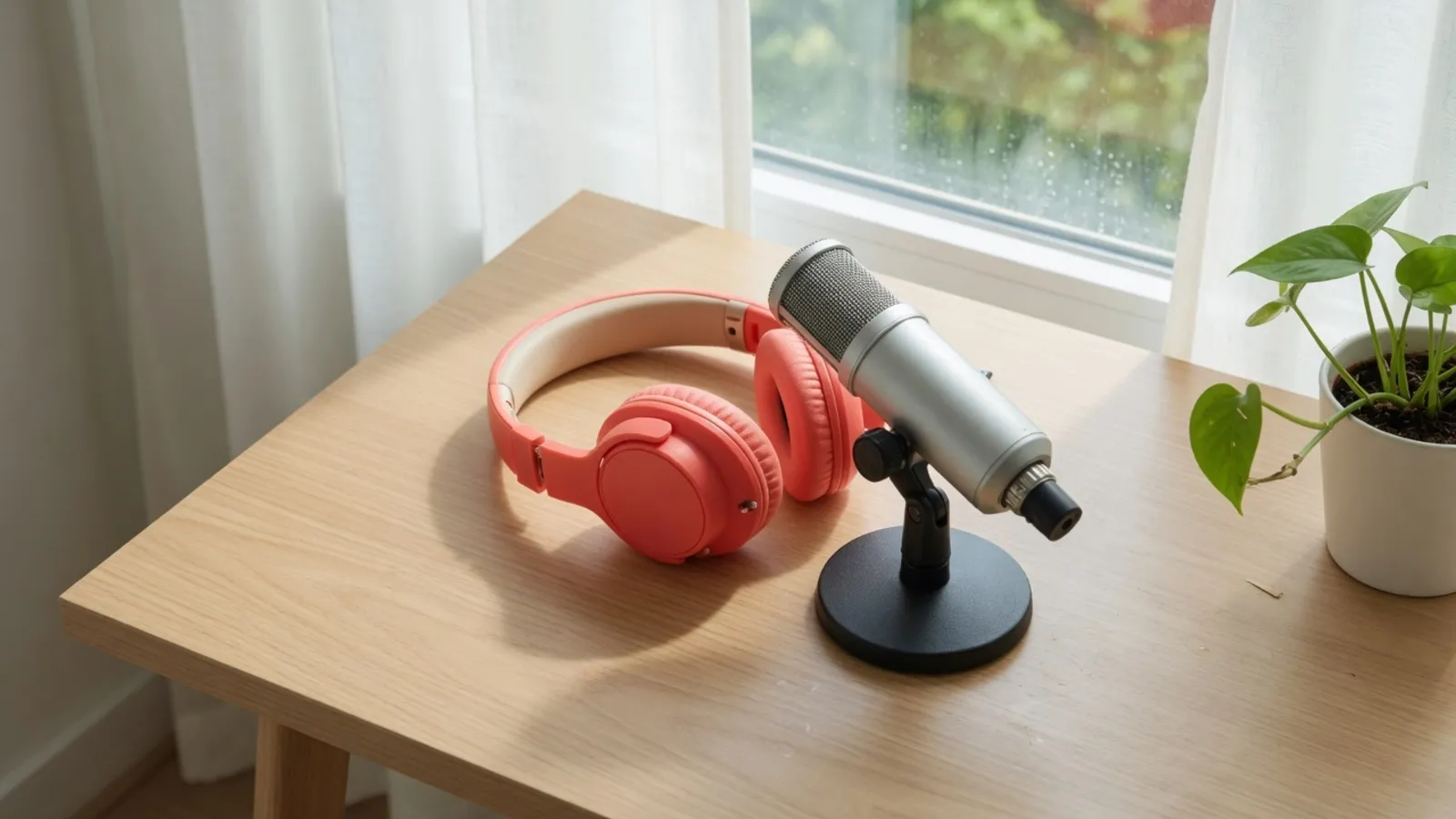
Practice along
Mute the vocals or drums with the AI stem splitter and play or sing over the rest.

Remixes and mashups
The AI stem splitter pulls out the vocals or the accompaniment so you can use them in your own arrangement.
Study a mix
Listen to the bass and drums on their own, split by the AI stem splitter, to hear how a track is built.

Prepare for transcription
Send a single stem to WAV to MIDI for cleaner results than a full mix.
Why choose AI Stem Splitter
Credits only for finished results
A task is charged only when it succeeds. If it fails, your credits go back to your balance.
Real stems, not a filter
The AI stem splitter separates vocals and instruments. For plain low, mid and high ranges, use Frequency Band Splitter.
Built for what comes next
Mute the vocals to practice, or send a track from the AI stem splitter on to MIDI conversion.
Your results stay private
What AI Stem Splitter creates stays in your account until you download or save it.
Explore more tools
Every SampLab Pro tool is one click away.


Edit audio






How to use AI Stem Splitter
- 1

Add your audio
Upload a file or pick a recording from your library.
- 2
Separate
Press the button and the AI stem splitter returns four tracks: vocals, accompaniment, bass and drums.
- 3

Play, download or continue
Preview and mute stems, download one or all four as a ZIP, or convert a stem to MIDI.
What the AI Stem Splitter gives you
The AI stem splitter takes one song and returns four audio tracks: vocals, accompaniment, bass and drums. The accompaniment holds everything that is not the vocal, so it already contains the bass and drums and overlaps with those tracks. Separation is not perfect and can leave faint traces of other sounds.
AI Stem Splitter or Frequency Band Splitter
Frequency Band Splitter applies filters to give low, mid and high ranges in your browser. A guitar and a snare that share a range stay together, so it does not isolate instruments. Use the AI stem splitter when you need the voice or the drums alone; it needs an account, and a separation costs 50 credits.
Getting better results from the AI Stem Splitter
A clean, full-quality recording with a clear vocal gives the model more to work with than a crowded mix. Files can be up to 50 MB and 4 minutes 30 seconds long. If you only need one part of a song, trim it first with Audio Cutter, and send a single stem to WAV to MIDI for notes; that uses no extra credits.
Ready to try AI Stem Splitter?
Add a song at the top of the page and this AI stem splitter returns four separate tracks. A separation costs 50 credits, charged only when it succeeds.
Open AI Stem SplitterAI Stem Splitter FAQ
How many credits does the AI stem splitter use?
Each task costs 50 credits. Credits are charged only when a task succeeds; if it fails, they go back to your balance.
What does an AI stem splitter do?
An AI stem splitter takes a finished song and separates it into vocals, accompaniment, bass and drums. You can preview, mute and download each stem.
Which files can I use?
Common audio formats up to 50 MB and 4 minutes 30 seconds long. The AI stem splitter prepares the file in your browser before uploading it.
Is an AI stem splitter different from a frequency band splitter?
Yes. The AI stem splitter separates vocals, bass and drums. Frequency Band Splitter only filters low, body and high ranges and cannot isolate instruments.
Where does my audio go when I use the AI stem splitter?
To separate a song, your audio is stored privately for a short time while the task runs. Results stay private to your account until you download or save them.