AI lyrics
How to Write Song Lyrics With AI (Without Sounding Generic)
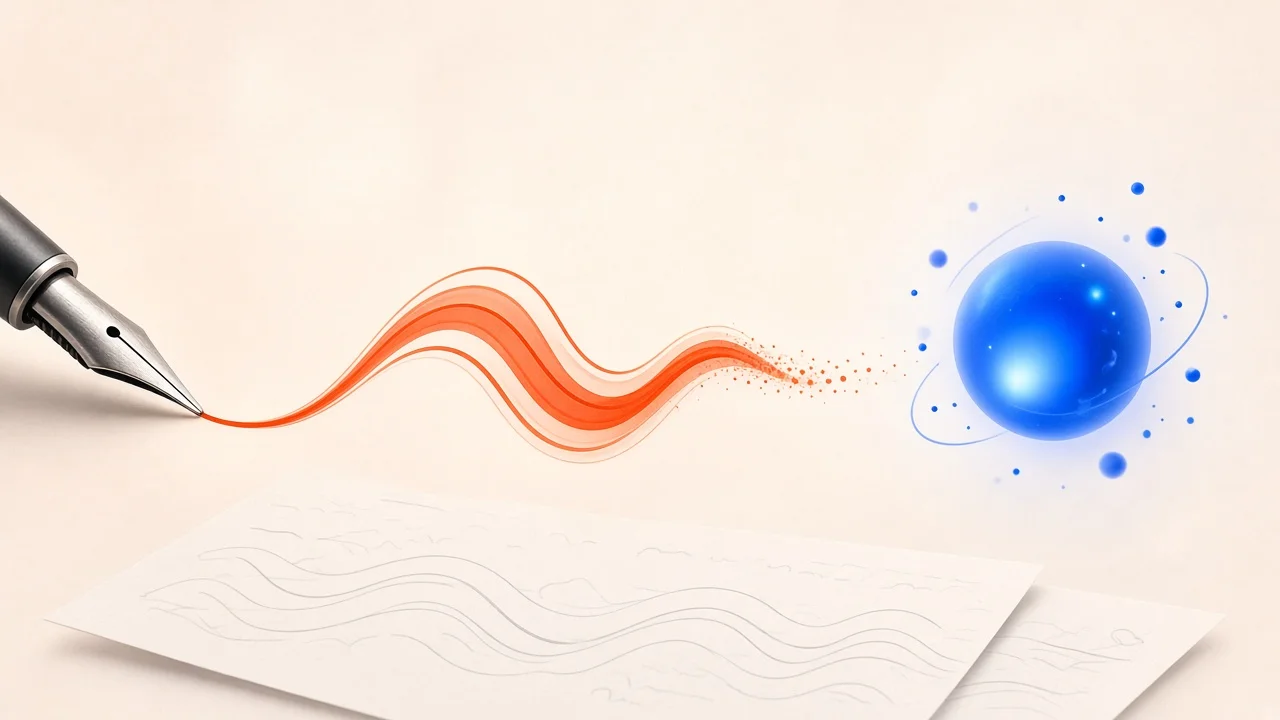
You can write song lyrics with AI in seconds, but the first thing most people notice is how familiar the results sound. Neon lights, broken hearts, dancing in the dark. The problem is not the tool; it is how we use it. Treat an AI lyric generator as a fast, tireless co-writer that throws out ideas, and keep the judgment, the details, and the final edit for yourself. This guide shows a workflow that does exactly that, from the brief you write before you open any tool to the scratch vocal that tells you whether the words actually work.
How to Write Song Lyrics With AI: You Direct, It Drafts
Imagine working with a co-writer who has read every lyric ever written but has never lived your life. They are brilliant at rhymes, structures, and variations, and terrible at knowing what your bus stop smells like in January. That is roughly what a lyric model offers.
So split the work:
- Your job: the story, the point of view, the specific details, the emotional arc, and every final decision.
- The AI's job: options. Word banks, alternative lines, rhyme candidates, structural suggestions, and drafts to react against.
When you hold that line, AI saves time without flattening your voice.
Step 1: Write a Brief Before You Prompt

"Write a sad song about love" produces a sad song about love that could belong to anyone. Before opening a tool, answer these questions on paper:
- Who is singing, and to whom? "A night-shift nurse talking to her younger self" is a world; "someone sad" is not.
- What just happened? A song needs an event or a realization, even a small one.
- What image keeps coming back? A cracked phone screen, a porch light left on, a borrowed jacket.
- What changes by the end? Name the emotional shift, such as denial to acceptance.
- What are the musical constraints? Genre, rough tempo, vocal range, and any lines or words you refuse to use.
Keep this brief visible while you work. Any generated line that does not serve it gets cut, however clever it sounds.
Turning the Brief Into a Prompt
SampLab Pro's AI Lyrics Generator takes a theme, style, and mood and writes lyrics in English or Simplified Chinese. Feed it the essence of your brief: the theme ("a nurse on the night shift writing to her teenage self"), a style ("folk-pop, conversational"), and a mood ("tender, a little regretful"). Each lyrics job costs 6 credits, charged only if it succeeds. New accounts may receive 50 credits on sign-up, depending on eligibility, so you can experiment before committing to anything.
Step 2: Generate Raw Material, Not a Finished Song
When you are stuck, the block is often too many decisions at once: story, rhyme, rhythm, and wording all competing. Separate them.
- Round one: gather. Ask for lists of concrete images, strong verbs, and unusual comparisons tied to your theme.
- Round two: select. Circle the two or three ideas that feel true to you, even if the phrasing is clumsy.
- Round three: draft. Generate a few short versions of a verse or chorus built around those chosen ideas.
- Round four: rewrite from memory. Close the screen and write the section in your own words. What survives is usually the good part.
Give yourself a short time limit and permission to write bad lines. The goal is momentum.
Step 3: Fit the Words to the Music
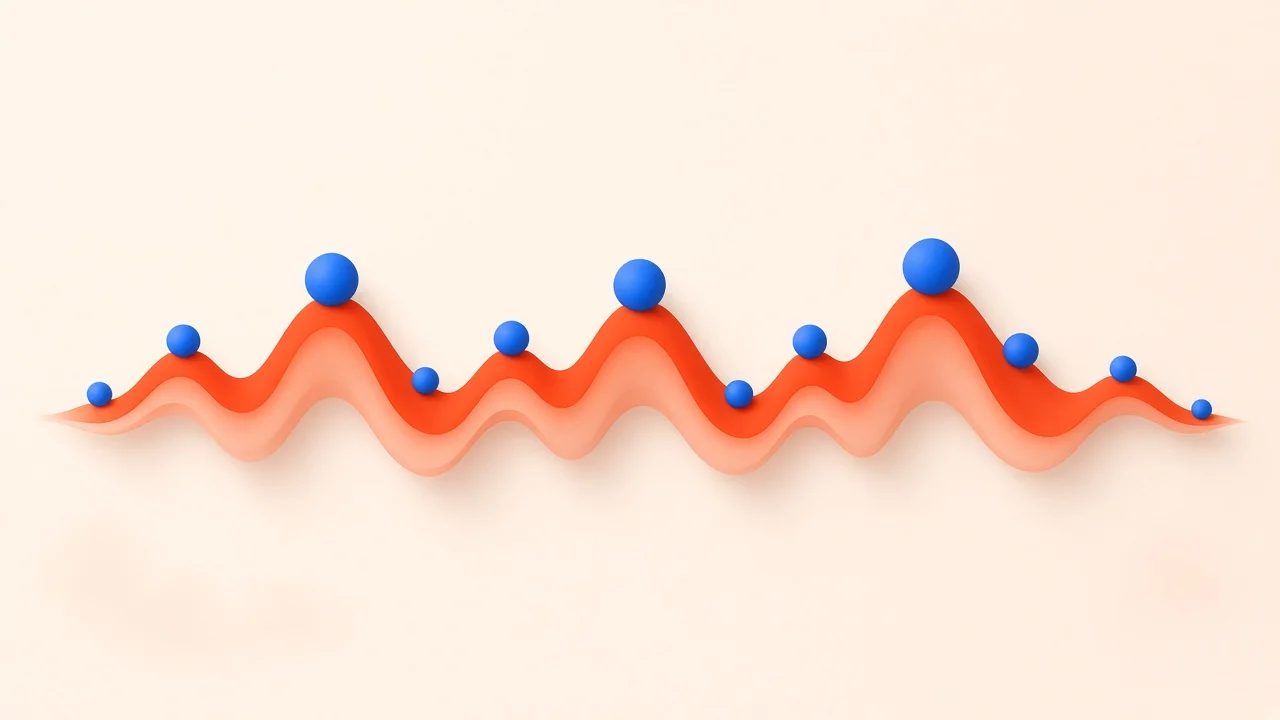
Lyrics live in the air, not on the page. A line that reads beautifully can be impossible to sing. Before polishing, check the words against your melody or beat.
Count Syllables Per Phrase
Hum your melody and tap out each phrase. Write down the syllable count for each line: eight in the first, six in the second, and so on. Then request alternatives that match those counts exactly. Text-based tools cannot hear your voice memo, so turning the melody into numbers is the most reliable way to give them musical constraints.
Put Important Words on Strong Beats
The words that carry meaning, the key noun or verb, should fall on downbeats or on the highest notes. If "the" or "and" lands on the big note, rewrite.
Favor Singable Vowels on Long Notes
Open vowels like "ah," "oh," and "ay" are easier to sustain than tight vowels and consonant clusters. If you have to hold a note for two bars, choose a word that lets you.
Know Your Tempo
Tempo changes how many words fit. A ballad at 70 BPM can carry flowing lines; a track at 150 BPM may need short, punchy phrases or a rap-style delivery. If you are writing to an existing instrumental, SampLab Pro's free BPM & Key Finder gives you tempo and key in your browser without using credits.
Step 4: Sharpen Rhyme and Flow
Rhyme helps listeners remember lines and gives a song its groove. But a forced rhyme is worse than none.
- Pick your rhyme type deliberately. Perfect rhymes (fire/higher) feel tight and resolved. Slant rhymes (time/mine) feel conversational. Internal rhymes add bounce inside a line.
- Choose a pattern for each section. Alternating rhymes push forward; couplets feel like a chant; a repeated end word can feel obsessive in a good way.
- Never sacrifice meaning for a rhyme. If a word only exists to rhyme, replace it.
- Read for stress. Say each line naturally and mark where the emphasis falls. If the stress fights the melody, the line will feel wrong no matter how good the rhyme.
A strong request to a lyric tool is specific: "Give me four alternatives for this line with the same syllable count, stress on the third and seventh syllables, ending on an 'oh' sound, using concrete imagery." Constraints produce better options than "make it rhyme better."
Step 5: Build the Hook and Bridge
The Hook
The hook is what people sing in the shower. Keep it simple, rhythmic, and easy to say. Generate a long list of short candidates, then try each one out loud. The winner is usually the one you can remember after hearing it once.
The Bridge
Think of the bridge as a camera move: the scene stays the same, but you see it from somewhere new. Reveal something new, shift from "I" to "you," jump forward in time, or ask the question the song has been avoiding. If your bridge is just another verse with different nouns, rethink it.
Quick Tests
- Can a friend repeat your hook after one listen?
- Does the bridge raise or answer a question before the final chorus?
- Does the final chorus mean something slightly different after everything that came before?
Step 6: Put Yourself Back Into Every Line
This is the step that separates generic AI lyrics from songs people connect with.
- Swap out stock images. Replace at least three familiar phrases with details from your life: a street name, a smell, a specific object, a phrase your grandmother used.
- Keep your speech patterns. Contractions, slang, and the way you naturally phrase things make a lyric sound like a person.
- Cut the explanation. If an image already shows the feeling, delete the line that names it.
- Leave some imperfection. A slightly irregular line or an unexpected rhyme can become your signature.
Avoid asking any tool to imitate a specific living artist. Focus on craft feedback instead, such as whether your verses contrast enough or whether your imagery is balanced.
Step 7: Hear It Before You Call It Done
Lyrics are only finished when they have been sung. Record a rough scratch vocal on your phone over the chords or beat, then listen back for:
- Lines that feel crowded or leave no room to breathe.
- Accidental double meanings or unintentionally funny phrases.
- Repeated words you did not notice on paper.
- A chorus that arrives too late.
- Any names, places, or facts that need checking.
Hearing a Full Demo
If you want to hear your lyrics as a complete song, SampLab Pro can send lyrics from the AI Lyrics Generator straight into the AI Music Generator without re-uploading. Generating a song from your own lyrics costs 28 credits per job. You can pick style tags such as Pop, Folk, R&B, or Lo-fi, and lyrics can be in English or Simplified Chinese. It is a quick way to test how your words sit in a full arrangement before you record the real thing.
One important detail about credits: generating a song from a description alone costs 66 credits, slightly more than the 50 credits new accounts may receive. Writing or generating lyrics first (6 credits) and then creating a song from those lyrics (28 credits) totals 34 credits, which is much more credit-efficient.
A Note on Rights and AI Lyrics
Copyright treatment of AI-assisted lyrics varies by country and can depend on how much human creativity shaped the final text. Your own rewriting, melody, and performance are where your strongest claim lies. Keep dated drafts and notes showing your creative process, read the terms of any AI service before releasing commercially, and never paste a co-writer's unreleased material into a tool without their permission. For anything with real commercial stakes, consult a qualified professional in your country.
Frequently Asked Questions
What makes a good AI lyric prompt?
One that reads like a mini creative brief. Spell out who is singing and why, where the feelings go, the genre and section, how long the lines should be, the rhyme feel you want, and any clichés that are banned. Ask for several options rather than one perfect answer.
My tune already exists. Can a lyric tool write to it?
Only indirectly: translate the tune into numbers (beats per line, accented positions, sustained notes) and pass those along. You still need to sing the result to confirm it works.
Which languages does SampLab Pro support for lyrics?
The AI Lyrics Generator and AI Music Generator support English and Simplified Chinese.
How many credits do I need?
Lyrics cost 6 credits per job. A song generated from your lyrics, or an instrumental, costs 28 credits. A song generated only from a description costs 66 credits. New accounts may receive 50 credits on sign-up, depending on eligibility.
Why do machine-written lines feel so bland?
Because first drafts gravitate toward the most common phrasing. Personal details, your natural voice, and a strong rewrite fix most of that.
Who owns words I wrote with machine help?
It depends on your jurisdiction and how much human authorship is involved. Keep records of your process and seek local advice for commercial releases.