MIDI vs audio
MIDI vs Audio: Key Differences and When to Use Each
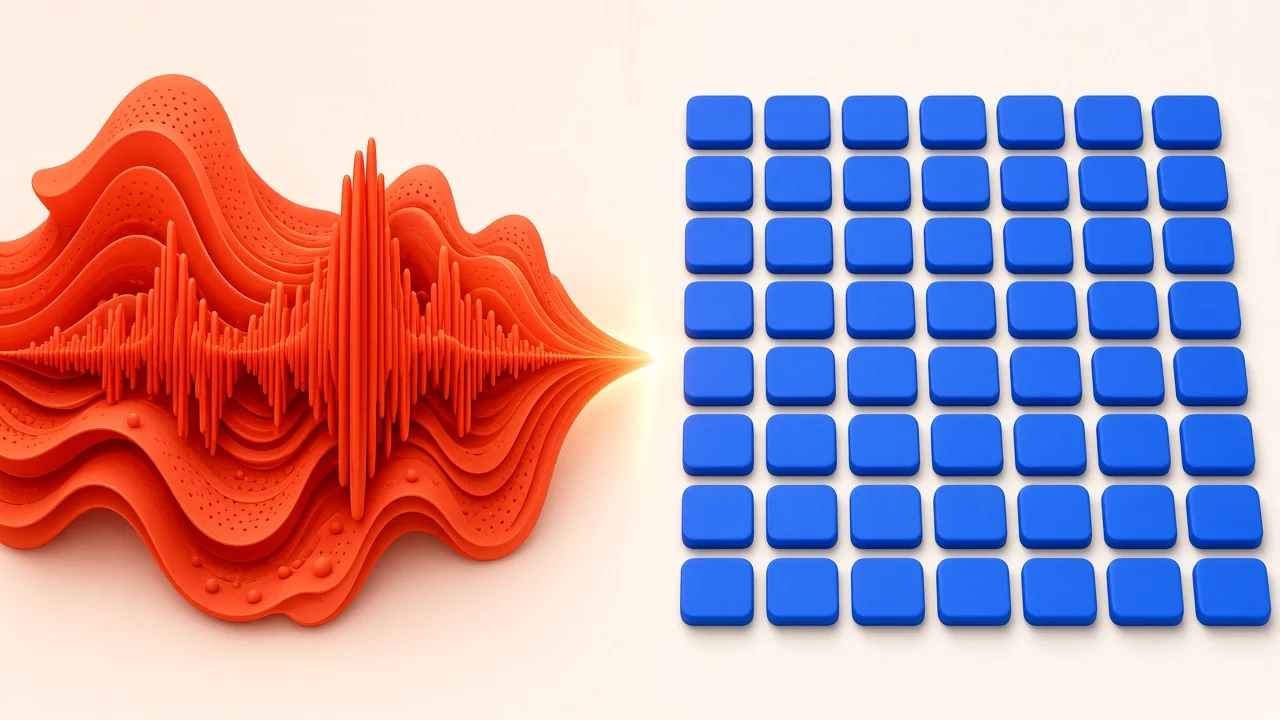
The MIDI vs audio question comes up the moment you open a DAW and see two kinds of tracks. One holds waveforms; the other holds little rectangles on a grid. They look like two ways of doing the same thing, but they are fundamentally different, and knowing which to use when will save you time, CPU, and frustration. This guide explains what each format really contains, the situations where each is the better tool, how and why to convert between them, and a short exercise that makes the trade-offs concrete.
An Analogy to Start: Photograph vs Recipe
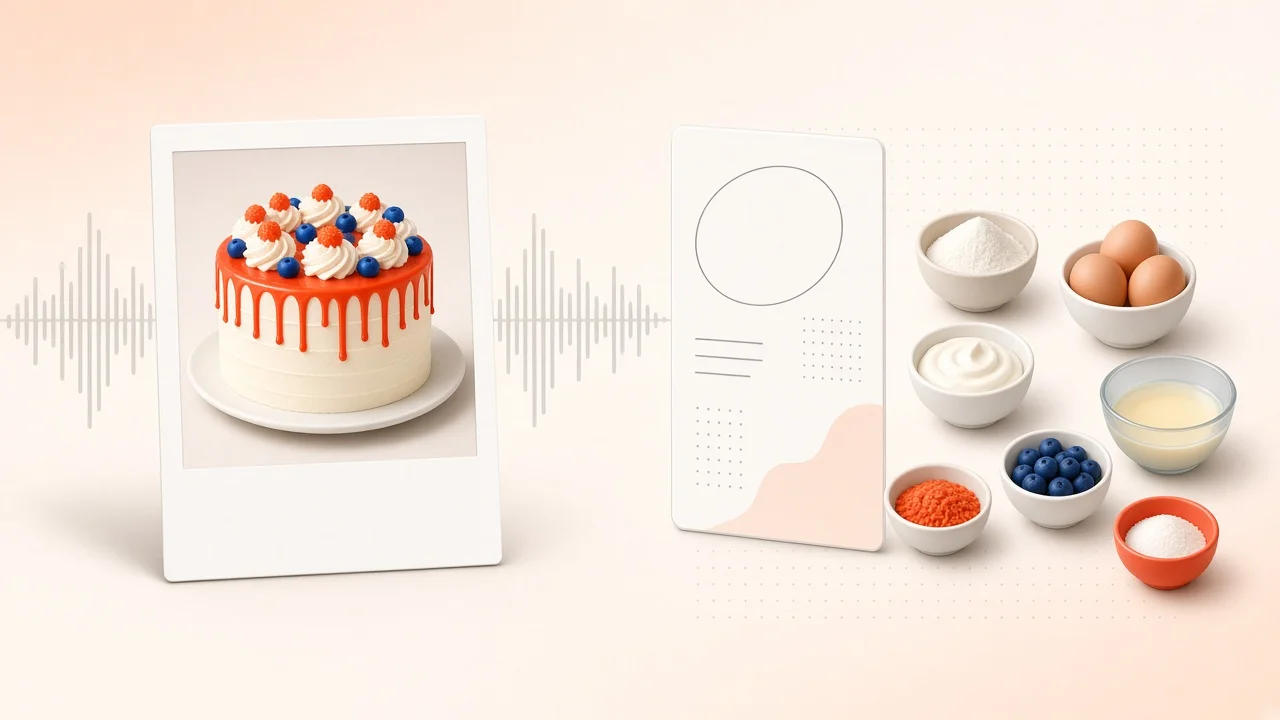
Think of audio as a photograph of a meal and MIDI as the recipe.
The photograph captures exactly how one specific dish looked: the lighting, the steam, the slightly burnt edge. You can crop it, brighten it, or add a filter, but you cannot swap the chicken for tofu. The recipe, on the other hand, contains no food at all. It is a set of instructions. Hand it to a different cook, change one ingredient, double the quantity, and you get a new dish every time.
Audio is the photo of a performance. MIDI is the recipe that tells an instrument what to play. Keep that picture in mind and most of the practical differences fall into place.
What Audio Really Contains
An audio file is a long series of measurements describing a sound wave, typically tens of thousands per second. When you play it back, those measurements are turned back into sound.
Because it captures the sound itself, audio includes everything about a performance: the tone of a particular guitar, the room it was played in, the singer's breath, the little timing quirks that make a groove feel human. That realism is its superpower.
The flip side is that audio is fixed. You can stretch it in time, shift its pitch, reverse it, chop it up, or run it through effects, but each change works on the captured sound. Large changes in pitch or tempo can introduce audible artifacts, and you cannot simply decide that one note in a chord should be different.
What MIDI Really Contains
A MIDI file contains no sound. It holds events: which note to play, when it starts, how long it lasts, and how hard it is played (velocity), plus optional control data such as sustain pedal or pitch bend. A virtual instrument or hardware synth reads those events and produces sound.
That has several consequences:
- Files are tiny. An entire song's worth of notes can fit in a few kilobytes.
- Sound is interchangeable. The same part can be played by a piano, a string section, or a synth just by changing the instrument.
- Every note is editable. Pitch, timing, length, and velocity can be adjusted individually.
- It depends on an instrument. Without the right instrument loaded, MIDI is silent or sounds different.
Where MIDI Is the Better Choice
Sketching Ideas
When you are still writing, MIDI lets you try things without commitment. Move the bass line down an octave, try the chords on electric piano instead of strings, double the melody with a bell sound. Each change takes seconds and costs nothing.
Fixing a Performance
Played one wrong note in an otherwise great take? With MIDI, you click it and move it. Rushed a few notes? Nudge them or quantize. With audio, the same fix might mean re-recording, using pitch correction, or careful slicing that risks clicks and glitches.
Changing Tempo or Key Late in the Process
If you decide the song should be faster or in a different key, MIDI follows along cleanly because notes are tied to musical positions, not fixed audio. Audio can be stretched or shifted too, but quality may suffer, especially with big changes.
Learning and Notation
MIDI can be turned into sheet music, analyzed for chords, or used to teach a part note by note. Audio has to be transcribed first.
Where Audio Is the Better Choice
Recording Real Sources
Microphones capture audio. Vocals, acoustic instruments, live drums, field recordings, and anything else that happens in the physical world start life as audio. Virtual instruments can be remarkably convincing, but some details of a real performance are hard to replicate.
Committing to a Sound
This one surprises beginners. Sometimes losing flexibility is a benefit. When a synth part can be anything at any time, it is easy to spend hours auditioning presets instead of finishing the song. Rendering the part to audio forces a decision and lets you move on.
Saving Processing Power
Virtual instruments generate sound in real time, which uses CPU. A handful of demanding synths can bog down a computer. Playing back an audio file is far lighter. That is why producers often render, bounce, or "freeze" instrument tracks once they are happy with them.
Sharing With Others
If you send a MIDI part to a collaborator who does not have the same instrument, they will hear something different, or nothing. Audio files sound the same everywhere. That is why mix engineers ask for stems as audio files.
File Size and Portability in Practice
The size gap between the two formats is dramatic. A three-minute stereo WAV at CD quality takes up roughly thirty megabytes, while a MIDI file of the same song's notes may be smaller than a single photo thumbnail. That makes MIDI ideal for emailing quick ideas, storing large libraries of patterns, or sharing parts with a teacher. Audio, however, is the format almost every platform, player, and collaborator can use without any setup, which is why finished music is always delivered as audio.
Converting Between Them
Most real projects move back and forth between formats. Here is when each direction makes sense.
MIDI to Audio
Render MIDI to audio when:
- The sound is final and you are unlikely to change it.
- You need to free up CPU.
- You are sending parts to someone else.
- You want to process the result with audio-only techniques, such as slicing or reversing.
Inside a DAW this goes by names such as bounce, render, freeze, or print. If you just want a quick audio version of a MIDI file without opening a DAW, SampLab Pro's free MIDI to WAV tool renders MIDI with built-in instrument sounds into a stereo WAV in your browser.
Audio to MIDI
Turning a recording into notes is worth it if:
- You hummed or played an idea into your phone and want to rebuild it with proper instruments.
- You want to borrow the melody of a recording and try it with a different sound.
- You want to see, edit, or notate the notes of a performance.
Automatic transcription works best on clear, single-instrument recordings. SampLab Pro's free WAV to MIDI and Audio to MIDI tools convert recordings to editable MIDI on your device, and the MIDI Editor lets you fix wrong notes, timing, and velocity afterward. For a part buried in a full song, separating it first with the AI Stem Splitter (36 credits per job) gives the converter a much cleaner signal.
Expect cleanup either way. Complex, polyphonic material is harder to transcribe accurately, and sometimes replaying the part on a MIDI keyboard is faster than fixing a messy conversion.
MIDI vs Audio: A Quick Decision Guide
| Situation | Best format |
|---|---|
| Still writing and experimenting | MIDI |
| Recording vocals or acoustic instruments | Audio |
| Need to fix individual notes | MIDI |
| Sending parts to a mixer or collaborator | Audio |
| Computer is struggling with too many plugins | Render to audio |
| Want to try a recorded melody on a new instrument | Convert audio to MIDI |
| Want sheet music of a part | MIDI |
| Working with textures, ambiences, or sound design | Audio |
Following One Song Through Both Formats
To see how this plays out in practice, follow a single bedroom-pop track from idea to finished mix.
It starts as a voice memo: a melody hummed while walking home. That is audio. Back at the desk, the producer converts the memo to MIDI so the tune can be tried on a soft synth lead, then fixes a few wobbly notes in an editor. Now the melody is MIDI.
Chords and bass are written directly as MIDI on a keyboard, because the producer is still deciding on sounds and might change the key. Drums come from a mix of programmed MIDI patterns and a few recorded audio loops that already have the right character.
Once the arrangement settles, the singer records the vocal. That is audio, and it stays audio, because the breath and phrasing are the whole point. The producer also bounces the heaviest synth to audio to free up CPU and to stop fiddling with presets.
Finally, the session is exported as audio stems and sent to a mix engineer, who hears exactly what the producer heard. Over the life of one song, material moved between formats several times, each move chosen for a reason.
Common Misconceptions
- "MIDI sounds fake." MIDI does not sound like anything. How it sounds depends entirely on the instrument playing it.
- "Audio is always higher quality." Audio captures a performance faithfully, but MIDI played through a great instrument can sound excellent.
- "Converting audio to MIDI is lossless." It is a transcription, so expect missing or extra notes, especially on complex material.
- "You have to choose one." Nearly every modern production uses both.
There Is No Single Correct Workflow
Some producers stay in MIDI until the final mix, keeping every option open. Others render early to commit to decisions and keep momentum. Some build entire tracks around recorded performances and barely touch MIDI at all. Each approach works for different people and different projects.
A practical middle path: keep parts as MIDI while they are still evolving, render the ones you are confident about, and always deliver audio when collaborating.
Try It Yourself: A 30-Minute Exercise
The quickest way to understand the difference is to feel it.
- Make a MIDI clip. In any DAW, create a MIDI track, load an instrument, and write eight bars of a simple melody or chord progression.
- Play with it. Transpose it an octave, change the instrument completely, adjust a few velocities, and move a couple of notes in time. Notice how fast each change is.
- Render it to audio. Use your DAW's bounce or render function to create an audio version.
- Try the same edits. Transpose the audio, try to change its instrument, tweak a single note's velocity, and move one note. Some of these will be awkward, some impossible.
- Reflect. Write a sentence or two about when you would keep something as MIDI and when you would commit it to audio.
Do this once and the trade-off will stick with you for good.
Frequently Asked Questions
Why not keep everything as MIDI forever?
You can, but it costs CPU, depends on having the same instruments available, and can tempt you into endless revisions. Many producers balance flexibility with commitment.
Does rendering MIDI to audio reduce quality?
A clean render should sound identical. The rendered file captures what the instrument produced. What changes is editability, not sound.
Is MIDI a sound file?
No. MIDI contains instructions, not sound. It needs an instrument to be heard.
How accurate is converting audio to MIDI?
Single-note melodies from clean recordings usually convert well. Chords, dense mixes, and effects-heavy recordings are harder and need more cleanup.
Which format should beginners focus on?
Both. MIDI is great for writing and learning; audio is essential for recording and sharing. Understanding how they work together is what matters.
Are SampLab Pro's conversion tools free?
Yes. MIDI to WAV, WAV to MIDI, Audio to MIDI, and the MIDI Editor are free browser tools that do not use credits.