Stem separation
Stem Separation Explained: Fixing Bleed and Artifacts
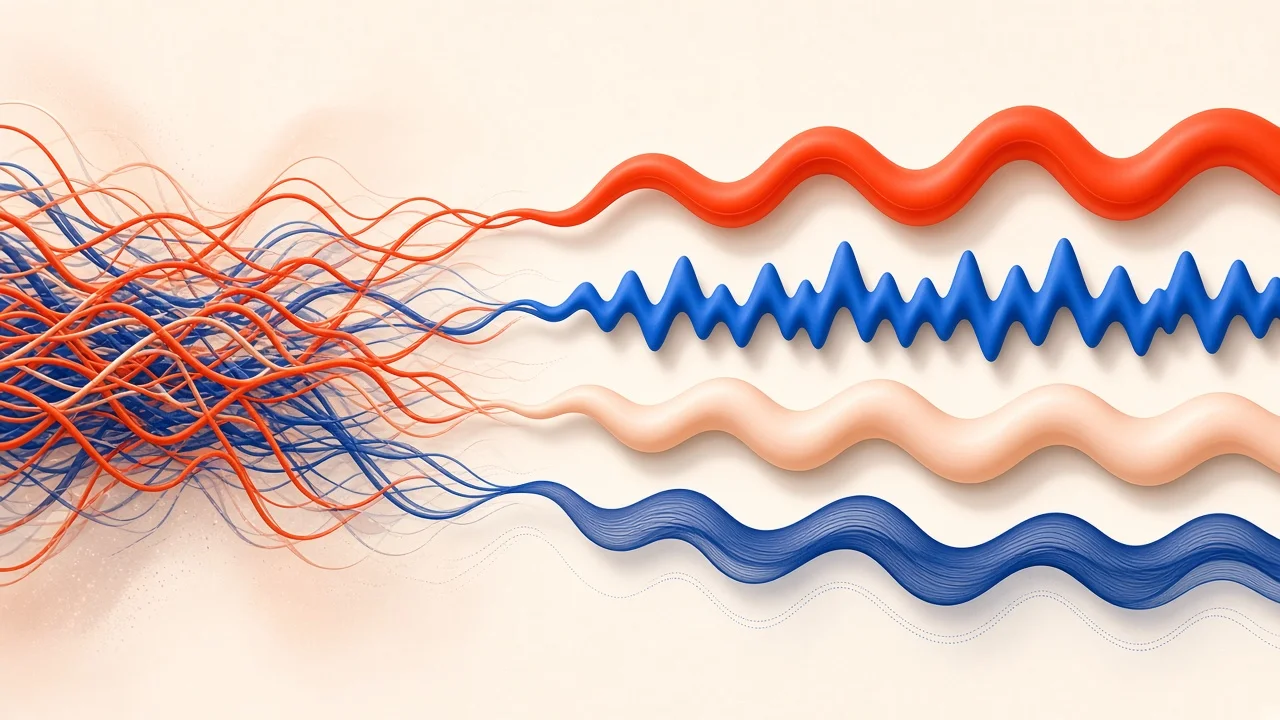
Stem separation feels like magic the first time you try it: drop in a finished song and get back a vocal, a bass line, a drum track, and everything else as separate files. Then you solo the vocal and hear a ghostly hi-hat ticking behind it, or you drop the bass into a remix and it sounds strangely weak. Those flaws are normal. This guide explains where they come from, how to diagnose them stem by stem, and how to clean them up so your separated tracks are actually usable in a remix, a practice session, or a transcription.
How AI Stem Separation Works
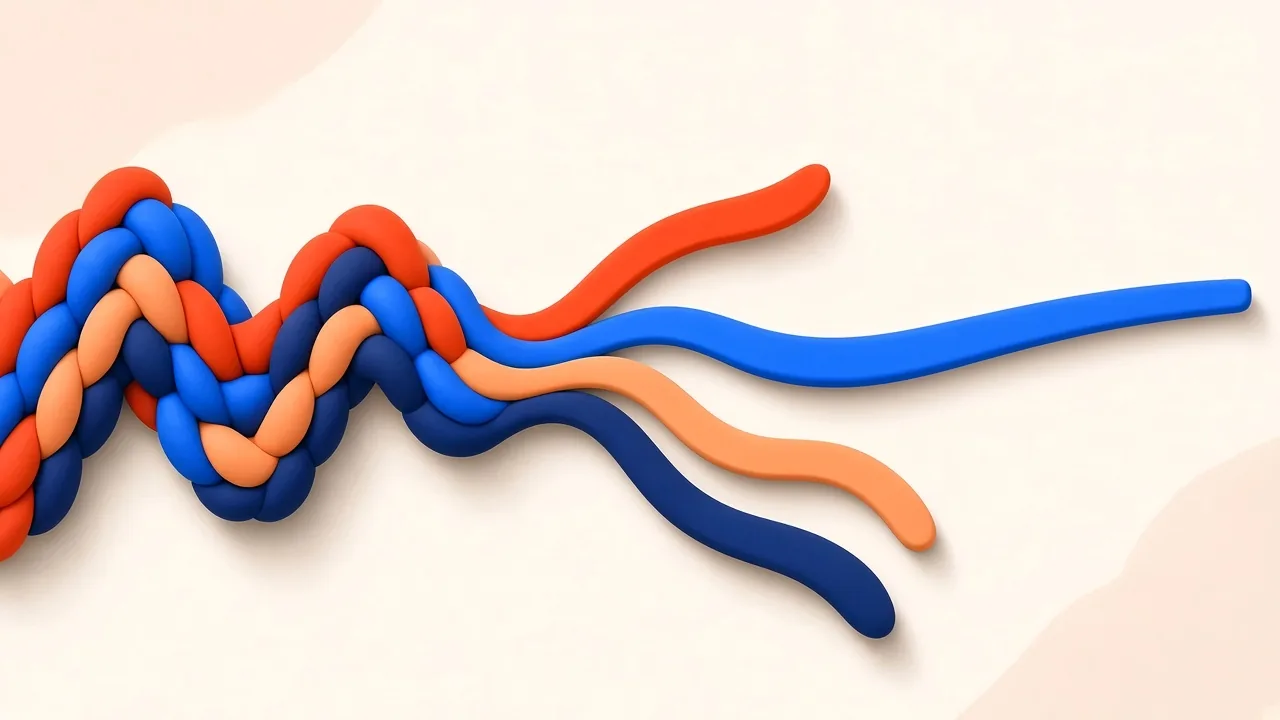
A finished mix is a single blended signal. Every instrument's energy has been added together, and there is no hidden layer where the original tracks are still stored. A separation model has to estimate, moment by moment, how much of the sound at each frequency belongs to the voice, the drums, the bass, and the rest.
Modern models learn to make those estimates by studying large amounts of music where the individual parts are known. They pick up on the typical patterns of each source: the formants of a voice, the sharp attack of a snare, the steady low pitch of a bass. When a new song arrives, the model uses those learned patterns to split it.
The key word is estimate. When two instruments produce energy at the same frequency at the same moment, the model must decide how to divide it. Usually it decides well. Sometimes it does not, and that is where bleed and artifacts come from.
Bleed vs Artifacts: Two Different Problems
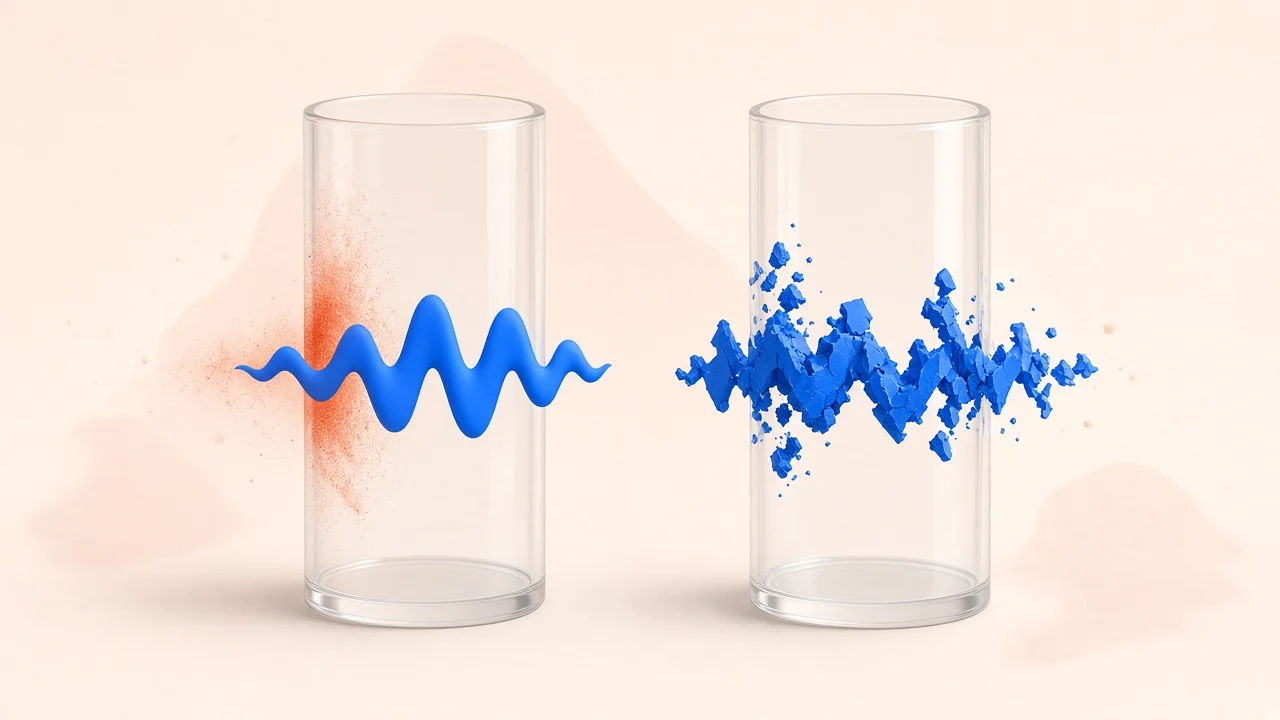
It helps to name what you are hearing:
- Bleed is sound from one instrument showing up in another instrument's stem. A cymbal in the vocal, a kick drum in the bass, a guitar chord in the drums.
- Artifacts are sounds that were not in the original at all, created by the separation process. Watery or swirly textures, metallic ringing, an "underwater" quality on cymbals, or a choppy, gated feel on sustained notes.
Bleed calls for removal: filtering, editing, or gating out the intruder. Artifacts are harder, because they are baked into the sound you want to keep; the best defense is usually a better source or a different approach.
Where Separation Struggles Most
Some musical situations reliably make separation harder:
- Shared frequency ranges. The upper midrange is crowded: vocal consonants, snare crack, guitar bite, and cymbal energy all overlap. Expect some cross-contamination there.
- Low-end overlap. Kick drum and bass often sit together in the lowest octaves. Deciding which energy belongs to which is a common source of weak or muddy bass stems.
- Heavy reverb and delay. Effects smear a sound across time and space, making its boundaries fuzzy.
- Dense arrangements. The more parts playing at once, the more decisions the model has to make.
- Similar timbres. Synth leads that mimic voices, or vocal chops processed into instruments, blur the categories the model relies on.
- Low-quality sources. Heavily compressed files have already discarded detail the model could have used.
Diagnosing Each Stem
The fastest way to find problems is to solo each stem and listen with a specific question in mind.
Vocal Stems
Vocals usually come out the cleanest, because the human voice is so distinctive. Listen for:
- Cymbal shimmer in the very top end, especially on loud choruses.
- Snare ghosts lining up with the drum pattern rather than the vocal rhythm.
- Low rumble from bass or kick bleeding into the bottom.
- Missing reverb. Sometimes the vocal's reverb tail stays in the instrumental instead.
Bass Stems
Bass stems tend to fail in one of two directions:
- Too thin. Some of the lowest energy has been assigned to the drums or simply lost, so the bass lacks weight.
- Too busy. Kick drum hits sit inside the bass, making it thumpy and blurred.
A quick test: play the bass stem along with the original song and switch back and forth. If the original feels much heavier, the stem has lost low end.
Drum Stems
Drums can collect leftovers from everything else. Listen for:
- Sustained tones ringing after each hit, usually from keys, pads, or guitar chords.
- Vocal fragments in the snare or cymbal range.
- Smeared cymbals that sound phasey or underwater.
The "Everything Else" Stem
The accompaniment or "other" stem is the catch-all, so it often contains small pieces of all the other stems. That matters less if you are using it as a karaoke backing, and more if you are trying to isolate one instrument within it.
Compare Against the Original
Before cleaning anything, set up a simple comparison. Put the original song on one track and the separated stems, all playing together, on another. Match the levels carefully. Then flip between the two.
If the summed stems sound nearly identical to the original, the separation has kept most of the content, and your job is just to tidy individual stems. If something sounds missing, such as a softer low end or duller cymbals, you know where to look.
To focus your comparison, it can help to split the audio into frequency regions and listen to each one in isolation. SampLab Pro's free Frequency Band Splitter divides audio into low, body, and high bands plus the original, and exports each as a WAV. Running both the original and a stem through it lets you compare, say, the low band of each directly. Note that it is a filter-based analysis tool, not an AI separator.
A Practical Cleanup Chain
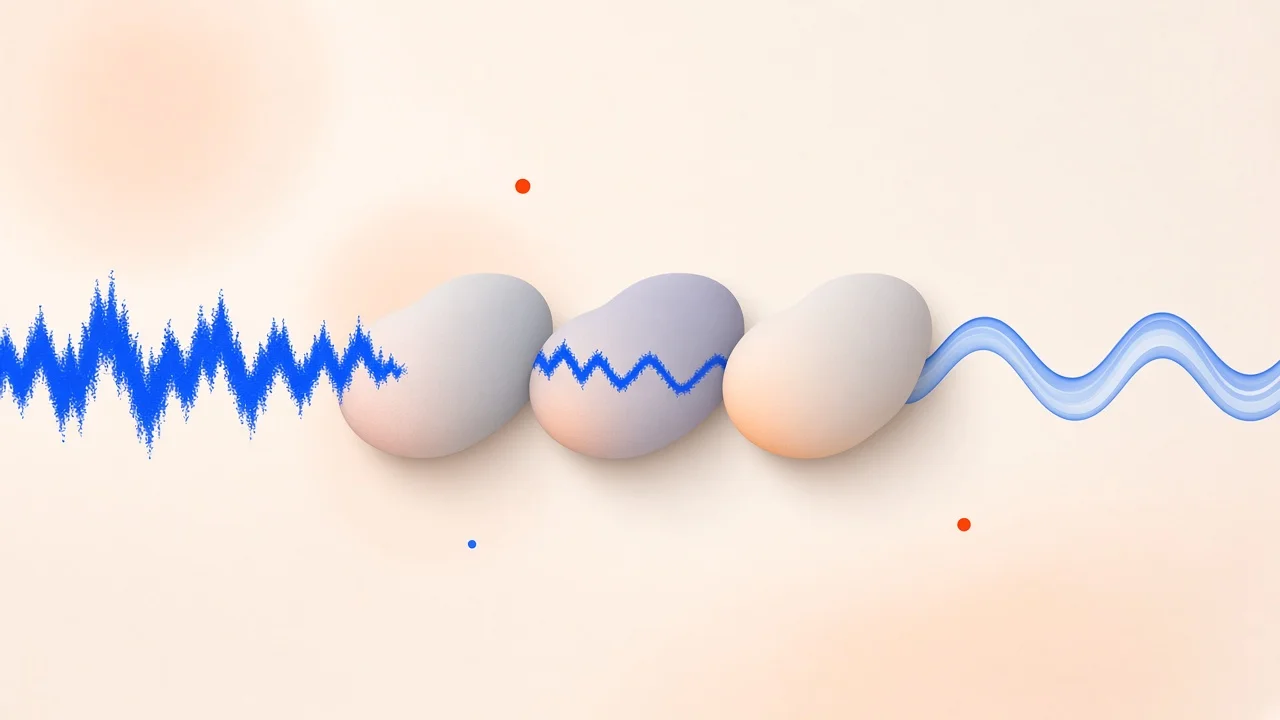
Once you know what is wrong, work through fixes in a sensible order: corrective moves first, creative processing later.
1. Filter What Does Not Belong
Apply a high-pass filter to stems that should not have deep low end, such as vocals. Start conservatively and listen: some voices have genuine low warmth you will want to keep. Likewise, a gentle low-pass on a bass stem can remove clicks and cymbal leftovers above its useful range.
2. Make Targeted Cuts
Use narrow EQ cuts on specific bleed frequencies, such as a resonant cymbal ring in a vocal. Narrow cuts remove the problem while leaving the surrounding tone alone.
3. Use Dynamic Tools for Intermittent Problems
Static EQ is always on. If bleed only happens on snare hits, a dynamic EQ or a multiband compressor set to react only when the snare appears lets you clean the problem without dulling the vocal the rest of the time.
4. Shape Transients
For drum stems with sustained tonal leftovers, a transient shaper can emphasize the attack of each hit and reduce what rings afterward. That pushes the unwanted harmonic content down.
5. Edit Spectrally for Stubborn Spots
If one crash cymbal lands right in the middle of an important vocal phrase, spectral editing software lets you see and remove sounds at specific frequencies and times. It is slow but precise, and worth it for short, critical passages.
6. Rebuild Missing Weight
If a bass stem is thin, consider reinforcing it rather than over-boosting EQ. Layering a simple sub-bass that follows the bass line can restore weight cleanly. You can also blend a low-passed slice of the original mix underneath, accepting that it brings a little kick drum with it.
7. Even Out Levels
Separation can leave some notes or hits louder or softer than they were. Light compression helps restore a natural, even feel.
How Clean Is Clean Enough? It Depends on the Job
Not every project needs a spotless stem. Matching your effort to your goal saves hours.
- Karaoke or sing-along: Faint traces of the original vocal or slight cymbal smearing rarely matter once someone is singing over the top in a noisy room. Minimal cleanup.
- Instrument practice: If you are muting the bass to play along, small artifacts in the remaining stems are acceptable. What matters is that the part you are replacing is truly gone.
- Transcription: Here the priority is pitch clarity. Bleed from drums matters less than whether the notes of the target part are clear enough for a converter, or your ears, to follow.
- Remixes and edits for release: This is where cleanup pays off. Exposed stems in a sparse remix reveal every flaw, so expect to use the full cleanup chain.
- Sampling a short phrase: Focus all your effort on a few seconds of audio, which often makes spectral editing practical.
A Worked Example: Rescuing a Bass Line for a Remix
Suppose you are remixing a funk-pop track and want to keep the original bass line under new drums. You separate the song and solo the bass stem. Two problems jump out: every kick drum hit thumps inside the bass, and the lowest notes feel weaker than in the original.
First, you compare the stem with the original through a three-band split. The low band of the original is clearly fuller, confirming lost weight. Next, you set a dynamic EQ to dip the kick's punch frequency only when a kick hit occurs, which removes most of the thump without thinning the sustained notes. Then you add a simple sine sub layer that follows the bass line note for note, blending it quietly until the weight returns. Finally, a gentle compressor evens out notes that the separation left uneven.
The result is not identical to the original multitrack, but under new drums nobody will be able to tell.
Getting Better Stems in the First Place
Cleanup is easier when the starting point is better:
- Use the best source available. Lossless or high-quality files separate more cleanly than heavily compressed ones.
- Separate only what you need. If you only want a chorus, trim the song first with SampLab Pro's free Audio Cutter to keep your session focused.
- Try alternative releases. A remaster, a radio edit, or an album version may separate differently.
- Know your goal. Karaoke tolerates more artifacts than a commercial remix.
Separating With SampLab Pro
SampLab Pro's AI Stem Splitter splits a song into vocals, accompaniment, bass, and drums. You can preview each stem, download them all as a ZIP, or send a single stem directly to SampLab Pro's WAV to MIDI tool without re-uploading. That last option is useful when you want to transcribe a bass line or vocal melody: a separated stem gives the converter a far cleaner signal than the full mix.
Each separation costs 36 credits and is only charged when the job succeeds; failed tasks are refunded automatically. New accounts may receive 50 credits on sign-up, depending on eligibility. Results are kept in your library for 180 days on the free plan, or until the end of your subscription plus three calendar months for paid members.
When to Stop Fixing and Try Something Else
Sometimes cleanup takes longer than the alternative. Consider a different approach when:
- The part is simple to replay. A four-bar bass line may be quicker to replay or program than to repair.
- You only need a short phrase. Sampling a clean moment, such as a drum break with nothing else playing, can beat separating the whole song.
- You need notes, not sound. If your goal is to learn or transcribe a part, convert the stem to MIDI and edit the notes rather than polishing the audio.
Exporting Your Cleaned Stems
Protect your work when you export:
- Keep a high bit depth for processed audio to preserve detail.
- Stay at your session's sample rate. Each conversion is another chance to add artifacts.
- Save both versions. Keep the raw separated stem alongside your cleaned one so you can blend them if processing went too far.
- Label clearly. Note which source, separation, and processing each file used.
Frequently Asked Questions
Why do separated vocals often contain cymbal sounds?
Vocals and cymbals both have energy in the upper frequencies, and the model has to divide that shared energy between them. Some cymbal content commonly ends up in the vocal stem.
Why does my separated bass sound weak?
Some low-end energy may have been assigned to the drums or lost. Reinforcing the bass with a simple sub layer or blending in a low-passed slice of the original can help.
What causes muddy drum stems?
Sustained tones from keys, pads, or guitars that were assigned to the drums. Transient shaping and targeted EQ can reduce them.
Is perfect stem separation possible?
Not from a mixed recording. Once instruments share frequencies at the same moment, any separation is an estimate. Good tools get very close for many uses.
Is the Frequency Band Splitter an AI stem separator?
No. It splits audio by frequency range into low, body, and high bands. Use the AI Stem Splitter to separate vocals, accompaniment, bass, and drums.
How much does the AI Stem Splitter cost?
36 credits per job, charged only on success. New accounts may receive 50 credits on sign-up, depending on eligibility.