Vocal removal
How to Remove Vocals From a Song: AI vs Old Tricks

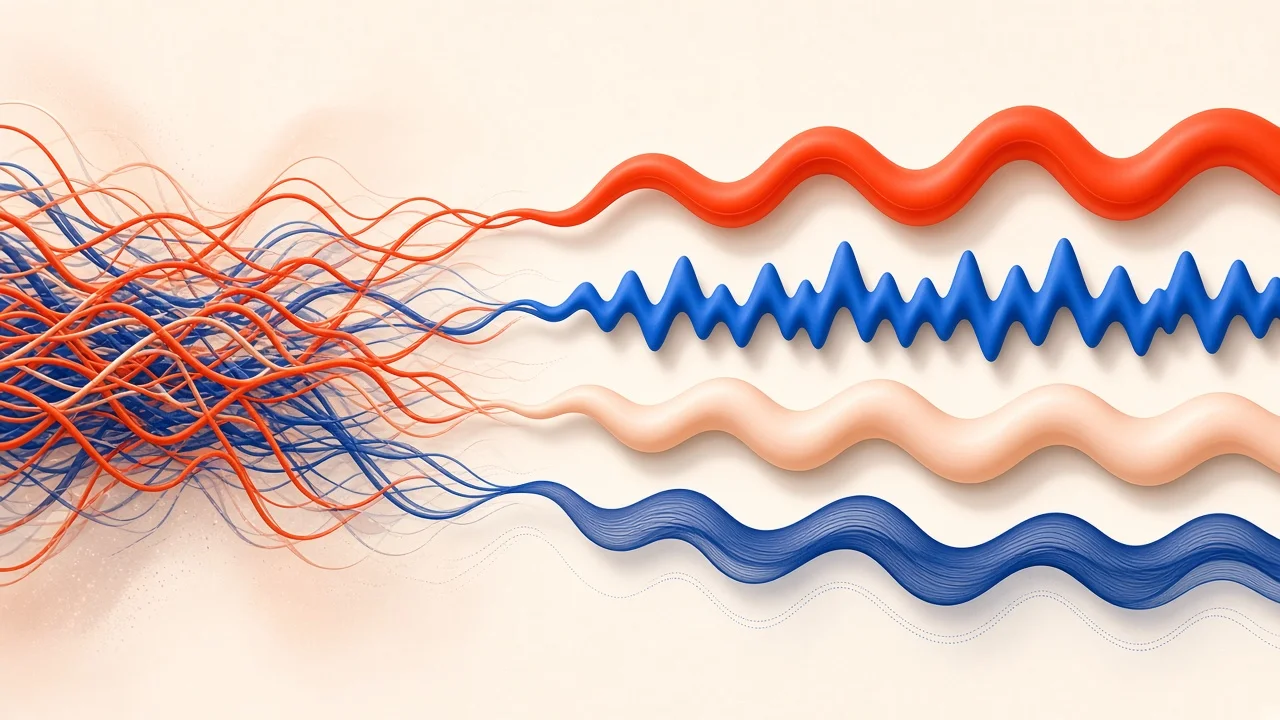
If you want to remove vocals from a song, the method you pick decides whether you end up with a full, punchy instrumental or a thin, watery ghost of the original. There are really two families of techniques: older tricks that exploit how songs are mixed, and modern AI separation that recognizes what a voice sounds like. This guide explains both, walks you through the AI approach step by step, shows how to judge the result like an engineer, and clears up a common misunderstanding about EQ-based splitting.
The Two Families of Vocal Removal
Mix-Based Tricks
Older vocal removal tricks rely on an assumption: the lead vocal sits in the exact center of a stereo mix. If that is true, you can cancel the center and the vocal goes with it. Phase cancellation is the classic version, and many free audio editors include a vocal reduction effect built on the same idea.
These methods are free and instant. They are also crude, because the voice is not the only thing living in the center.
AI Separation
AI separation models have been trained on large amounts of multitrack music. Instead of asking "what is in the center?" they ask "what sounds like a voice?" They then rebuild the song as separate parts, such as vocals, drums, bass, and everything else. Because they work on the character of the sound rather than its placement, they can keep the bass and drums intact while removing the singer.
For karaoke, covers, practice, or remixing, AI separation is almost always the better choice.
Why Phase Cancellation Sounds Hollow

Here is what happens under the hood. A stereo song has a left channel and a right channel. Anything panned dead center appears identically in both. If you flip the polarity of one channel and add the two together, identical content cancels to silence.
The trouble is that mix engineers put many important things in the center, not just the vocal. Kick drum, snare, and bass are usually there too, so they vanish along with the voice. Meanwhile, stereo reverb and delay on the vocal are different in each channel, so they survive. You end up with a track missing its low end, still haunted by a faint echo of the singer. The result is also mono.
People sometimes try to rescue it by blending in a low-pass-filtered copy of the original, which brings back some bass and kick. It helps a little, but it also brings back some of the vocal's low frequencies. It is a patch, not a solution.
How to Remove Vocals From a Song With AI, Step by Step
This walkthrough uses SampLab Pro's AI Stem Splitter, which separates a song into vocals, accompaniment, bass, and drums.
- Find your best source file. Separation models depend on detail. A lossless file or a high-quality download will separate more cleanly than a low-bitrate rip.
- Trim if needed. If you only want part of the song, cut it down first with the free Audio Cutter. It exports WAV and runs in your browser.
- Sign in and run the splitter. Each job costs 36 credits, deducted only if it succeeds. New accounts may receive 50 credits on sign-up, depending on eligibility, which covers one job.
- Preview the stems. Listen to the accompaniment and the vocal separately before downloading (see the checklist below).
- Download. Grab the stems as a ZIP. Results are stored in your library for 180 days on the free plan; paid members keep them until the end of their subscription plus three calendar months.
You can also send a single stem, such as the isolated vocal or bass, straight to SampLab Pro's WAV to MIDI tool without re-uploading, which is useful if you want to transcribe a melody or bass line.
Quality-Checking Your Separated Tracks

Do not just play the instrumental once on laptop speakers and call it done. Run through these checks:
- Use headphones. Small speakers hide leftover vocals and artifacts.
- Jump to the biggest chorus. Stacked vocals and heavy reverb make choruses the hardest part to separate.
- Audition the voice-only file by itself. If you can hear guitar or piano in it, those sounds are now missing from the instrumental.
- Listen to the cymbals. Swirly, underwater-sounding hi-hats are a common sign of separation artifacts.
- Compare sources. If results disappoint, try a better-quality version of the same song.
For the bulk of recent studio releases, expect a backing you can comfortably perform with. Dense, layered, or older mixes may leave faint traces or a shimmer where the voice used to be.
What About Backing Vocals?
Vocal separation usually pulls out lead and backing vocals together, because both are voices. That can be a problem if you want to keep harmonies for a cover. A few approaches help:
- Turn the vocal down rather than off. Blending a little of the vocal stem back in gives a natural guide vocal and hides any gaps.
- Sing the harmonies yourself. Often this sounds better than a backing track with leftover traces.
- Accept small remnants. Depending on the song, some backing vocals may stay in the accompaniment, which can actually help a performance.
A Common Misunderstanding: EQ Is Not Vocal Removal
You might think you can remove vocals with EQ by cutting the midrange where the voice lives. Unfortunately, voices share that range with guitars, keys, snare, and more. Cutting it removes those too, and the vocal's overtones extend well above and below anyway.
SampLab Pro includes a free Frequency Band Splitter that divides audio into low, body, and high bands, plus the original, and exports each as a WAV. It is a handy tool for sound design, sampling, or checking how energy is distributed in a mix, but it is not AI separation and will not isolate a vocal. If your goal is a clean instrumental, use the AI Stem Splitter.
Which Songs Are Easiest?
Songs differ a lot in how willingly they come apart. A modern pop single with a crisp, upfront lead vocal is usually the easiest case. Acoustic singer-songwriter tracks with one voice and one guitar also tend to work well. Harder cases include live recordings with crowd noise, tracks where the vocal is drenched in reverb or delay, songs built on dense vocal stacks, and older recordings with unusual stereo placement. If one source gives poor results, a different master or release of the same song sometimes separates noticeably better.
Choosing a Method
| Method | Keeps bass and drums? | Cost | Best for |
|---|---|---|---|
| AI separation | Yes, in most cases | Credits or free tiers depending on the tool | Karaoke, covers, practice, remixes |
| Phase cancellation / vocal reduction effects | Often loses them | Free | Quick experiments when nothing else is available |
| EQ or band splitting | No real separation | Free | Sound design, tone shaping, analysis |
Is Removing Vocals Legal?
Using a separated instrumental privately, to rehearse, study an arrangement, or sing in your living room, is a very different thing from distributing it. The moment you upload, sell, or release something built from a commercial recording, the song's owners have a say, and you will typically need their permission. The tool you used makes no difference to that. Treat this as a general orientation and consult a qualified professional for your specific situation.
Putting Your Instrumental to Work
- Karaoke and covers: turn the instrumental into a finished sing-along track; our guide on how to make a karaoke track covers trimming, key checks, lyrics, and party setup.
- Practice: play along on guitar or keys with the original production.
- Learning parts: isolate the bass or drums to study what they play.
- Remixing: use the isolated vocal as an acapella, where you have the rights to do so.
- Transcription: send a stem to WAV to MIDI and edit the notes.
Frequently Asked Questions
Is there a no-cost way to strip the singer out?
Mix-based tricks such as phase cancellation are free but often sound hollow. SampLab Pro's AI Stem Splitter uses credits (36 per job), and new accounts may receive 50 credits on sign-up, depending on eligibility.
How clean will my backing track be?
Recent studio productions usually come out well enough to sing along to. Dense or older mixes may leave faint artifacts, so preview before you download.
What happens to harmonies and backing singers?
Usually, yes. Backing vocals tend to be removed along with the lead because they are voices too, though some may remain depending on the song.
Do I need to install software?
No. SampLab Pro runs in the browser. The AI Stem Splitter requires an account and credits; the Audio Cutter and Frequency Band Splitter are free browser tools.
Can EQ remove vocals?
Not cleanly. EQ and band splitting affect everything in a frequency range, not just the voice.
What happens if the separation fails?
Credits are only deducted when a task succeeds; failed tasks are automatically refunded.