Karaoke tracks
How to Make a Karaoke Track From Any Song With AI
Want to make a karaoke track of a song nobody has bothered to release as an instrumental? You are in good company. Official karaoke catalogs focus on big hits, so newer singles, album tracks, regional favorites, and songs in many languages often have no backing version at all. AI stem separation fixes that gap. If you can get a decent audio file of a song, you can usually turn it into a sing-along backing track in minutes. This guide covers the full process, from choosing a source to adding lyrics, along with tips for practice sessions, parties, and covers.
How to Make a Karaoke Track Today
For years, the do-it-yourself method was phase cancellation. Because lead vocals are often mixed in the center of a stereo recording, flipping one channel's polarity and combining it with the other could cancel out the center. The catch is that anything else in the center, typically the kick drum, snare, and bass, disappears along with the voice, and reverb on the vocal often survives. The result usually sounded hollow.
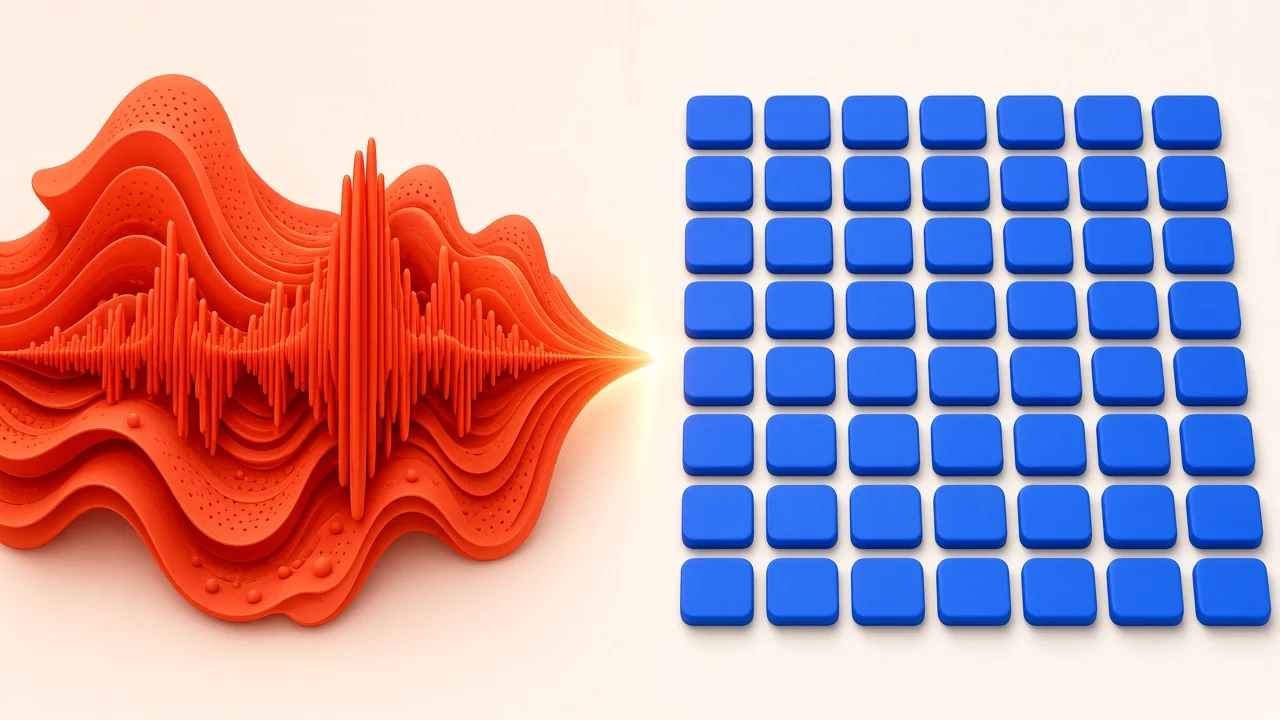
AI separation works on a different principle. Models trained on large amounts of multitrack audio learn what voices sound like compared with instruments, and they pull the vocal out based on its sound rather than its stereo position. That means the bass and drums can stay put while the singer disappears. Results are not flawless on every recording, but on most modern songs they are dramatically better than the old trick.
What You Will Need
- A good audio file of the song. Quality in means quality out.
- An AI vocal separation tool. This guide uses SampLab Pro's AI Stem Splitter.
- A way to show lyrics, whether that is your phone, a printed sheet, or a video with on-screen text.
- Optional: a trimming tool and a tempo/key analyzer, both available free in SampLab Pro.
Step 1: Choose the Best Source You Can Find
Separation models rely on fine detail in the audio. Heavily compressed files have had some of that detail thrown away, which can make it harder for a model to tell a voice from instruments sitting in the same range. As a rule of thumb:
- Lossless files such as WAV or FLAC, from a CD rip or a lossless purchase, give the model the most to work with.
- High-bitrate compressed files are usually close enough that you will not hear much difference.
- Low-bitrate files may work, but expect more artifacts.
- Audio taken from online videos varies; official uploads tend to be better than reposts.
If the same song is available in multiple versions, pick the cleanest one rather than the most convenient.
Step 2: Separate the Vocal From the Music

Sign in to SampLab Pro and open the AI Stem Splitter. It splits a song into four parts: vocals, accompaniment, bass, and drums. For karaoke, the accompaniment stem, or a combination of the instrumental parts, is your backing track. The vocal stem is useful as a reference for practice.
Each separation costs 36 credits, and credits are only deducted if the job succeeds; failed tasks are refunded automatically. New accounts may receive 50 credits on sign-up, depending on eligibility, which covers one separation. After that, credits come from a subscription or a one-time credit pack listed on the pricing page.
Preview Before You Commit
Once the job finishes, preview the stems before downloading. Listen for:
- Vocal leftovers. Can you still hear words faintly? Some songs with heavy effects leave traces.
- Fullness. Does the backing still feel rich, or has it gone thin?
- Odd sounds. Watery, swirling, or phasey textures are signs of separation artifacts.
When you are happy, download the stems as a ZIP. Results stay in your library for 180 days on the free plan; paid members keep them until the end of their subscription plus three calendar months.
This guide focuses on turning those stems into a finished, performance-ready track. For a deeper look at the separation step itself, including why older phase-cancellation tricks sound hollow and how to check a split for leftover vocals, see our guide on how to remove vocals from a song.
Step 3: Trim and Tidy the Backing Track
Many songs have a long intro, a fade-out, or a spoken section you do not need. Use SampLab Pro's free Audio Cutter to set start and end points on the waveform, preview, and export a WAV. You can also cut out a single verse and chorus if you only want to practice one section.
Step 4: Check Tempo and Key
Before you rehearse, it helps to know what you are working with. Run the backing track through the free BPM & Key Finder, which estimates both and shows how confident it is. Knowing the key tells you whether the song sits comfortably in your range. If it is too high or low, you can shift the pitch in any audio editor that offers pitch shifting. Small moves of a few semitones usually sound natural; bigger jumps are more likely to introduce artifacts.
Knowing the tempo helps if you plan to loop sections, set up a practice click, or slow the track down while learning tricky phrasing.
Which Songs Separate Best
Some recordings come apart cleanly; others fight back.
Usually Clean
- Contemporary pop, R&B, and hip-hop, where the lead vocal is clear and well defined in the mix.
- Electronic tracks with a natural voice, because synthesized instruments sound very different from a human singer.
- Rock and indie with a forward vocal, as long as the singer is not buried in distorted guitars.
More Difficult
- Drenched-in-reverb vocals. The dry voice separates well, but long tails can linger in the backing.
- Stacked harmonies. Several voices at once are harder to remove than one lead.
- Older recordings. Unusual stereo placement and narrower frequency ranges can confuse models.
- Heavily processed voices. Vocoders and extreme effects make a voice sound less like a voice.
For tricky songs, the preview step is essential. Sometimes a different source file of the same song separates much better.
Should You Make Your Own or Find an Official Version?
If an official karaoke or instrumental version exists, it is worth checking first. Those are typically produced from the original multitrack session, so the vocal was simply left out rather than removed afterward, which means no bleed at all. Search for the song name plus "instrumental" or "karaoke," and check whether the album has an instrumental edition.
If nothing official exists, or the available version is a weak re-recording, making your own from the original recording keeps the exact production you love, just without the singer.
Adding Lyrics

A backing track lets you sing; lyrics on screen make it feel like proper karaoke. You have a few options, from simple to polished.
The Simple Way
Pull up the lyrics on a phone or tablet and scroll as you sing. It is not pretty, but it works perfectly for practice.
Dedicated Karaoke Software
Karaoke apps can display lyrics in time with the music. Many support the CD+G format, which pairs an audio file with a graphics file that highlights words as the song progresses. Creating your own timed lyric file involves loading the audio into lyric-timing software and tapping along to mark when each line or syllable starts. Expect it to take a while per song, but the result works in compatible players.
A Lyric Video
For sharing online or projecting at an event:
- Prepare your backing track.
- Type out the lyrics.
- Load the audio into a video editor.
- Add text overlays timed to each line.
- Export as a video file.
This gives you full control over fonts, colors, and backgrounds.
Finishing Touches for a Performance-Ready Track
A raw instrumental is not quite a finished karaoke track. Before you share it or load it into a playlist, run through these:
- Start cleanly. Trim dead air so the music begins within a second or two of pressing play.
- End deliberately. Cut long fade-outs to a natural stopping point, so the singer is not left waiting.
- Name files consistently. Include the song, artist, key, and tempo, for example "Song Title - Artist - E minor - 96 BPM.wav," so you can pick the right track quickly mid-party.
- Keep the vocal stem. Store it alongside the backing track as a guide for practice.
- Test on the real system. Play each track through the speakers you will actually use and check the level against your other tracks.
Using Your Karaoke Track
Practice and Vocal Training
For rehearsal, you often need only the backing track and a lyric sheet. Keep the separated vocal stem too. Looping a tricky phrase from the original vocal and then singing it over the backing is a quick way to learn phrasing and breathing points.
Throwing a Sing-Along Party
A laptop, a speaker, and a TV are enough for a home setup. Prepare your song list in advance, process the tracks before guests arrive, and listen through each one so you are not troubleshooting in the middle of the party. Trim long intros so nobody stands awkwardly waiting for their cue.
Recording a Cover
Recording a cover for fun is one thing; publishing it is another. Releasing a cover generally involves licensing the composition, and using a backing track derived from the original recording raises additional rights questions related to the master. Rules differ by platform and country, so check the requirements or contact the rights holders before you publish commercially.
A Quick Example Workflow
Say your friend wants to sing a recent indie single at her birthday, and no instrumental exists. You buy a lossless copy, run it through the AI Stem Splitter, and preview the result: the vocal is gone apart from a faint echo in the bridge, which nobody will notice in a noisy room. You download the stems, trim the thirty-second ambient intro with the Audio Cutter, and check the key with the BPM & Key Finder. It turns out to sit two semitones above her comfortable range, so you lower it slightly in an audio editor. Total time: about fifteen minutes, and one separation's worth of credits.
Frequently Asked Questions
Will the vocal be completely gone?
On many modern recordings the lead vocal is removed well enough that you will not notice it while singing. Reverb tails or faint traces can remain on complex productions, which is why previewing matters.
What if the song sits too high or too low for my voice?
Yes. Use an audio editor with pitch shifting after you download the backing. Small changes usually sound best. Check the original key first with the BPM & Key Finder.
How many credits does a karaoke track cost on SampLab Pro?
One AI Stem Splitter job costs 36 credits, charged only if it succeeds. Trimming with the Audio Cutter and analyzing with the BPM & Key Finder are free.
Does it work for songs in any language?
Separation is based on how voices sound compared with instruments, not on understanding words, so it is not tied to a particular language.
Is AI karaoke as good as an official version?
Official versions made from the original session have no vocal bleed at all. AI separation keeps the original production and is often very close, but results depend on the song.
What do I get from the AI Stem Splitter?
Four stems: vocals, accompaniment, bass, and drums. You can preview them, download them as a ZIP, or send a single stem to SampLab Pro's WAV to MIDI tool.