Separate drums
How to Separate Drums from a Song
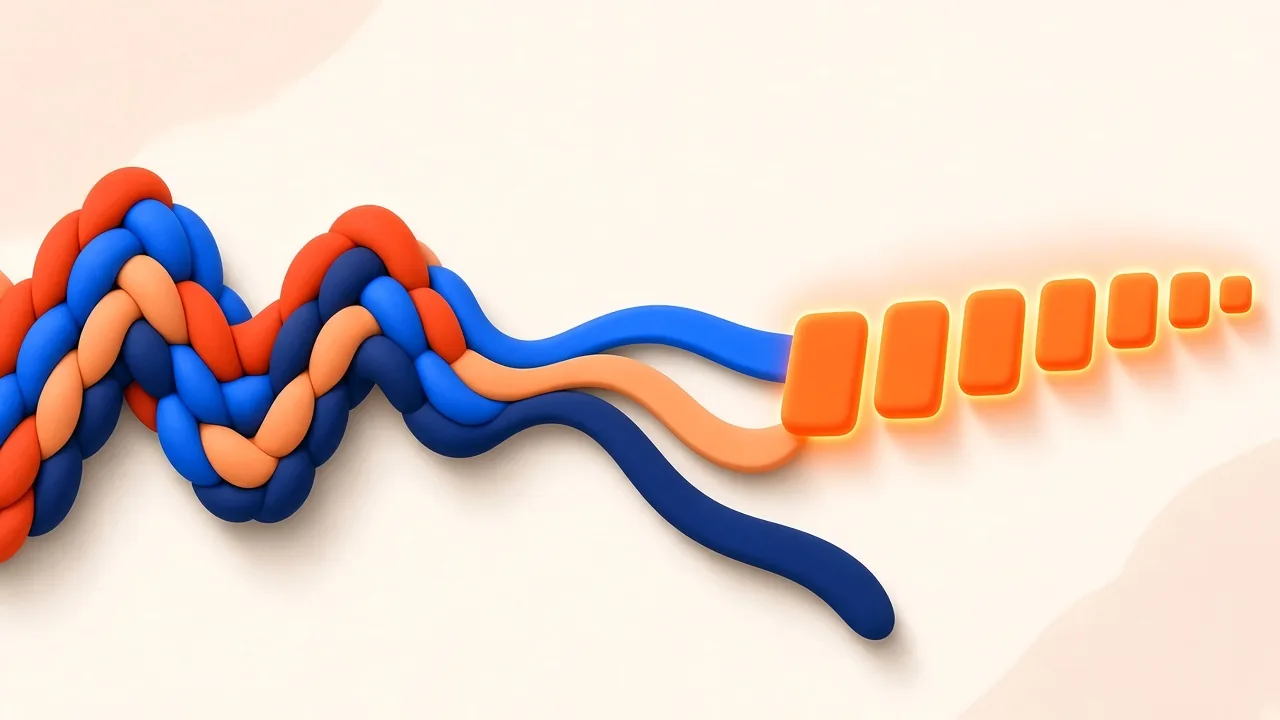
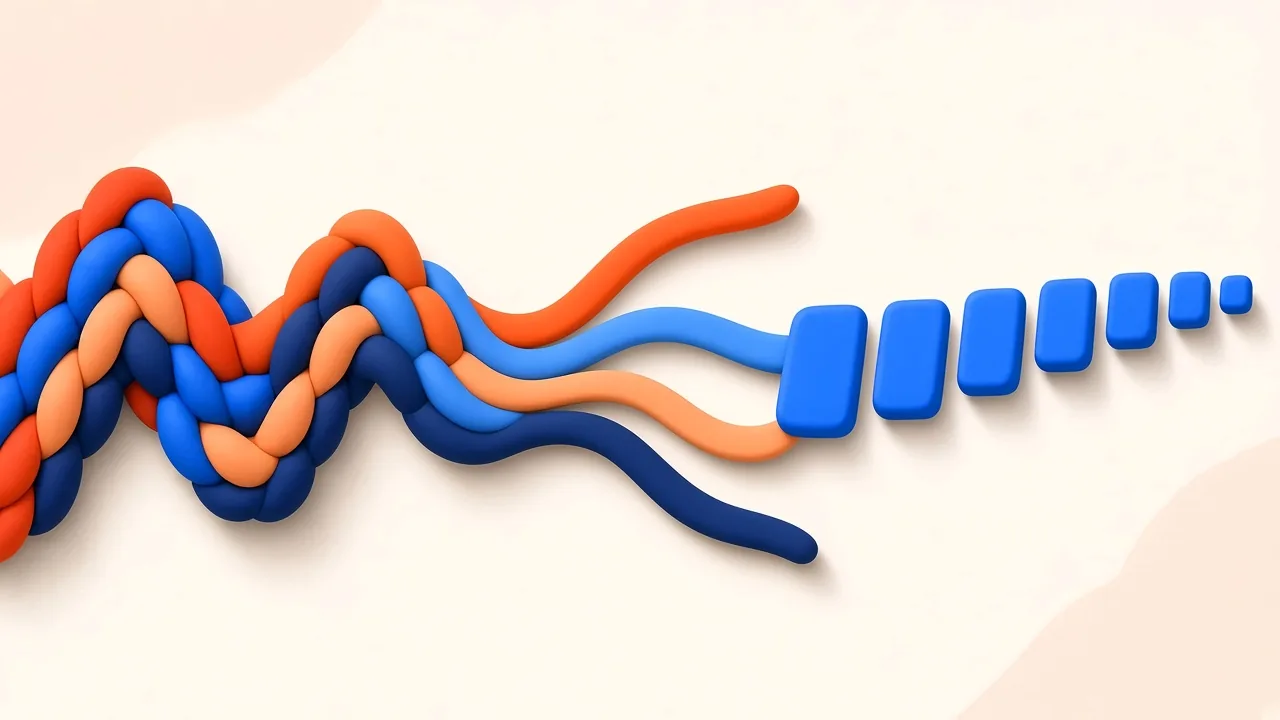
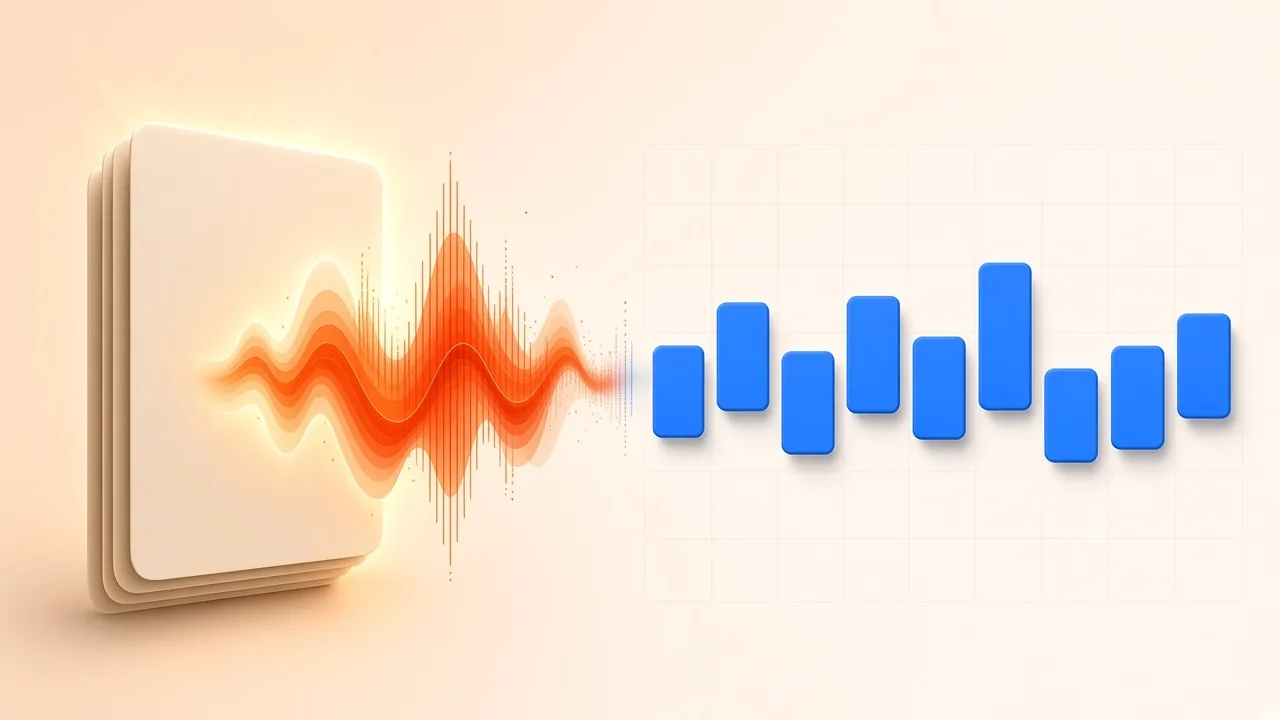
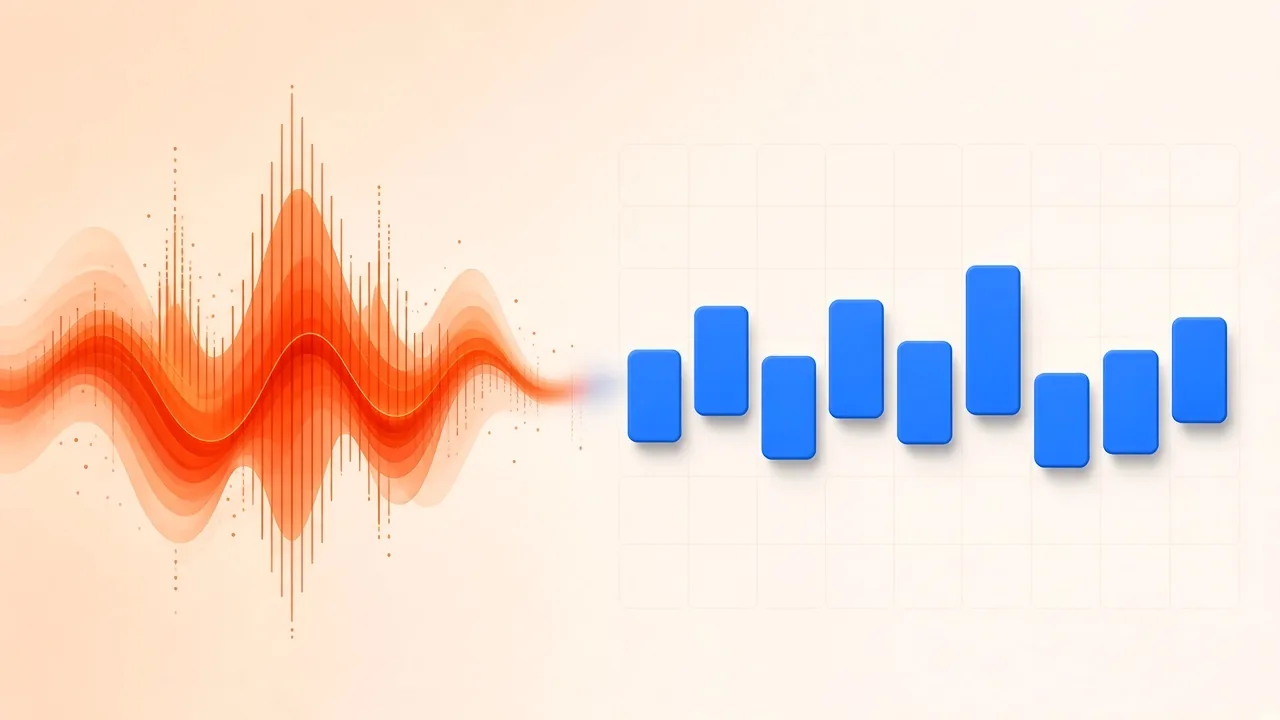
Separating drums from a song is the job of pulling a playable kit—kick, snare, toms and cymbals—out of a finished stereo mix you do not have session files for. The kick may be obvious and the snare may crack, while the hats smear into a watery hiss and the bass guitar rides every low hit. That half-clean result is common, not a sign you picked the “wrong button.”
This guide stays on the drum kit as a single task. It is not a general explainer of stems and artifacts—that lives in stem separation—and it is not about lifting a bass line, which is covered in how to isolate the bass from a song. Here the questions are narrower: how to get a drum stem from AI Stem Splitter, how to judge kick, snare and cymbals in context, and what to do when bleed or smear makes the file unusable for practice, sampling or a remix.
Only process recordings you own or have permission to use. The splitter asks you to confirm that. Extracting a kit does not hand you the composition or the sound recording.
Why a Drum Kit Is Easy to Hear and Hard to Lift
Source separation means estimating the contribution of each source inside a mixture. Kick and toms compete with bass for the bottom of the mix, snare attacks collide with guitars and voices, and hats smear into the same bright air as cymbals, synthesizers and room mics. Compression, limiting, stereo widening and reverb then glue those parts together, which is why a modern master rarely behaves like four tidy session tracks.
Research datasets such as MUSDB18 treat drums as one of four standard groups—drums, bass, vocals and “other”—so systems can be compared on the same buckets. That grouping is a convenience for evaluation. It does not promise that every commercial mix will yield a dry, phase-stable kit. A sparse recording with a centered kick and a dry snare often fares better than a dense pop master with layered percussion, distorted sub bass and wide vocal reverb.
Desktop workstations now ship similar four-way splits. Ableton Live’s stem separation extracts vocals, drums, bass and other material from recorded audio so you can treat each part like a clip. Magazine walkthroughs of other DAW splitters make the same practical point: decide what you need the drums for before you decide the stem is a failure (Sound on Sound on Logic’s Stem Splitter). A drummer building a practice bed cares about groove and timing. A remixer cares whether transients survive processing. A sampler cares about the first millisecond of a hit and whether a looped cymbal tail warbles.
What the Browser Splitter Can Return

SampLab Pro’s AI Stem Splitter can give you a dedicated drums track in two layouts.
Cloud Standard (sign-in required to process your own file) returns two or four tracks on remote servers. Four tracks include drums beside vocals, bass and the remaining accompaniment. Two tracks (vocals and accompaniment) will not give you an independent kit.
Local 6 Tracks (sign-in required) estimates drums, bass, vocals, guitar, piano and “other” on your computer. The splitter page states that this mode runs the open-source HT-Demucs model (Demucs v4, htdemucs_6s) in the browser, and that Cloud Standard uses a different third-party model through WaveSpeed. SampLab Pro is not the official Demucs project. After the first model download, Local 6 Tracks keeps the audio on the device.
On either mode, preview, mute and solo before you download a single stem or a ZIP. Common formats are accepted; the form lists about 1 second to 6 minutes and up to 50 MB. If you only need one section, trim it first in Audio Cutter and send a selection of at least one second. Confirm the rights checkbox. The Cloud versus Local comparison explains device, privacy and stem-count trade-offs without repeating this drum-only workflow.
A frequency-band split is not the same job. Filtering lows, mids and highs cannot isolate a kit the way a drum stem can—see the frequency band splitter if that is actually the tool you want. If you only need tonal ranges rather than a recognised drummer, keep that filter workflow separate from this one—it will not turn a compressed master into kick, snare and hats.
The same caution applies to treating “drums” as a synonym for “everything percussive.” A four-track split usually parks shakers, programmed hats layered under the kit, and some electronic percussion in the drums class, while claps doubled with vocals or synth hits can leak the other way. Listen for those extras before you decide the stem is “wrong.” A six-track Local session can move some guitar and piano energy out of the leftover bucket, but it does not invent a second drummer when the mix already layers two kits.
A Practical Path to a Drum Stem

- Start with the cleanest file you are allowed to use. A lossless WAV or FLAC usually gives the model more transient and harmonic detail than a clip that has been downloaded and re-encoded several times. Saving an MP3 as WAV does not restore discarded data.
- Pick a mode that actually emits drums. Use Cloud Standard with four tracks, or Local 6 Tracks if you also want guitar and piano estimates and your computer can run the on-device engine.
- Process the mix (or the trimmed section). Do not change the start time if you plan to line the drum stem up with other stems later.
- Preview the busiest chorus or drop, not only the intro. Solo the drums, then listen with the other stems in. Check kick weight against the bass, snare body against any leftover vocal, and cymbals against hats, bright guitars and reverb.
- Download what you need. Take the drums when isolation is the goal. Take the remaining stems when you want a drum-free bed for a replacement kit or a play-along without the original groove.
- Judge the file in context before you reach for aggressive EQ. An ugly solo stem can still drive a mix; a pretty isolated kit can fall apart when you put it back against the vocal.
When you preview, name what you hear instead of grading the file as pass or fail. On the kick, listen for weight, click and whether a bass note rides the decay. On the snare, listen for body, wires or electronic snap, and any leftover syllable on the backbeat. On hats and cymbals, listen for a natural splash versus a watery, time-stretched wash. Toms should travel from left to right as they did in the original fill; if they jump or smear, note that before you rewrite the fill. Ghost notes and hi-hat chatter are easy to treat as noise and just as easy to miss when you later wonder why the groove feels stiff.
Hybrid work often beats a single pass: let the splitter create a broad drum class, then treat that file as raw material in a DAW—high-pass rumble, a narrow cut where a bass note rings under the kick, gentle transient control on smeared cymbals, and short fades around edits. Do not expect a filter to erase a syllable that has been woven into the snare, and do not expect a gate to rebuild a cymbal the model has already smeared.
When Manual Tricks Still Help
AI is usually the fastest first pass. Manual methods still earn a place when the mix has a structure you can exploit.
A polarity test—duplicate the stereo file, invert one copy, listen to the sum—can thin centered material when left and right carry matching information. Real masters rarely meet that condition cleanly, and centered kick, snare, bass and vocal often cancel together. Mid/side processing is a more controlled cousin: the mid holds what left and right share, the side holds their difference. Neither method is a selective drum extractor by itself. They can help on a short break or a fill where one unwanted source is strongly centered, and they fail when the kit is wide, wet or delayed between channels.
EQ and transient tools clean a stem more often than they create one. High-pass rumble, cut the band where bass residue dominates, and avoid broad boosts that drag vocals and cymbal hash back in with the attack. A gate can quiet leakage between hits and also chop tom tails, room and ghost notes—listen for those before you congratulate yourself on a “tighter” kit.
Research systems that look at both waveform and spectrogram information, such as the hybrid Demucs line described in Hybrid Spectrogram and Waveform Source Separation, are part of why automatic drum stems improved quickly. Earlier public tools such as Spleeter made four-stem splits familiar. Those papers and tools describe a research ecosystem. Use them to understand the task; use your ears on this song.
If the kit is still glued to the rest of the mix after one pass, change one variable at a time. Try the other mode before you stack three layers of EQ. Shorten the file to the chorus if an intro with sparse drums fooled you into thinking the drop would be equally clean. Compare the recovered drums against a muted original so phase and timing errors stand out. Replacement samples help more when they follow the original performance than when they ignore it: keep the recovered stem as a timing guide even if you no longer hear every cymbal.
Cymbals, Kick Bleed and Hollow Snares
Watery or stretched cymbals. The model is often confusing cymbal noise with vocals, guitars, synths or reverb in the same top octave. Compressed, treble-heavy masters usually show the smear before anything else does. Shorten sustain gently, avoid an aggressive low-pass that kills the attack, and replace only the worst hits in a remix rather than throwing away a usable kick and snare.
A bass note that follows every kick. In a loud, compressed master the kick and the bass often occupy the same low band and rise and fall together. That problem is why the bass-focused companion article exists; here, make a narrow cut only where the tone continues under the kick, check the edit in mono, and add a short supporting sample if the original no longer has weight.
Warble or shifting stereo width. Aggressive splits can introduce time-varying phase and level errors. Compare headphones and speakers, listen in mono, narrow the low end, and fade isolated edits.
A papery or robotic snare. The attack may have survived while the body, room or an overlapping vocal was misfiled. Try the other separation mode, or use the recovered snare only as a timing reference for a replacement sample.
Contamination remains common, and published benchmark scores on datasets like MUSDB18 are a ranking tool—not a promise about your master. The community hub at SigSep collects datasets and implementations if you want the research trail. For a session, choose the mode that matches the arrangement, then inspect the stem in context.
A related confusion is treating kick-bass entanglement as a drum-only failure. When the low end is the problem, isolate the bass as its own stem and compare the two files instead of carving both parts out of one drum export. The bass article walks through that complementary path. When the vocal is the problem, a karaoke-style vocal drop is a different goal from extracting the kit; do not mute the vocal and assume the leftover file is a drum stem. If you later want a play-along with one instrument removed rather than a kit extracted, that is a practice-track workflow, not this one.
Match the Cleanup to the Job
For a practice track, timing stability matters more than a perfectly dry cymbal. A little bleed is acceptable if you can hear the groove and play along. Keep the remainder stems at a comfortable level so you are not boosting artifacts just to hear the kit.
Sampling is stricter: inspect the attack of the hit, how it dies away, and whether a looped hiss appears in the gaps. A slightly dirty break can be musical; a phasey cymbal tail becomes obvious after you loop or pitch it.
For a remix, keep the recovered kit if its timing and texture support the new arrangement. Replace only the elements that cannot survive processing, and blend replacements under the original so the performance still feels like itself.
Drummers who only need to hear the rest of the band can download the accompaniment or mute the drums stem instead of exporting a solo kit. Remixers who want to keep a signature fill but write a new verse groove can split the file in a cutter, keep the usable bars, and replace the rest. Sampling-focused listeners should bounce short hits to a sampler and check them at several pitches; a stem that sounds fine at original pitch can reveal stretch artifacts when you drop it an octave.
Run a short checklist before you commit: solo at quiet and loud levels; put the stem back against the original; check mono; test headphones and speakers; decide whether the file is good enough for this use, not for every use.
Rights Are Separate From the Split
Technical separation is not permission to publish, sample or sell the result. U.S. law treats musical works (including accompanying words) and sound recordings as protected original works once they are fixed (Copyright Office Circular 1). Fair use is decided case by case and is not a standing licence for posting drum stems. A new arrangement based on someone else’s recording can also raise derivative-work questions (Circular 14). Use audio you own or are authorised to handle, and get advice before a public release.
Frequently Asked Questions
How do I separate drums from a song in the browser? Open the stem splitter, choose a mode that outputs drums (four-track Cloud Standard or Local 6 Tracks), confirm you have rights to the file, preview the densest section, then download the drums stem or the remaining tracks.
Do I need to sign in? Yes, to process your own audio on both Cloud Standard and Local 6 Tracks. Local 6 Tracks additionally runs on your computer and keeps the file on the device after the model files download.
Why do the cymbals sound watery? Bright, overlapping high-frequency energy is hard to assign. Treat the cymbals as the first place to inspect on a dense master, and clean or replace them without discarding a solid kick and snare.
Can EQ isolate a drum kit by itself? EQ can thin competing ranges. It cannot recognise a drummer the way a drum stem can. Use filtering to clean a stem, not as a substitute for separation when you need the kit on its own.
Is a slightly dirty stem useless? No. Practice and analysis often tolerate bleed if the groove is clear. Sampling and release-oriented remixes are stricter. Judge the next operation, not a silent spectrogram.