Frequency bands
What Is a Frequency Band Splitter?
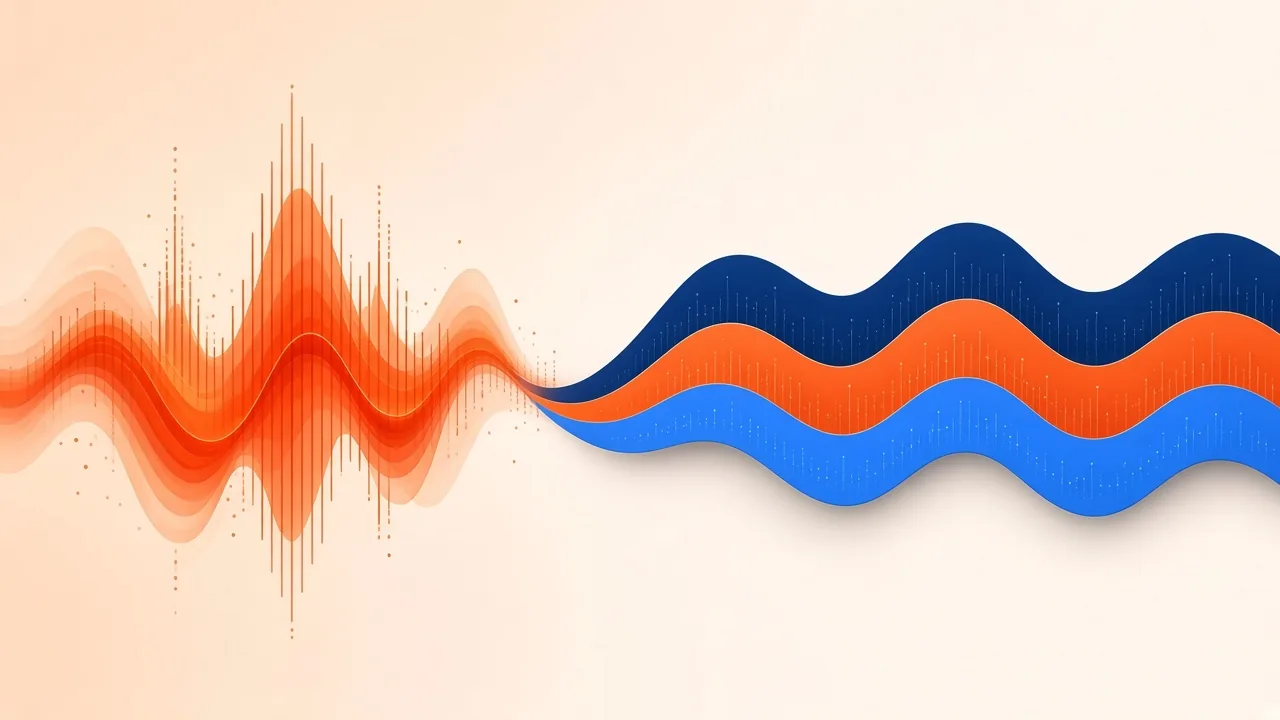
A frequency band splitter takes one stereo recording and copies it into separate listening ranges—lows, mids and highs—by filtering, not by recognising a singer or a drummer. You hear more kick weight in one file, more vocal and guitar body in another, and more cymbal air in a third. The instruments are still mixed together inside each range. That distinction matters if you arrived here hoping to lift a vocal or a kit: those jobs belong to source separation, not to a crossover-style filter.
On Frequency Band Splitter the split points are fixed. A low-pass at 180 Hz forms the Low band, a band-pass centred at 900 Hz forms the Body band, and a high-pass at 2800 Hz forms the High band. The page also keeps the unfiltered original next to those three files so you can A/B them. Other desktop editors sometimes let you pick your own crossovers or change how many bands you get. This browser tool does not. Do not treat someone else’s example frequencies as if they were built in here.
Process only recordings you own or have permission to use.
What “Splitting Bands” Actually Means
In audio engineering, an audio crossover divides a signal into two or more frequency ranges so each range can be treated on its own. Loudspeaker crossovers send lows to a woofer and highs to a tweeter. The same idea appears inside software as a signal crossover: filters carve the program into bands before you listen, equalise or add effects.
Classic crossover designs such as the Linkwitz–Riley filter are documented because, when their outputs are summed, they can reconstruct a flat response under the right conditions. A Rane technical primer walks through that engineering background. Those papers describe a family of filters used in speakers and processors. They do not describe the exact filter math running in this browser page, and this article does not claim they do.
What the live tool does state is simpler: digital filtering, three named bands, fixed cut-offs, plus the source file. Equalization is the broader habit of cutting or boosting ranges; a band splitter is a specialised case that gives you those ranges as separate WAV downloads instead of a single tilted mix.
Because the filters overlap, the three downloads will not add back to the original with perfect transparency. The page says so plainly. If you need movable crossover points and a reconstructable sum, you need software that exposes those controls.
Low 180, Body 900, High 2800—How to Listen

Low (low-pass at 180 Hz). This file emphasises sub-bass, kick weight and low root notes. You may still hear rumble from a vocal booth, a synth tail or a room tone that lives in the same octave. A low-pass does not mean “drums only.”
Body (band-pass centred at 900 Hz). This file gathers midrange body: spoken or sung tone, guitar fundamentals and many harmonic parts that make a mix feel present. A vocal will not jump out cleanly from a guitar that occupies the same region.
High (high-pass at 2800 Hz). This file keeps brightness, cymbal sizzle and attack. Sibilance, pick noise and reverb shimmer travel with it.
Original. Keep this file as the reference. Solo each band, then put the original back. The useful question is not “Did I isolate an instrument?” but “Can I hear this range more clearly than I could in the full mix?”
If you only need a chorus, trim the file first in Audio Cutter (at least one second) and then split that selection. The splitter accepts audio from about one second to ten minutes and up to 50 MB. Processing runs in the browser; files stay on your device unless you choose to save a result, which requires an account.
Filtering Is Not Stem Separation
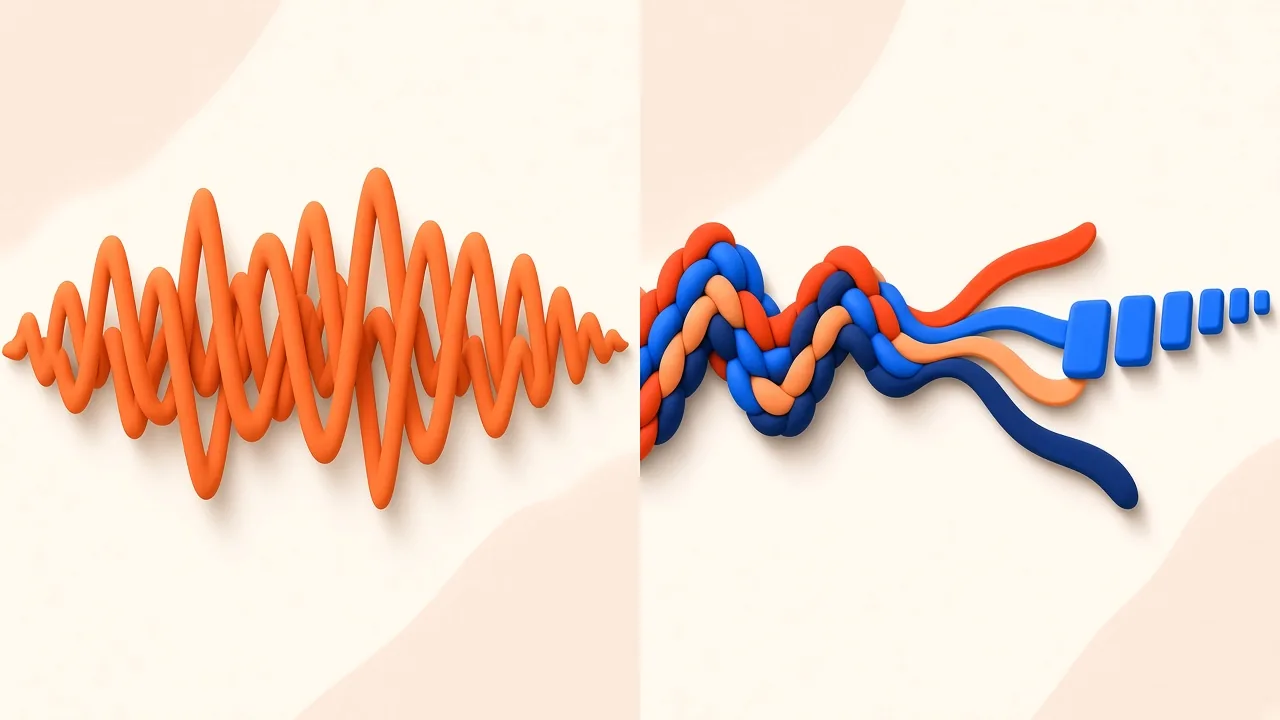
Stem separation estimates sources—vocals, drums, bass and the rest—inside a mixture. Frequency filtering only asks which Hertz belong in which bucket. A kick and a bass note that share the bottom of the mix will both appear in Low. A vocal and a guitar that share 900 Hz will both appear in Body.
That is why the splitter page points people who want real stems to AI Stem Splitter. The conceptual difference is also spelled out in what stem separation is. If your actual goal is a drum stem, use the kit-focused guide to separate drums from a song instead of high-passing the mix and hoping the snare remains.
Studio tools that EQ stems after a separator has run are a useful contrast. iZotope’s Stem EQ documentation describes equalising separated vocals, bass, drums and other instruments from a stereo bounce. That workflow still depends on source separation first. It is not a crossover splitting 180 Hz from 2800 Hz.
Use the band splitter when you want to layer a sample by range, inspect low-end weight, darken a transcription listen, or export three filtered WAVs quickly. Use stem separation when you need an instrument class on its own.
A Short Workflow
- Choose a file you are allowed to process, between about one second and ten minutes and within about 50 MB.
- Drop it on the frequency band splitter.
- Listen to Low, Body and High against the original, especially at the busiest section.
- Download each band as its own uncompressed WAV if the filtered listen is what you needed.
- If you realise you wanted a singer, a kit or a bass line rather than a frequency range, switch to the stem splitter and start again. Do not try to “clean” a band until it becomes an instrument—it will not.
Judging the files in context beats staring at a spectrum. A Low file that still contains a vocal booth rumble can be useful for checking kick weight. A High file that still contains words can still help you hear hats. Name what you hear rather than grading the tool as a failed separator.
Frequently Asked Questions
What is a frequency band splitter? It is a filter that copies one recording into two or more frequency ranges. On this site those ranges are Low at 180 Hz (low-pass), Body centred at 900 Hz (band-pass) and High at 2800 Hz (high-pass), plus the original mix.
Can I change the split frequencies? Not on this page. The three points are fixed. Other applications may offer adjustable crossovers; that is a different product, not a hidden setting here.
Does this isolate vocals, drums or bass? No. Filtering by range cannot extract an instrument from a mix. Use AI Stem Splitter when you need source separation.
Will the three bands sum back to the original? Not exactly. The filters overlap, and the page states that the bands will not sum back transparently.
Do I need to sign in? Not only to split a file in the browser. You need an account if you want to save the result to your library.
Should I upload someone else’s song? Only if you own it or have permission to process it. Filtering a recording does not give you rights in the musical work or the sound recording.