Audio to sheet music
How to Convert Audio to Sheet Music for Free
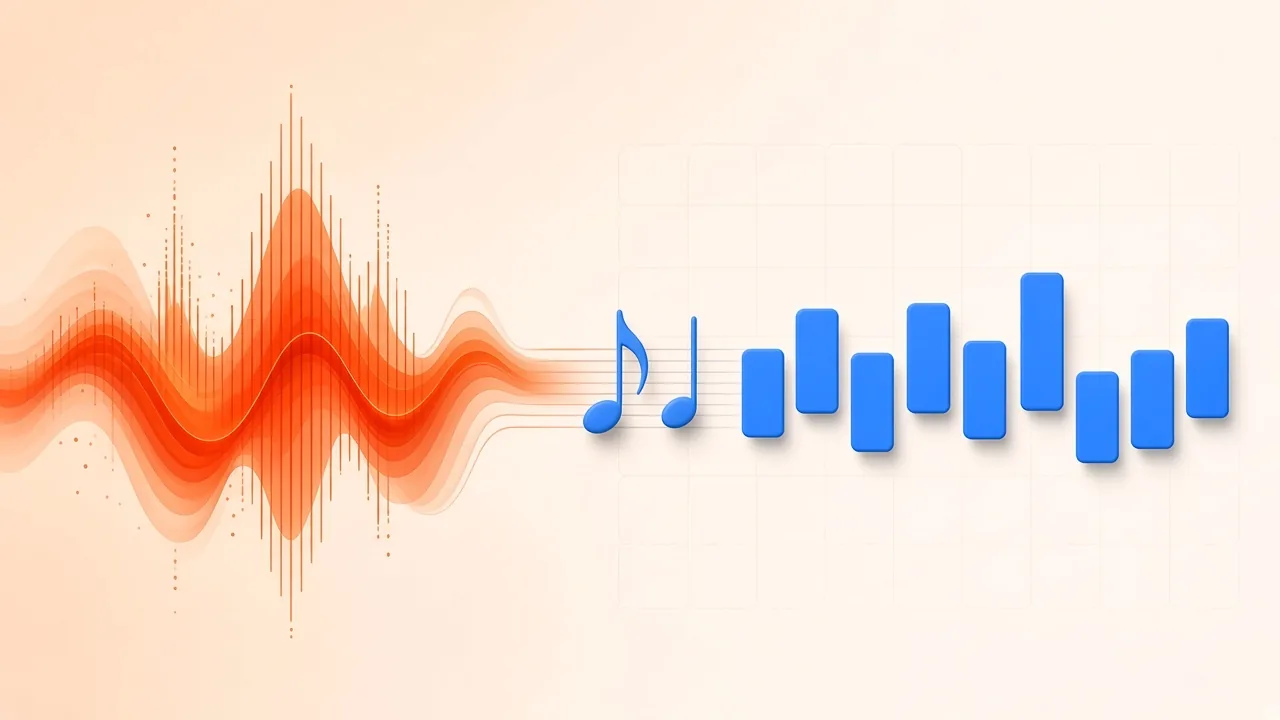
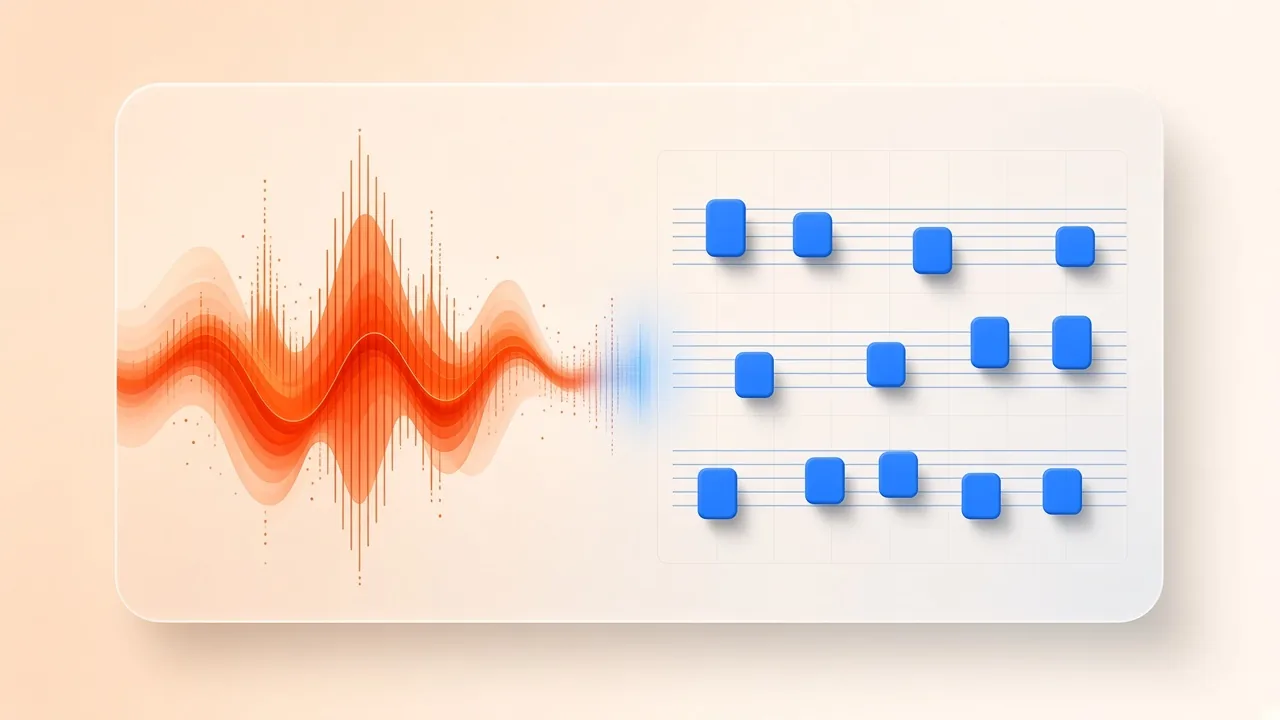
Turning a recording into readable notation is the same problem musicians have always faced: you can hear the music, but you cannot hand someone a page they can play from. Automatic transcription shortens that gap. An audio to sheet music converter listens to a rehearsal take, a voice memo, a solo practice clip, or one stem from a finished track, estimates pitches and timing, and places those guesses on a staff or tablature grid. The result is a draft—not a finished edition—but a draft you can correct in minutes is far more useful than starting from a blank page.
This guide walks through the whole path: decide what kind of score you need, prepare the audio, run a free browser transcription, check it against the original sound, clean up the notation, and export formats other musicians and programs can open.
Decide What Output You Actually Need
The format you want should drive the mode you choose. Four common targets cover most use cases:
- Lead sheet — one melody staff, chord symbols above, optional lyrics below. Ideal for singers, worship teams, and gig books.
- Chord chart — symbols and section labels without a fully written melody. Fast for jam sessions when everyone already knows the tune.
- Single-part notation or tab — one instrument written in detail, such as piano two-stave writing, guitar tablature, or a bass line in tab.
- Multi-part draft — several instruments on separate staves when you need a sketch of an arrangement, not a polished full score.
For most songs, a lead sheet or a single clear part is the right first pass. You can expand later in MuseScore or another notation program once the pitches and form are trustworthy.
Match the Recording to the Right Mode
SampLab Pro's free Audio to Sheet Music tool runs locally in your browser and offers five modes that map cleanly onto those targets:
- Piano — solo piano or a piano stem written on two staves (right and left hand).
- Vocal melody — a sung line with chord symbols, suited to lead-sheet style output.
- Guitar (tab) — notation plus tablature for riffs and parts you want to learn.
- Bass (tab) — the same idea for bass lines.
- Multi-instrument — splits a full song into six tracks on your device, then writes each part. This mode requires sign-in, because it first runs the free Local 6 tracks splitter, which needs an account.
Pick the mode that matches what you can hear most clearly. Feeding a dense band mix into a piano or vocal mode usually produces cluttered wrong notes; isolating the part first, or choosing Multi-instrument (sign-in required), is the more honest path. The other four modes work on a single recording without an account.
Prepare the Audio Before You Transcribe
Use the cleanest source you have. Trim to the section you care about so you are not correcting eight minutes of silence and false starts. Prefer dry recordings: reverberation makes successive notes overlap and tricks detection into treating monophonic lines as polyphony, which is why dry takes are recommended when note-level editing matters (Celemony Melodyne handbook).
If the part you need is buried in a mix, separate it first with SampLab Pro's AI Stem Splitter, then send the stem into Audio to Sheet Music. A single instrument or dry vocal almost always outperforms a full production track. Steady tempo helps the rhythm grid; large rubato sections may need barlines fixed by hand after the draft appears.
Only process audio you own or have permission to use. The tool asks you to confirm that before each run—treat that checkbox as a real legal step, not UI noise.
Convert Audio to Sheet Music in Your Browser
- Open Audio to Sheet Music and choose a mode.
- Upload an MP3, WAV, M4A, FLAC, or OGG file (up to 10 minutes), or record with the microphone. Confirm you have rights to the audio.
- Start the run. The first time, the page downloads the model files once (about 78 MB). Your audio stays in the browser; only those model files are fetched.
- Wait for the draft score. Think of it as a fast starting point: estimated key and meter, placed notes, and—depending on mode—chord symbols or tablature.
Under the hood, automatic systems estimate pitch and onsets much like research transcription models. Open-source work such as Spotify's Basic Pitch shows how a compact, instrument-agnostic network can propose MIDI-like notes from audio; browser tools follow the same idea so you get a score without installing a desktop suite.
Verify the Draft Against the Recording
Do not start rewriting rhythms until you have heard where the draft fails. Play the score back with the on-page cursor, speed control, and loop, and compare it to the original recording. Toggle attention between sound and notation the way you would when proofreading by ear: wrong barline placement, octaves that jumped a register, missing chord tones, and ghost notes from string noise or breath are the usual suspects.
Benchmark research treats a transcribed note as correct when its onset lands within about ±50 ms of the reference and its pitch within a quarter tone (mir_eval transcription metrics). That academic bar is stricter than “sounds roughly right,” but it explains why a draft that looks dense can still feel wrong when you play along. Studies comparing automatic metrics with listeners also find that onset-focused F-measure tracks human judgment better than many other scores (TISMIR)—so prioritizing note starts and pitches before micro-rhythmic fuss is a practical order of work.
Clean Up Pitches, Rhythm, and Form
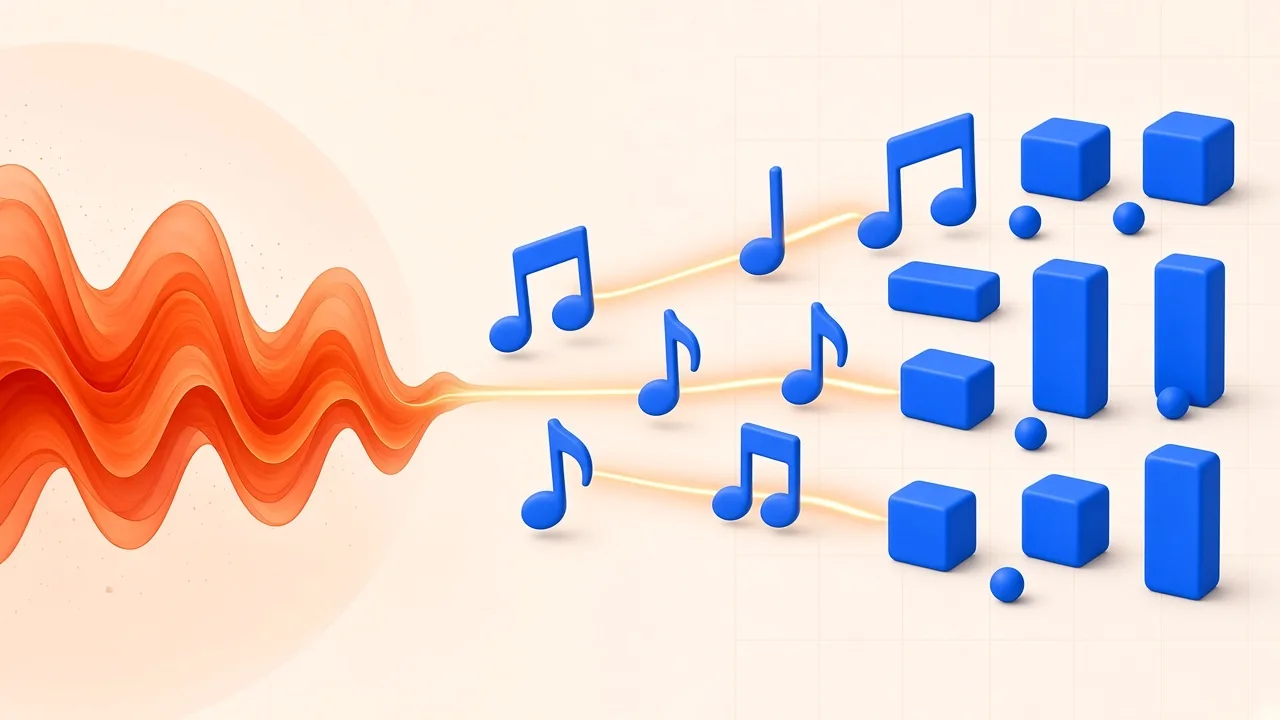
Work through the score in a stable order so fixes do not fight each other. The first three steps happen inside the tool; the last two belong in a notation program after export:
- Tempo, key, and time signature — set these first in the tool; the rest of the page depends on them.
- Wrong pitches and octaves — click the offending notes and correct them while the original plays.
- Rhythm cleanup — shorten, lengthen, tie, or delete the fragments the model invented from timing jitter.
- Barline placement — if beat one still sits in the wrong spot, adjust measures in your scorewriter after importing the MusicXML file.
- Chords, lyrics, and form — once the melody is solid, add or edit symbols, lyrics, and verse/chorus/bridge markings in your scorewriter so the page count drops.
You can click notes in the Audio to Sheet Music editor to change pitch or length, tie or delete them, and replay. For piano-roll style cleanup of the same material as MIDI, send the result to the free MIDI Editor. If you started from MIDI rather than audio, the companion workflow in our MIDI to sheet music guide covers lead-sheet generation from an already-clean .mid file.
Export Formats That Travel
When the draft is good enough to share or finish elsewhere, download what you need:
- Vector PDF — for printing and quick sharing.
- Multi-track MIDI — one track per part, using the Standard MIDI File format that DAWs and editors expect.
- MusicXML — the open interchange format maintained by the W3C Music Notation Community Group (MusicXML 4.0), so you can continue in MuseScore or another scorewriter.
- Guitar Pro — for guitar and bass tab workflows that live in GP editors.
MusicXML preserves notes and instrumentation well, but MuseScore's own handbook still reminds importers that some clean-up is usually required to match a hand-finished look (Working with MusicXML files). Plan a short polish pass after import rather than expecting a publication-ready page from the automatic draft alone.
Tips That Raise Transcription Quality
- Solo first. One voice or one instrument yields the cleanest staff.
- Separate when needed. Full mixes confuse pitch trackers; stems or Multi-instrument mode (sign-in required) exist for that case.
- Keep reverb low. Dry sources reduce phantom overlaps.
- Fix meter early. If bars look wrong, correct tempo and time signature and let the grid rewrite before you chase individual notes.
- Expect a draft. Automatic transcription is a starting sketch. Your ears finish the job.
- Going deeper on piano. Two-hand writing, pedal lengths, and bass octave traps get their own walkthrough in piano audio to sheet music.
- Know the sibling tools. Pure MIDI conversion without notation is covered in audio to MIDI; chord symbols from audio alone are a different job best started with the Chord Finder or our guide on how to find the chords of a song.
Frequently Asked Questions
How do I convert audio to sheet music for free?
Choose a mode in SampLab Pro's Audio to Sheet Music tool, add a recording you have rights to use, generate the draft, then correct key, meter, pitches, and rhythm before exporting PDF, MIDI, MusicXML, or Guitar Pro. The tool is free to use, runs in your browser, and needs no account for piano, vocal, guitar, or bass from a single recording. Two things do need sign-in: saving results, and Multi-instrument mode, which relies on Local 6 tracks.
Can a phone voice memo work?
Yes, especially for a solo vocal or single instrument. Reduce background noise, hold a steady distance from the mic, and keep the take short. Studio quality helps, but clarity and dryness matter more than bitrate.
What is the fastest path to a lead sheet?
Use Vocal melody mode on a clear sung take (or a vocal stem), fix key and obvious pitch errors, confirm chord symbols by ear, and export PDF or MusicXML. For many pop or folk tunes, that path is measured in minutes once the audio is clean.
How accurate should I expect the draft to be?
Solo piano and dry single lines fare best. Dense mixes create more mistakes, which is why the product FAQ treats the output as an automatic transcription you should edit. Academic onset tolerances (about 50 ms / quarter tone) are a reminder that “close” still needs human judgment before rehearsal.
Does my audio leave my device?
For the local transcription modes, models run in the browser. Model files download once; your recording is not uploaded for those runs. Saving or sharing a score is a separate, explicit choice.
Can I transcribe songs I do not own?
Only with permission. Confirm rights before each run, and do not publish shared scores that infringe copyright.